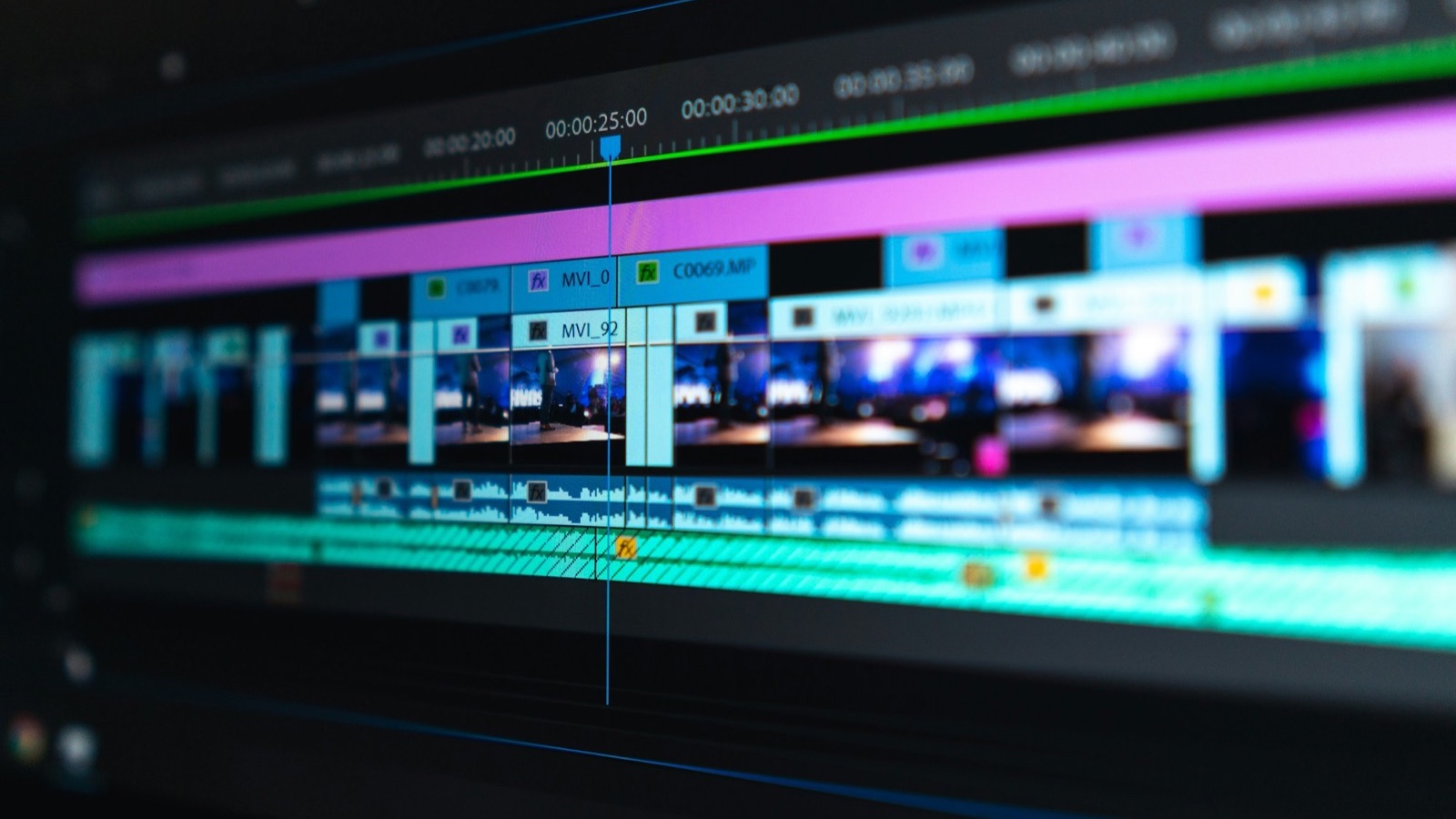
How to Compress a Video Without Losing Quality (Free)
Compress any video to fit Gmail (25 MB) or Discord (20 MB): free ways on iPhone, Mac, Windows, and online, tested on a 56 MB clip, keeping it sharp.
Read article
Building MobileStudio - turn your app recording into a video worth watching.
Follow @Johny8701 on XCompress any video to fit Gmail (25 MB) or Discord (20 MB): free ways on iPhone, Mac, Windows, and online, tested on a 56 MB clip, keeping it sharp.
Read article
MOV and MP4 are both video containers, and the codec inside matters more than the extension. Here's the real difference, when to use each, and how to convert.
Read article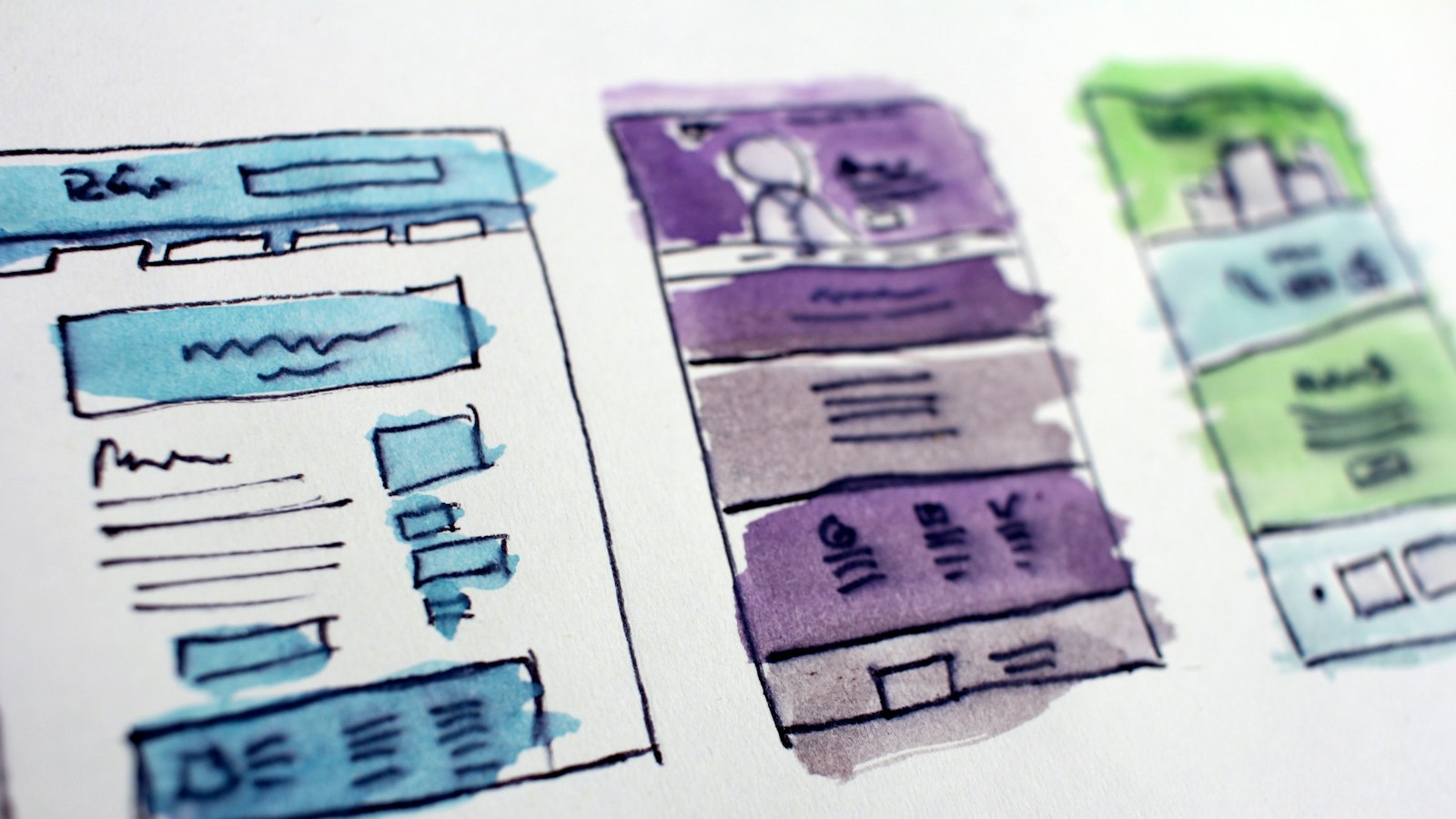
Need an iPhone 17 mockup? Here's where to find accurate frames for the newest iPhones, what to check about screen size and corners, and how to use them.
Read article
Pull the audio out of any video and save it as MP3, free on iPhone, Android, Mac, or Windows. Pick the bitrate, keep just one part, and nothing gets uploaded.
Read article
Trim a video for free on iPhone, Android, Mac, Windows, or in your browser. Cut the start and end, keep the exact frames you want, and export a clean MP4.
Read article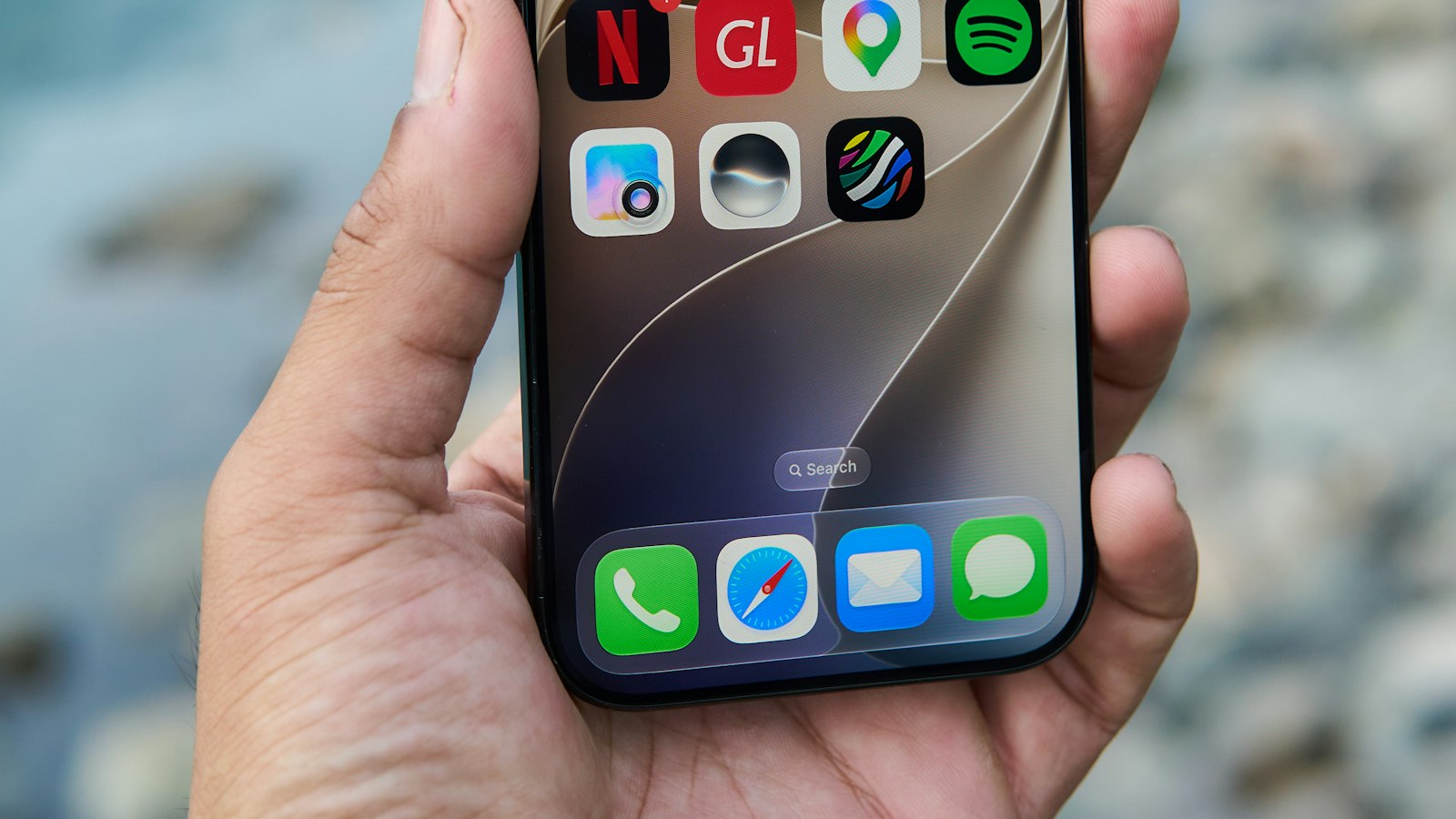
Recording your iPhone screen is one tap. Recording something people can actually follow takes a little planning. Here's how to do both.
Read article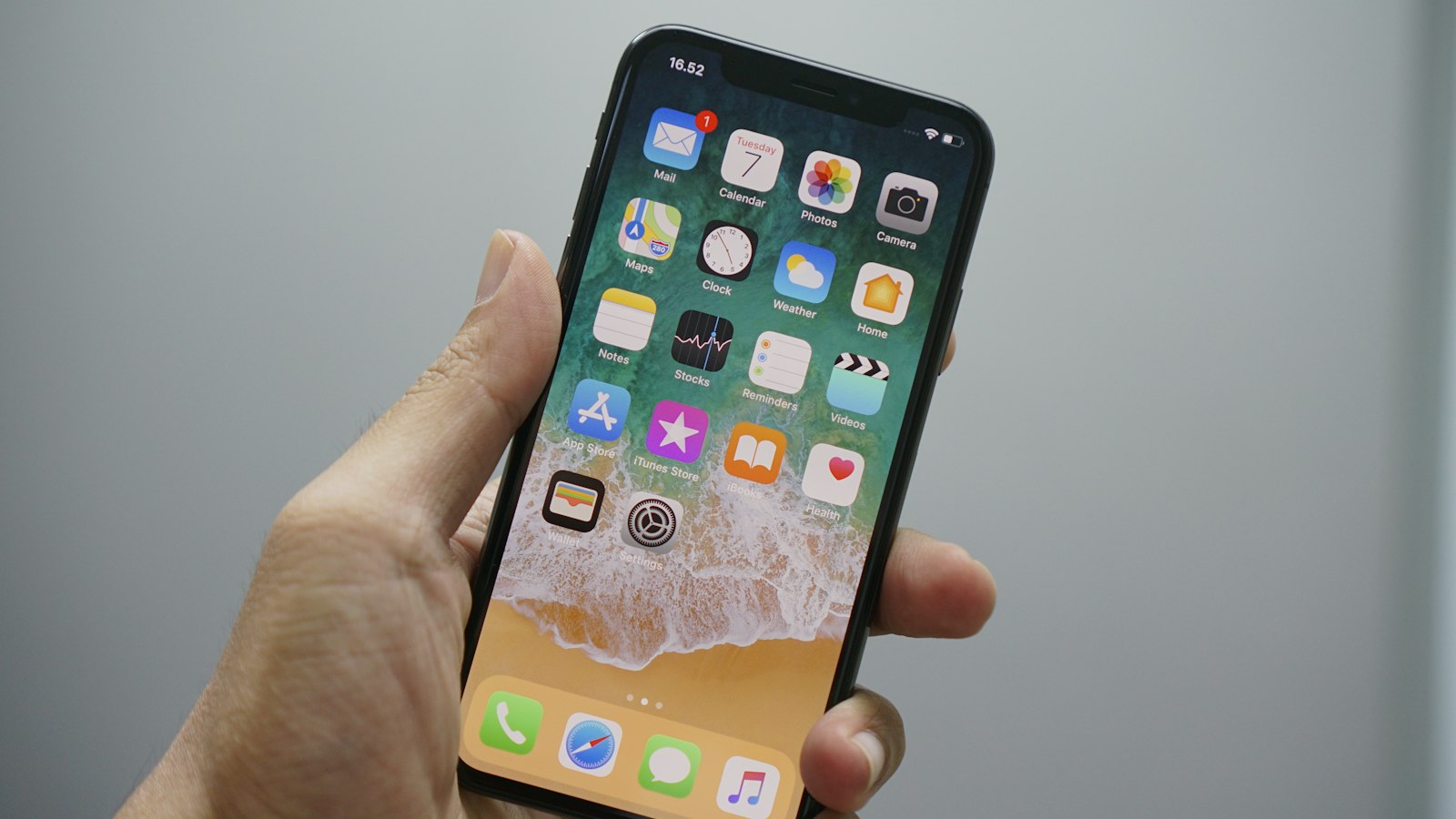
The full iPhone screen recording walkthrough: add the button, record with or without sound, stop, find the video, and clean it up before you share it.
Read article
What 16:9, 9:16, 1:1, and 4:5 mean, which platforms use each, the pixel sizes to export, and how to convert a video from one aspect ratio to another for free.
Read article
A product demo video that people watch to the end follows a simple structure: problem, product, proof, next step. Here's how to plan, record, and edit one.
Read article
A mockup video puts your app's screen recording inside a phone frame, with zooms and a background. How to make one for launches, landing pages, and social.
Read article
Plenty of iPhone mockups are free, but "free" doesn't always mean free for commercial use. Here's where to look and what each license usually allows.
Read article
Remove an unwanted part from the middle of a video for free on iPhone, Android, Mac, or Windows. Split the clip twice, delete the piece, and export one video.
Read article
Can't find Screen record in Quick Settings? Here's how to add the tile, what to do if it isn't in the list, and the other reasons Android recording fails.
Read article
Trim a screen recording to hide the recording controls, cut the waiting, and keep only what matters. Steps for iPhone, Android, Mac, and Windows, all free.
Read article
128 kbps for speech, 192 kbps for most music, 320 kbps when quality matters. Here's what MP3 bitrate to use, how big each file gets, and when more is waste.
Read article
Zoom often saves an audio-only M4A next to your recording. Here's where to find it, how to get separate tracks per speaker, and how to make an MP3 from the MP4.
Read article
Make an app preview people watch: lead with the main benefit, design for muted autoplay, keep moments short, pick a strong poster frame, follow Apple's rules.
Read article
Swipe down twice, tap Screen record, pick your audio, and start. Exact steps for Samsung, Pixel and Xiaomi, plus fixes when it doesn't work.
Read article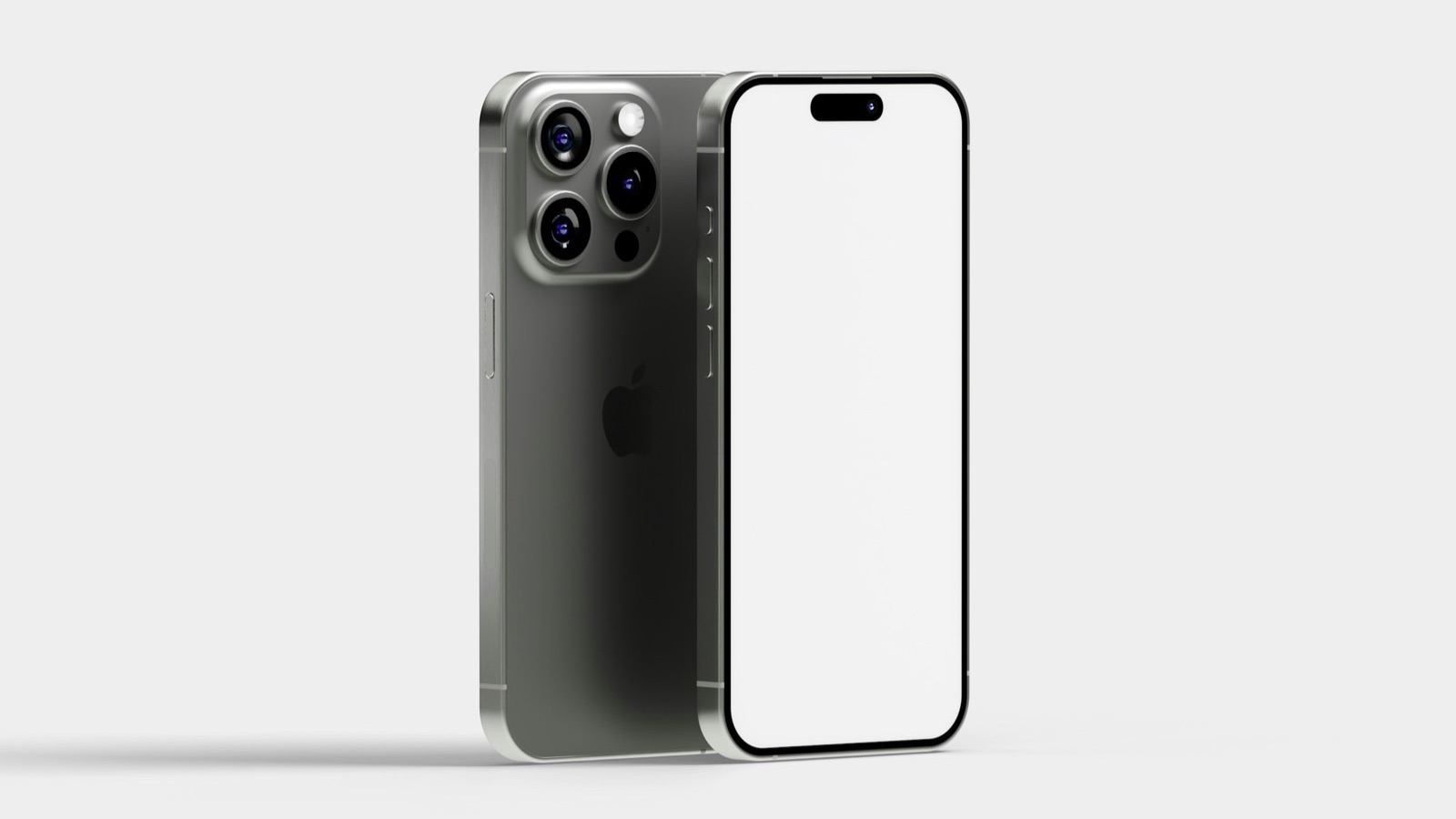
Put any screenshot inside a realistic iPhone frame in seconds, for free: drop it in, pick a background and size, and export a PNG or JPG. No Photoshop needed.
Read article
Make a GIF on Windows from any video or screen recording for free: a browser tool with a size limit, ScreenToGif, or FFmpeg. Steps for Windows 10 and 11.
Read article
A deep dive into Samsung's Screen recorder settings: sound options, video quality, selfie video size, showing taps, and where to change the defaults.
Read article
A sideways or upside-down video can be fixed in seconds. Rotate it on any device, then bake the rotation in so it never shows sideways on a PC or website.
Read article
Get sound in your iPhone screen recordings: app audio, your microphone, or both. Step-by-step, plus the reasons a recording stays silent.
Read article
Remove the sound from a video for free on iPhone, Android, Mac, Windows, or in your browser. Mute the whole clip and save a silent copy that plays everywhere.
Read article
Extract audio from video on any Android phone for free, without installing an app. Save the sound as MP3 or WAV in Chrome, and keep just the part you need.
Read article
A phone mockup makes an app screenshot or screen recording look professional. Where to get frames, how to use them, and the licensing rules.
Read article
Add text to a TikTok with the in-app Aa tool, time it to appear and disappear, and keep it clear of TikTok's buttons. Or burn text in first to work anywhere.
Read article
Rotate a video on Windows for free with Clipchamp, VLC, or your browser, and save it so it stays upright. Plus flipping mirrored videos and iPhone clips.
Read article
Trim a video on iPhone in seconds with the Photos app: drag the ends, then save over the original or as a new clip. Plus how to undo a trim and cut precisely.
Read article
Local recording in the Zoom desktop app: start, pause, stop, shortcuts, where the MP4 is saved, and the settings worth changing first.
Read article
QuickTime saves MOV, not MP4, so converting takes another route. Here are three free ways to convert MOV to MP4 on Mac: iMovie, HandBrake, or your browser.
Read article
Selfie videos can come out mirrored, with text reading backwards. Unmirror a front camera video in seconds, and change the setting so new videos aren't flipped.
Read article
Google Play uses a YouTube link, not an uploaded file, for your listing video. How to add a preview video in Play Console, the rules, and what makes one good.
Read article
Every App Store app preview rule in one checklist: 15 to 30 seconds, exact resolutions, 30 fps max, H.264, stereo AAC, 500 MB, and what the footage may show.
Read article
iPhone videos often won't play on Windows because they're HEVC. Here are four fixes, from a free converter to one iPhone setting that stops it for good.
Read article
App preview rejected by App Store Connect or App Review? The 8 most common reasons, from wrong dimensions and 60 fps to footage rules, and how to fix each one.
Read article
Make an Android screen recording people can learn from: narration, show touches, clean status bar, recording one app, and pacing tips.
Read article
Shrink a GIF that's too big: cut the length, lower the width and frame rate, reduce colors. How each setting affects size, plus a tool that fits a limit.
Read article
Flip a video horizontally to mirror it, or vertically to turn it upside down, free on iPhone, Android, Mac, Windows, or in a browser. Fix mirrored selfies.
Read article
Make a phone mockup in Figma: add Apple's bezels or a community frame, mask your screenshot to the screen, add a background and headline, and export a PNG.
Read article
Screen recordings are full of waiting: loading, typing, scrolling. Here's how to speed up just those parts on iPhone so the video stays easy to follow.
Read article
Reverse a clip in CapCut on your phone or computer in a few taps, reverse only part of it, and make boomerang loops. Plus a no-app option that runs online.
Read article
The built-in iPhone recorder covers most people. Who actually needs a screen recorder app, what every iOS app can and can't do, and how to choose.
Read article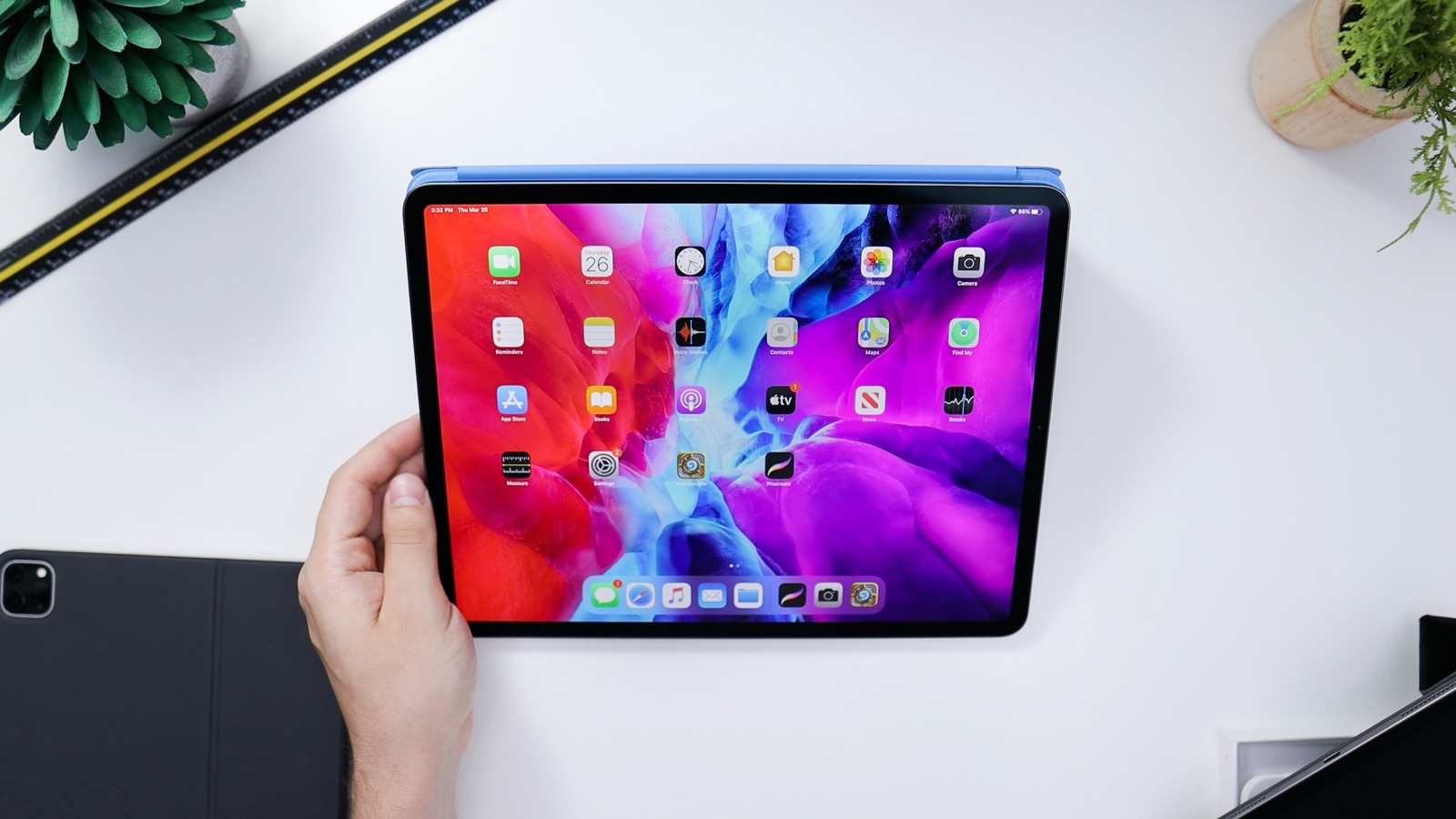
Turn any video into a 1:1 square for Instagram, LinkedIn, or Facebook. Crop it on iPhone, Android, Mac, Windows, or in a browser, with the subject centered.
Read article
Add the Screen Recording button to Control Center in under a minute. Steps for iOS 18 through iOS 27, plus the older Settings method for iOS 17.
Read article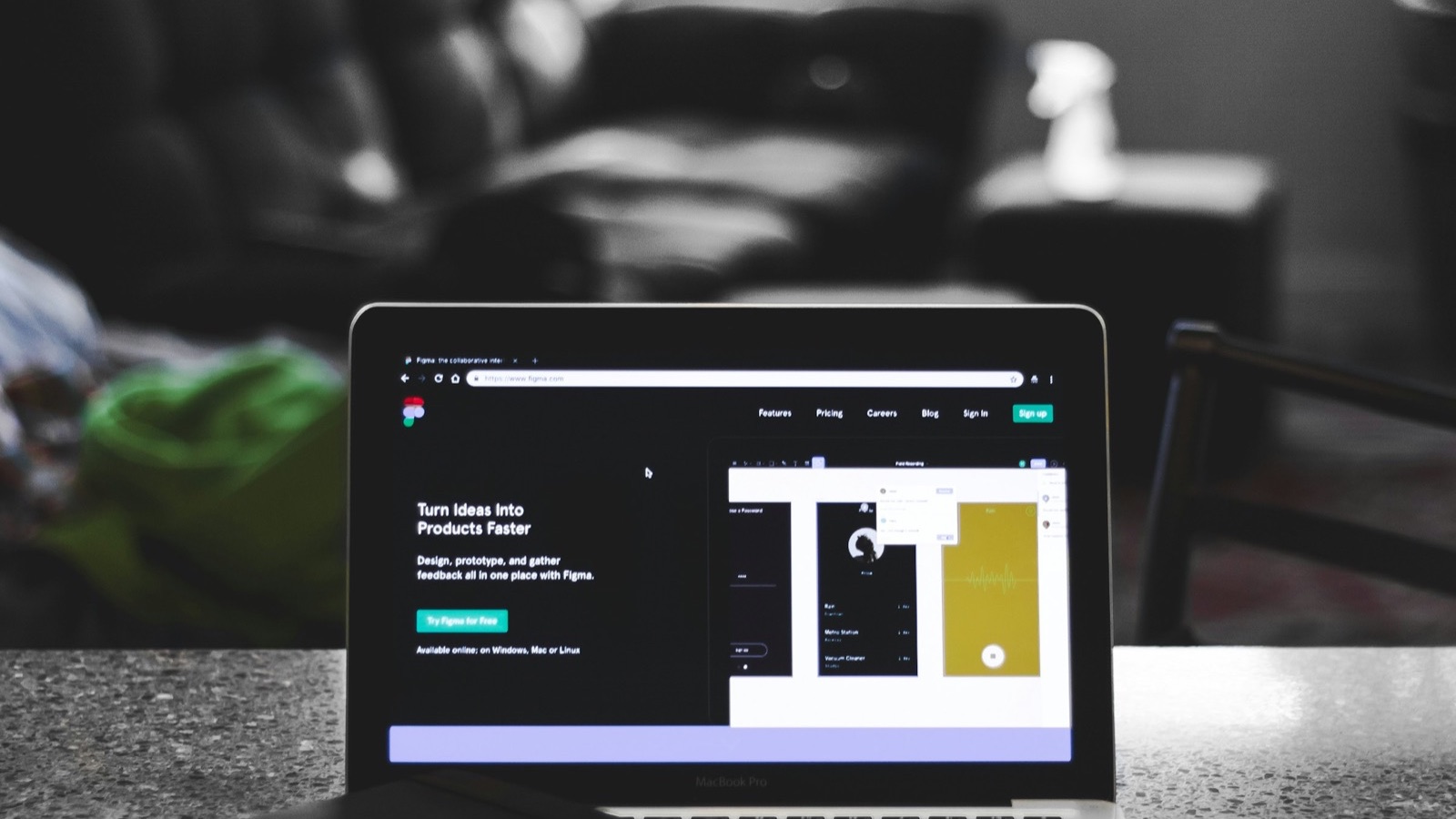
Make a GIF on Mac from any video or screen recording for free: a browser tool with a size limit, GIPHY Capture, or FFmpeg in Terminal. No Photoshop needed.
Read article
Make a video repeat 2, 3, 5, or 10 times and save it as one MP4, free in your browser. Plus how to loop playback on iPhone, Mac, Windows, and YouTube.
Read article
Unlike Instagram, Snapchat is built to tell people when you capture their Snaps and Chats. What triggers a notice and what usually doesn't.
Read article
Make a boomerang, a clip that plays forward then backward on loop, from any video: reverse a copy and join it, or use Live Photo Bounce or Instagram's camera.
Read article
Add a title, caption, or label to a video for free on iPhone, Android, Mac, Windows, or in a browser. Choose the position, size, color, and when the text shows.
Read article
Add the Screen Recording control, tap it, and tap the red indicator to stop. Here's the quick answer for iOS 27, plus sound, iPad, every model, and fixes.
Read article
Rotate a video 90 or 180 degrees for free on iPhone, Android, Mac, Windows, or in a browser, and save it so it plays the right way up in every app.
Read article
Your Mac can compress video without extra software: QuickTime, Finder, and iMovie all export smaller files. Here's each method, plus how to hit an exact size.
Read article
Make a GIF on iPhone from any video for free: use a browser tool in Safari with a size limit, or a Shortcut with Make GIF. Plus Live Photo loops explained.
Read article
Crop a video on Android with Google Photos or Samsung Gallery: pick an aspect ratio, drag the frame, save a copy. Or use a browser tool with 9:16 presets.
Read article
Tried to add a song to your iPhone video and it's grayed out or missing? Here's why Apple Music tracks won't work and which music sources will.
Read article
Turn any video into a GIF for free: pick up to 10 seconds, choose a size limit like 5 MB, and get a looping GIF. Works on iPhone, Android, Mac, and Windows.
Read article
Screen recordings get huge, but they compress better than any other video. Here's how to compress a screen recording on any device while keeping text crisp.
Read article
Trim a video on Mac in seconds with QuickTime Player: press Command-T, drag the yellow handles, and save. Plus how to split clips, trim in iMovie, and get MP4.
Read article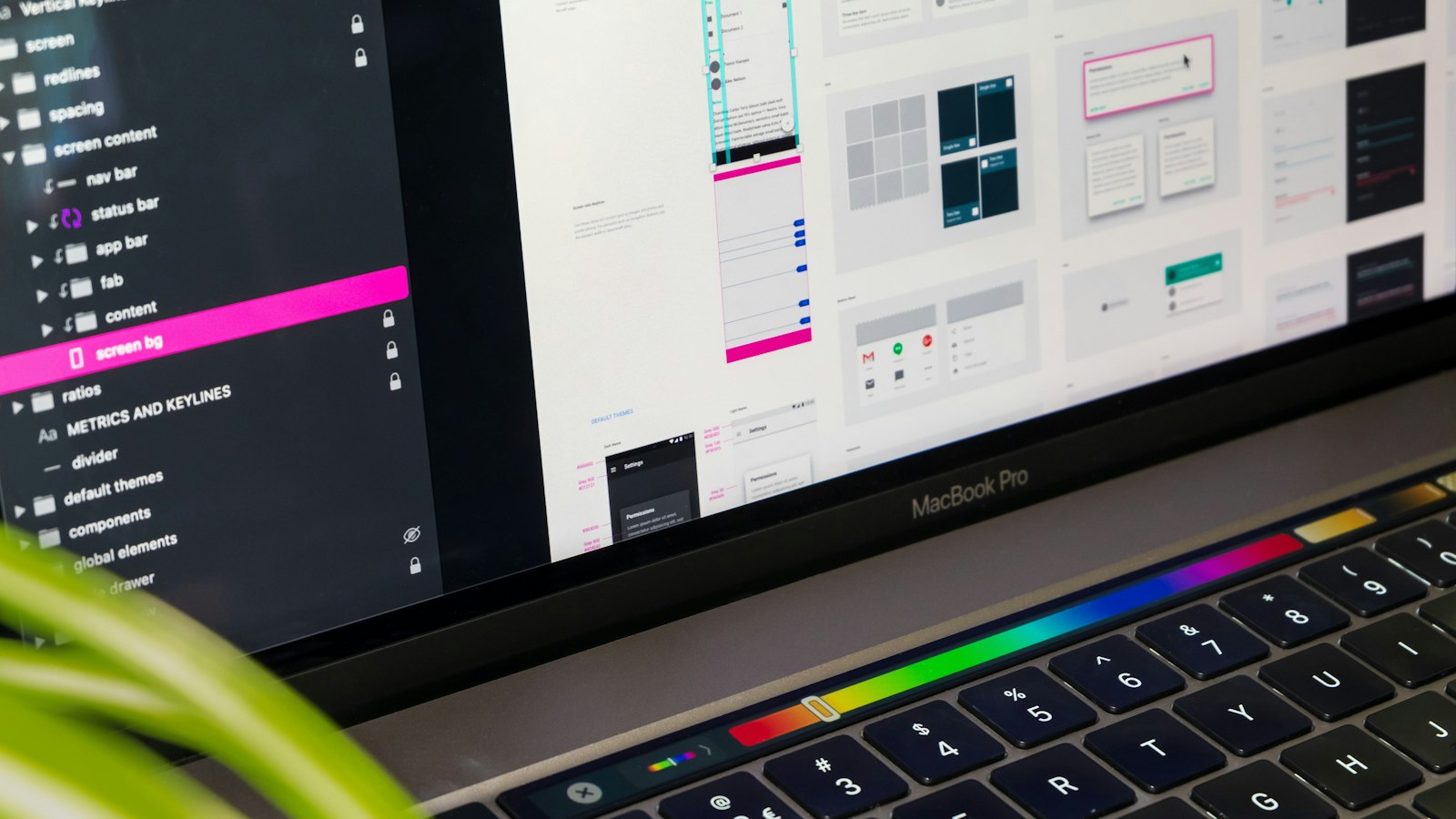
A transparent iPhone mockup PNG drops onto any background. How to place your screenshot correctly, avoid common mistakes, and export.
Read article
Convert MOV to MP4 for free on iPhone, Mac, Windows, or Android. Most iPhone MOVs convert instantly with no quality loss; HEVC ones need a quick re-encode.
Read article
Crop a video on iPhone with the Photos app: tap Edit, then Crop, pick Square or 9:16, and save. Plus how to undo a crop and get an exact 4:5 for Instagram.
Read article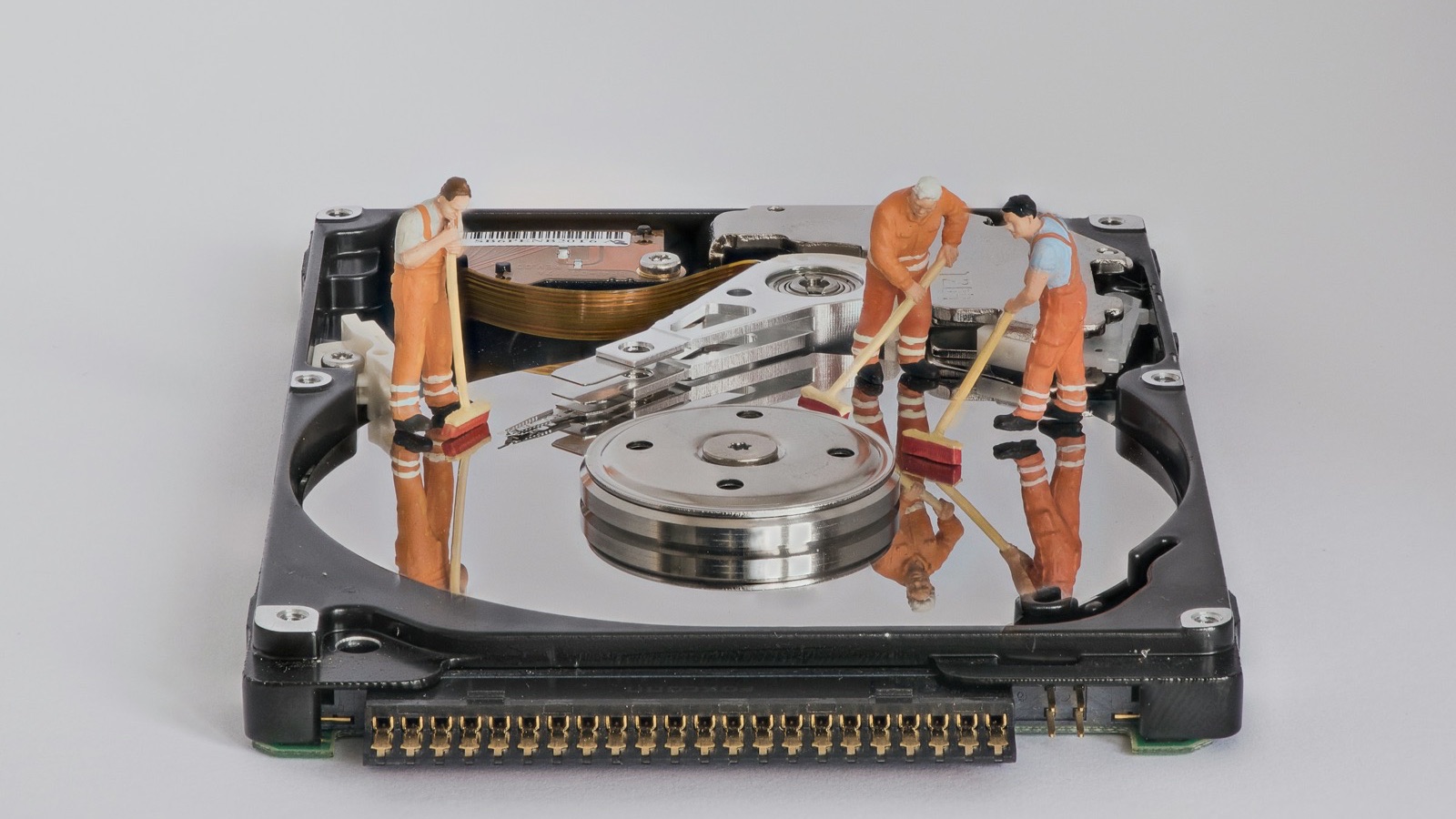
Too big to attach? Five free ways to send large video files from your phone or computer: compress it, share a link, Mail Drop, AirDrop, or Quick Share.
Read article
Trim a video on Windows for free with Clipchamp, VLC, or your browser. Drag the handles, cut the start and end, and export an MP4 that plays everywhere.
Read article
Adding the music is easy. Making it sound right takes volume, fades, ducking, and timing. Here's how to mix music under your iPhone video in iMovie.
Read article
Rotate a video on Mac with QuickTime: Edit > Rotate Left or Rotate Right, then save. Plus how to flip it, rotate in iMovie, and export an upright MP4.
Read article
On iPhone, Zoom records to the cloud only, which needs a paid account. The exact steps, where the recording goes, and options on a free plan.
Read article
Reverse a video on Windows for free in a browser, with the free editor Shotcut, or with FFmpeg. Make clips play backwards for loops and effects, no paid apps.
Read article
Gmail caps attachments at 25 MB, and a minute of iPhone video is about 60 MB. Here's how to compress a video for email on any device, plus what to do instead.
Read article
Exact App Store screenshot sizes for every iPhone and iPad, which sizes are required, how many you can upload, and the format rules that get them rejected.
Read article
iMovie caps speed at 2x per pass. Here's the free export-and-repeat trick for 4x or 8x, the faster app route, and how to keep very fast video watchable.
Read article
WebM files often won't open on iPhone or in editors. Convert WebM to MP4 free in your browser, or with VLC, HandBrake, or FFmpeg, without uploading.
Read article
Instagram's editor isn't built for reversing, so reverse the clip first, then post it as a Reel or Story. Free steps on iPhone and Android, plus Boomerang tips.
Read article
Add text to a video on Mac with iMovie's title styles, or in a browser with exact timing and position. Step by step, plus tips for readable text on any footage.
Read article
Tried to screen record and it failed? The quick how-to, then fixes for a missing or gray button, no sound, black video, and recordings that stop.
Read article
Add text to a video on Android for free in Chrome with no app, or with your phone's video editor. Set the position, size, color, and timing, and keep the sound.
Read article
A first-timer's walkthrough of Android screen recording: what each option means, what the notification does, and what ends up in the video.
Read article
Make a video play backwards for free on iPhone, Android, Mac, Windows, or in a browser. Reverse short clips for loops, reveals, and fun effects, no app needed.
Read article
QuickTime can't crop, but your Mac can. Crop a video on Mac with iMovie or Photos, or in your browser with 9:16, 1:1, 4:5, and 16:9 presets. All free.
Read article
What actually happens when you screen record an Instagram story: what's captured, what the poster sees, what happens with close friends stories, and audio.
Read article
Turn raw app screenshots into professional marketing images: device frames, short headlines, one consistent background, real content, and exact store sizes.
Read article
Lossless trims copy the video untouched but cut at keyframes; exact trims re-encode. Here's how each works and how to trim with no visible quality loss.
Read article
Crop a video on Windows for free with Clipchamp's crop tool, or in your browser with 9:16, 1:1, 4:5, and 16:9 presets. Step by step for Windows 10 and 11.
Read article
How to make an Android phone mockup from your app screenshots: community device frames, Figma, and when an iPhone frame or a video mockup fits better.
Read article
Convert MP4 to MP3 on Mac for free: QuickTime and the Music app (built in), VLC, or a browser tool that saves MP3 directly. Step by step, with quality tips.
Read article
Participants can't record by default. Here's how to get permission from the host, what the host has to click, and what to do if they say no.
Read article
VLC can rotate a video while you watch, and with extra steps it can save the rotated file. Here's how to do both on Windows and Mac, plus a faster way.
Read article
Speeding up video on Instagram means two things: editing your own Reels faster, or watching other people's faster. Here's what's possible for each.
Read article
The exact FFmpeg commands to convert MOV to MP4: a lossless remux for H.264, a quality re-encode for HEVC, fast start for the web, and batch conversion.
Read article
Discord doesn't offer call recording. What Discord says about call privacy, and how third-party recording by people in the call works.
Read article
Change iPhone video format in one setting: High Efficiency (HEVC) saves space, Most Compatible (H.264) plays everywhere. Here's how, and which to pick.
Read article
HEVC makes files about half the size of H.264 at the same quality, but not every device can play it. Here's how HEVC vs H.264 compares and when to use each.
Read article
Everything about recording your Android screen in one place: the Quick Settings tile, audio choices, brand differences, where files go, and quick fixes.
Read article
The best GIF settings for READMEs, Slack, email, and Product Hunt: width, frame rate, length, and file size, in a table you can copy, with trade-offs.
Read article
Turn a screen recording into a crisp GIF for docs, READMEs, bug reports, and chats. Record, trim, convert with a size limit, and keep the text readable.
Read article
The poster frame is the still shown before your app preview plays and during install. How to set it, why the 5-second default often fails, and what to pick.
Read article
No paid Zoom plan? Here are your realistic options for recording a Zoom meeting from an iPhone, what each one captures, and the consent rules.
Read article
A one-minute phone video can be 60 MB or 400 MB. Here's why video files get so big, which settings matter most, and how to shrink them without ruining quality.
Read article
The quickest possible answer on recording FaceTime: which method to use for audio calls, video calls, and group calls, and the one thing to do first.
Read article
iPhone's Photos and iMovie can't reverse video, but Safari can. Reverse a video on iPhone free in a browser or with an app like CapCut. Plus Live Photo Bounce.
Read article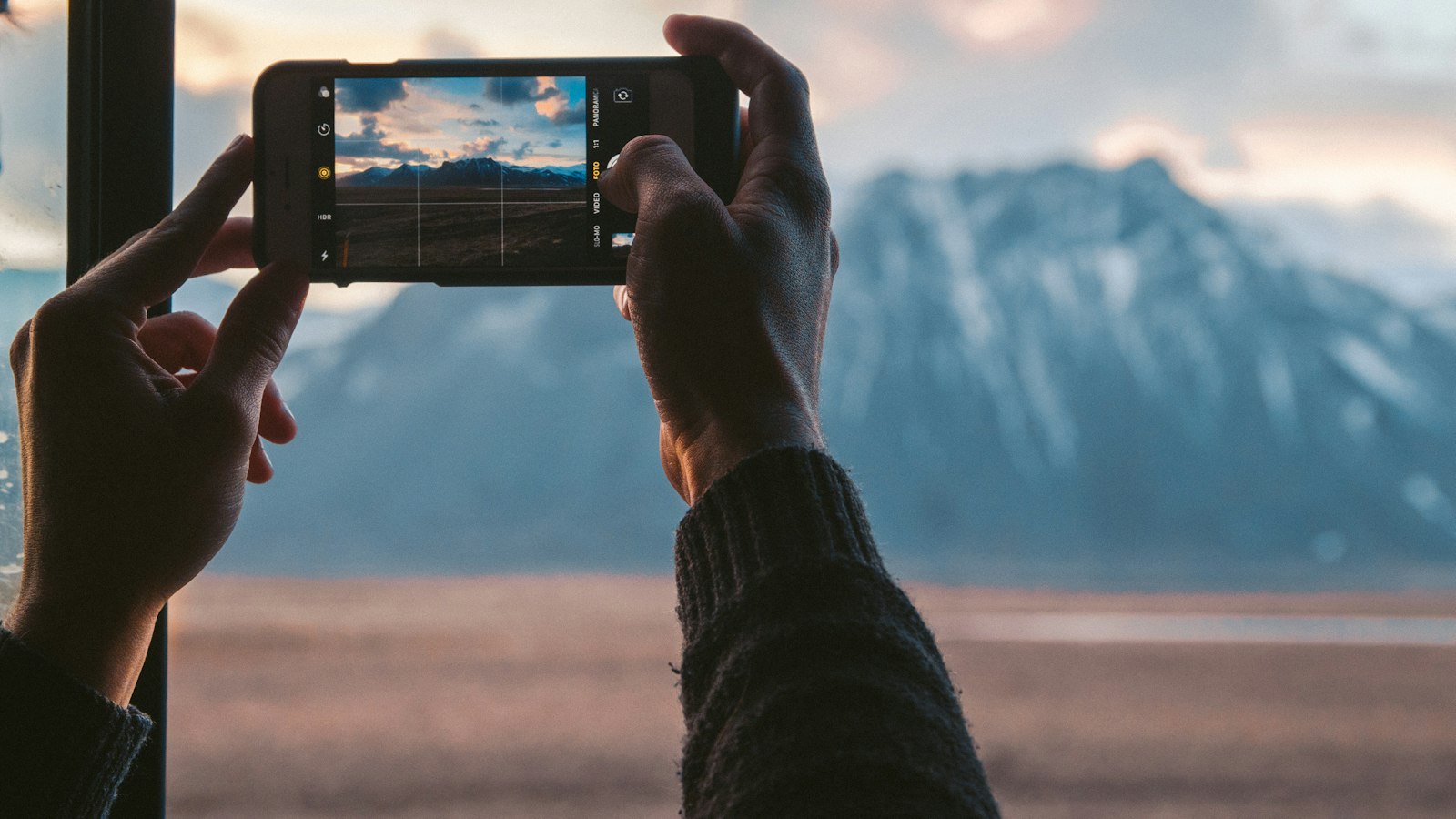
Yes, but the Photos app only undoes slow motion. Here's what Photos can and can't do, and the free Apple app that does the rest.
Read article
Convert MP4 to MP3 on Windows for free: VLC, Audacity, or a browser tool that saves MP3 directly and never uploads the file. Steps for Windows 10 and 11.
Read article
iPhone records MOV, but many sites and PCs want MP4. Convert MOV to MP4 on iPhone for free in Safari, or change one setting so every video plays everywhere.
Read article
Add text to an Instagram Reel with the Aa tool, make it appear at the right moment, and keep it clear of buttons and captions. Or burn it in to cross-post.
Read article
Reverse a video on Android for free in Chrome with no app, or with an editor like CapCut. Plus Samsung's reverse GIF styles and clips that look good backwards.
Read article
Rotate a video on iPhone in seconds with the Photos app: Edit, Crop, then the rotate button. Plus how to flip it, undo it, and keep it fixed on Windows.
Read article
Yes. Here's how to screen record Instagram stories on iPhone and Android with sound, how to pause a story mid-recording, and how to trim the result.
Read article
Make an App Store preview video from a screen recording: plan 15 to 30 seconds, record the app, resize to 886×1920, export at 30 fps, and upload it. Free.
Read article
Show your project in action with a demo GIF in your GitHub README. How to make the GIF, the Markdown to embed it, where to store it, and how big it should be.
Read article
Shrink a video on any Android phone for free: compress it in Chrome to an exact size like 25 MB, or record smaller from the start. Works on Samsung and Pixel.
Read article
Get just the sound from a video on iPhone: save it as MP3 in Safari, or as M4A with a Shortcut. Free, no app to install, and it works on screen recordings too.
Read article
Recording a story is one thing. Reposting it is another. Here's what copyright and Instagram's rules mean for recorded stories, and how to share properly.
Read article
Add text to a video on iPhone for free with iMovie titles or a browser tool in Safari. Choose the position, size, color, and timing, then save it to Photos.
Read article
Upload an app preview in App Store Connect step by step: find Previews and Screenshots, add one per device size, set the poster frame, and fix upload errors.
Read article
iPhone has no compress button, but you can still shrink a video for free: iMovie, Shortcuts, camera settings, or a browser tool that hits an exact size.
Read article
MP4 is often ten times smaller and far sharper than GIF, but GIFs autoplay in places video can't. Here's how GIF vs MP4 compares and when to use each format.
Read article
Make a GIF on Android from any video for free: use a browser tool in Chrome with a size limit, or the GIF option in Samsung Gallery. Works on Pixel and Galaxy.
Read article
Your FaceTime screen recording has video but no audio from the other person. Here's exactly why that happens, and the methods that work around it.
Read article
Use CapCut's speed tools to fit a long clip into a short Reel or TikTok: which speed to pick, how to sync to music, and how to keep it readable.
Read article
Trim a video on Android for free with Google Photos or Samsung Gallery: drag the handles and save a copy. Or use a browser trimmer for exact frames and loops.
Read article
Crop a video to 9:16, 1:1, 4:5, or 16:9 for free on iPhone, Android, Mac, Windows, or in a browser. Pick a preset or drag a free crop box and keep the sound.
Read article
Add text to a video on Windows 10 or 11 for free with Clipchamp's text styles, or in a browser with exact timing. Set position, size, and color, keep the sound.
Read article
Make a GIF play backwards: reverse the original video and convert it, or reverse the GIF itself with FFmpeg. Free steps, plus GIFs that play forward and back.
Read article
Compress a video on Windows for free with Clipchamp, HandBrake, or VLC, or hit an exact size like 25 MB in your browser. Step-by-step for Windows 10 and 11.
Read article
Discord's free upload limit is now 20 MB per file. Here's how to compress a video for Discord without Nitro, on your phone or computer, and keep it sharp.
Read article
Yes, you can record a FaceTime call. Here's what works on iPhone and Mac, why the other person's voice goes missing, and the free and paid fixes.
Read article
How big should text on a video be? Sizes for titles, labels, and captions on phones, safe areas for TikTok and Reels, and contrast tips that keep it readable.
Read article
Add a title to the start of a video so viewers know what they're watching. Free steps on any device, plus what to write, how long to show it, and where it goes.
Read article
Apple's Call Recording doesn't support group FaceTime. How to record a group FaceTime call anyway, on a Mac or with a second device.
Read article
The simplest way to capture both sides of any FaceTime call, including group and video calls: record it on a second device. How to make it sound good.
Read article
Reverse a video on Mac for free with iMovie's Reverse checkbox or in a browser. QuickTime can't save a reversed file, but iMovie and FFmpeg can. Step by step.
Read article
Screen recording steps for every iPhone 13 model, plus a note on ProMotion on the 13 Pro and why its recordings can look smoother.
Read article
Rotate a video on Android with Google Photos or Samsung Gallery: open Crop, tap Rotate, and save a copy. Plus a browser tool that also flips mirrored videos.
Read article
Crop a video for TikTok to 9:16 so it fills the screen. The right size, how to crop landscape clips on any device, and where to keep text clear of buttons.
Read article
Add background music to any iPhone video with Apple's free iMovie: soundtracks, your own songs, or files. Plus volume, fades, and what you can legally use.
Read article
Crop a video for Instagram: 9:16 for Reels and Stories, 4:5 or 1:1 for feed posts. The right sizes, how to crop on any device, and how to avoid bad crops.
Read article
The exact App Store app preview sizes for every iPhone, iPad, Mac, and Apple TV: 886×1920, 1080×1920, 1200×1600 and more, and how to resize a recording to fit.
Read article
Record App Store preview footage in Xcode's Simulator with a clean status bar, using the record option or simctl, then convert it to 886×1920 at 30 fps.
Read article
Screen recordings of games and landscape apps often save sideways. Rotate a screen recording on iPhone, Android, or a computer, and keep it upright everywhere.
Read article
A practical checklist for hosts: settings to set before the meeting, how to record cleanly, how to tell attendees, and what to do with the file afterwards.
Read article
Turn a landscape video into a vertical 9:16 video for TikTok, Reels, and Shorts. Crop to the subject, or fit it with bars or a blurred background. All free.
Read article
A one-page cheat sheet for screen recording on iPhone: every gesture, setting, and shortcut you need, plus the settings to change before you record.
Read article
Convert MOV to MP4 on Windows for free with VLC, HandBrake, Clipchamp, or your browser, including iPhone HEVC files that Windows can't even open.
Read article
Make a TikTok play backwards with the in-app reverse effect, or reverse the clip in your browser first and upload it. Steps, tips, and a fix if Reverse is gone.
Read article
Make a realistic app mockup from a screenshot: put it in an iPhone frame, pick a background and canvas size, and export a PNG or JPG for your site or launch.
Read article
Convert MOV to MP3 for free: pull the audio from iPhone and Mac videos in your browser, with QuickTime and Music, or with VLC. Pick the quality and the part.
Read article
No, Instagram doesn't tell people when you screen record their story. But they can see that you viewed it. Here's exactly what's visible to them.
Read article
WAV is lossless and about ten times bigger; MP3 is compressed and plays everywhere. Here's how MP3 vs WAV compares on quality, size, and when to use each one.
Read article
Want just the audio from a screen recording? Free ways to extract it on iPhone (Shortcuts), Mac, Windows, and Android, plus M4A vs MP3.
Read article
WhatsApp has no record button, and phone screen recordings drop call audio. What actually works for WhatsApp and Zoom calls on iPhone and Android.
Read article
Four ways to record FaceTime, ranked from best to worst audio: Mac routing, Apple Call Recording, speakerphone screen recording, and a second device.
Read article
Zoom offers cloud and local recording. Here's how they differ on cost, devices, storage, sharing, and transcripts, so you can pick the right one.
Read article
You recorded the meeting. Now where is it? How to find Zoom recordings (local and cloud), trim the dead time, and share them safely.
Read article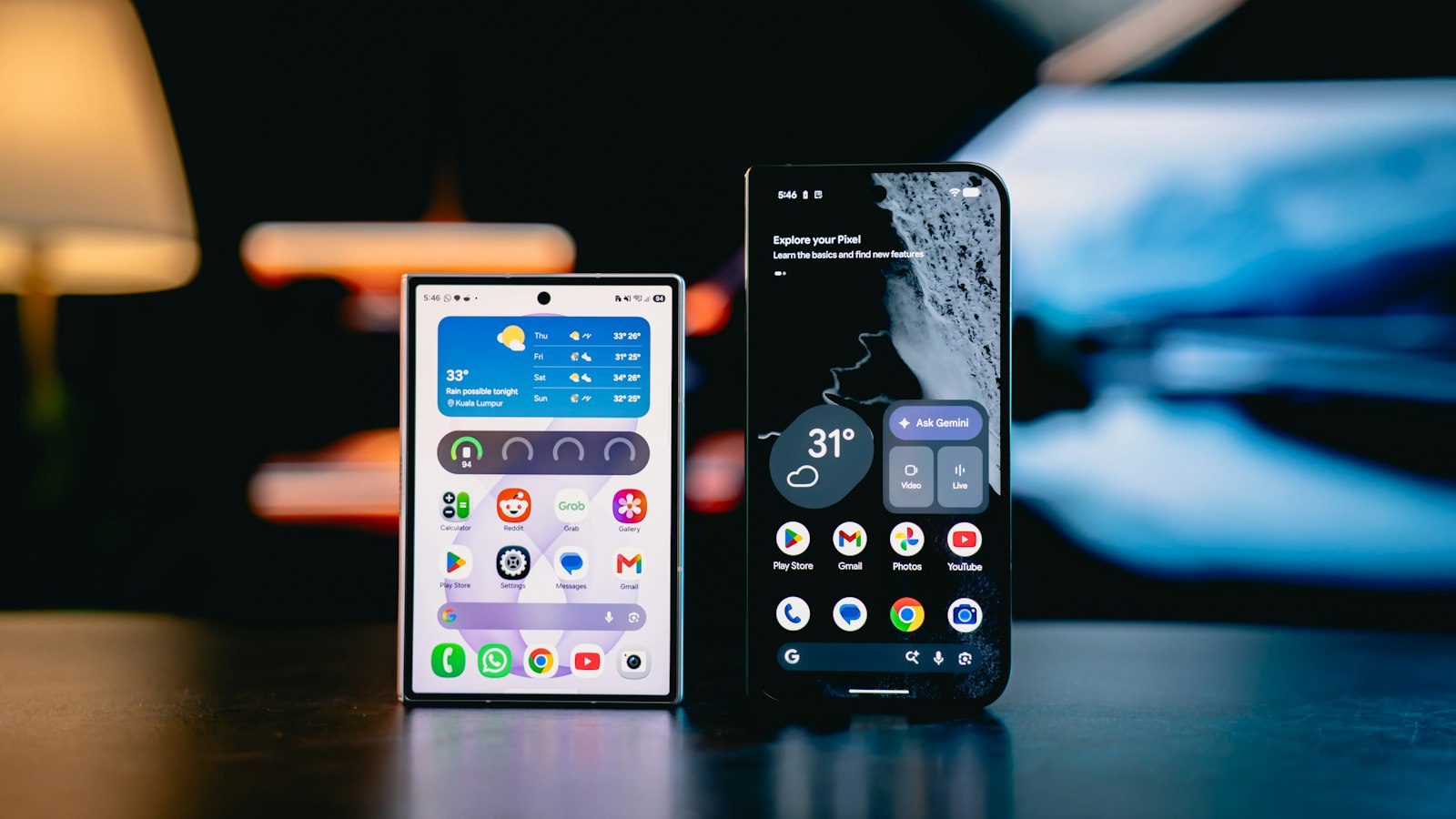
Samsung's recorder can add your face in the corner and let you draw on screen while recording. Here's how to use both for tutorials, reactions, and demos.
Read article
Yes, you can screen record a FaceTime call, and the other person isn't notified. Here's what that means, what gets captured, and why you should ask anyway.
Read article
Technically you can record FaceTime. Legally, it depends where you and the other person are. Here's how consent laws work and how to record responsibly.
Read article
Instagram Stories don't give you much speed control for uploaded videos. Here's how to speed up a video before you post it to your Story, in a minute.
Read article
Pixel's screen recorder can capture a single app or the whole screen, with device audio, mic, or both. Here's how to use every option.
Read article
Screen recording on iPhone 11 works like any Face ID iPhone. The exact steps, where the red indicator sits, and storage tips for 64GB models.
Read article
A complete breakdown of Instagram screen recording and screenshot notices across stories, posts, Reels, DMs, disappearing messages, and Live.
Read article
How to change a clip's speed in the Instagram Reels editor, what to do when speed isn't available, and how to keep sped-up Reels easy to follow.
Read article
WhatsApp has no call recording, and phones exclude call audio from screen recordings. Here's what actually works on Android, iPhone, and desktop.
Read article
No. Instagram doesn't tell people when you screen record or screenshot their story, post, or reel. The exception is disappearing photos and videos in DMs.
Read article
No, TikTok doesn't notify people about screenshots or screen recordings. But profile view history can show that you visited. Here's what's visible.
Read article
Turning on screen recording on iPhone means adding the control and making sure nothing blocks it. Here's both, including Screen Time and work phones.
Read article
You can put screen record in three places on a recent iPhone. Here's how to put it in Control Center, on the Lock Screen, and on the Action button.
Read article
Every phone and computer has a built-in screen recorder. Here's how to turn it on for iPhone, Android, Mac, Windows, and Chromebook.
Read article
Four ways to speed up a video on iPhone (iMovie, Photos, Time-lapse, and CapCut), compared side by side so you can pick the right one in seconds.
Read article
Captions make videos watchable with the sound off. The difference between open and closed captions, and the easiest ways to add them on your phone.
Read article
Screen recording steps for Android brands beyond Samsung and Pixel: OnePlus, Motorola, Nothing, Xiaomi, Oppo, and others, plus the universal fallback.
Read article
Photos can't speed up a normal video, but Apple's free iMovie can, up to 2x. The full method, the faster-than-2x trick, and when to use an app.
Read article
Every iPhone 16 model has an Action button, which makes screen recording one press away. Here's how to set it up, plus the standard Control Center method.
Read article
Speeding up a video on iPhone is easy. Getting a result people enjoy is harder. Here's the method, plus five common mistakes to avoid.
Read article
Record hands-free on Snapchat by sliding to the lock icon, plus what to do if you don't see it, and an iPhone accessibility workaround.
Read article
Step-by-step: add the Craig bot to your server, record a voice channel with separate tracks for each speaker, and download the recording afterwards.
Read article
If screen recording is grayed out or missing, something is restricting it. Here's how to enable it via Screen Time, Family Sharing, or device management.
Read article
iPhone can't capture WhatsApp call audio directly. Here's what you can do: speakerphone recording, a second device, or WhatsApp Desktop on a Mac.
Read article
Adding screen recording is step one. Here's how to add it, move it to the first page of Control Center, resize it, and remove it if you change your mind.
Read article
iMovie, Photos Memories, CapCut, or the Instagram and TikTok music library? Here's which way to add music to iPhone video is best for each situation.
Read article
Simple step-by-step screen recording for any Samsung Galaxy phone: open the Quick panel, choose sound, record, stop, and find the video in Gallery.
Read article
Only have an iPhone? Here's the speakerphone method for screen recording a FaceTime video call with sound, step by step, plus how to make it sound better.
Read article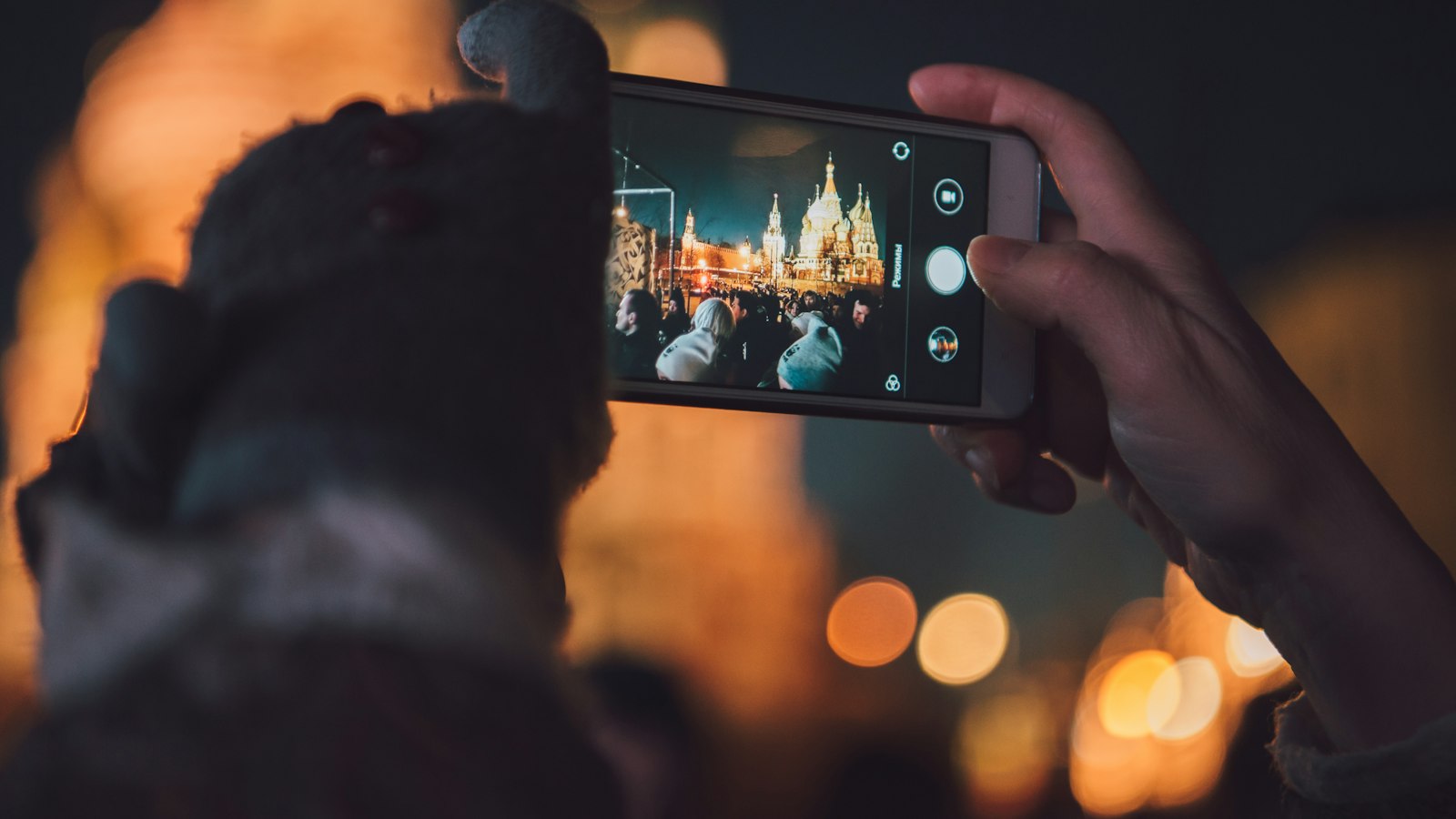
A detailed walkthrough of speeding up video in Apple's free iMovie app: speed ranges, pitch, freeze frames, and exporting at full quality.
Read article
iPhone 14 and 14 Pro screen record the same way, but the stop button lives in a different place. Here's how it works on each, step by step.
Read article
The quickest answer for recording Zoom on Windows, Mac, iPhone, and Android, and what to do if the Record button isn't there.
Read article
Never screen recorded before? Here's exactly what the button looks like, what the countdown means, and what you'll see while your iPhone is recording.
Read article
Photos adds music only to Memories, not single clips. How to make a Memory with music, change the song, and when to use iMovie instead.
Read article
Yes, but who can record depends on your role and account. Here's how recording works for hosts, co-hosts, and participants, on desktop and phone.
Read article
Recorded in Slo-mo by mistake? Here's how to bring it back to normal speed in Photos, and how to speed up regular iPhone video beyond normal.
Read article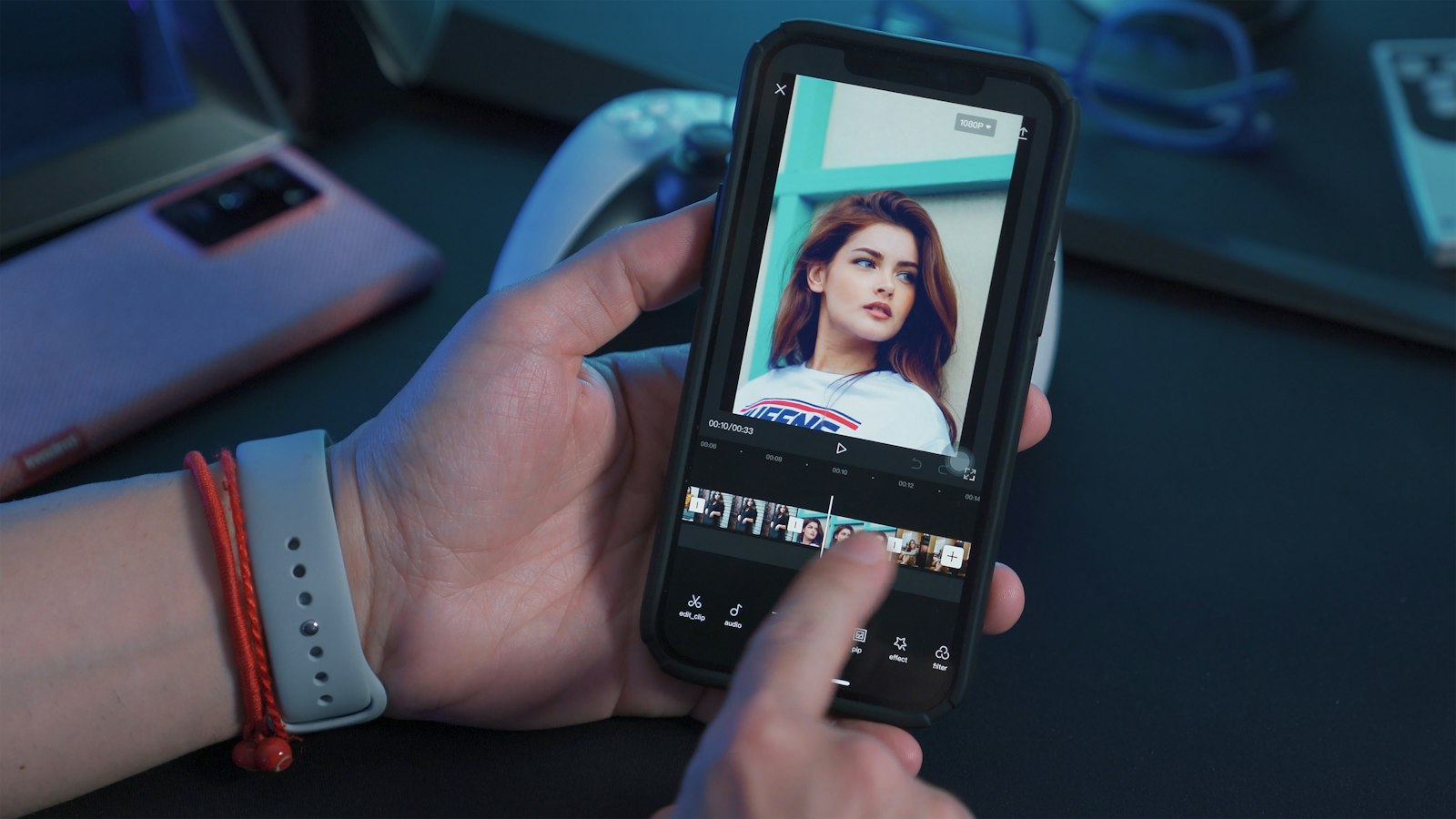
Whether you can record FaceTime depends on the call: audio or video, one-to-one or group, iPhone or Mac. Here's the answer for each, at a glance.
Read article
Before you screen record on iPhone, know what ends up in the video: notifications, sound, passwords, calls, and protected apps. Here's the full picture.
Read article
Step-by-step: speed up a video in CapCut on your phone using Normal speed or Curve speed, keep the audio pitch natural, and export without surprises.
Read article
Discord has no built-in call recording. The three ways to record Discord calls (a bot, OBS on desktop, or your phone) and when to use each.
Read article
Two ways to stop a screen recording on iPhone, where the video goes, and what to do if the recording won't stop, won't save, or keeps running.
Read article
Record clean Discord audio (calls, DMs, streams) with free OBS Studio: capture only Discord's sound, add your mic on its own track, and avoid echo.
Read article
Screen record isn't always switched on out of the box. Here's how to turn it on for iPhone, iPad, and Android phones, plus what to do if it won't turn on.
Read article
Should you use Zoom's built-in recording or your computer's screen recorder? Here's the difference, how to do each, and which one to use for what.
Read article
iPhone's Call Recording works for one-to-one FaceTime audio calls. How to use it, where recordings go, transcripts, and why the button may be missing.
Read article
Free online video speed tools work, but they all need your upload. What to check (privacy, limits, watermarks), and when an offline app is better.
Read article
Use Zoom as a free self-recording studio: start a meeting alone, share slides or your screen, and record. Here's the setup and the settings that matter.
Read article
Exact screen recording steps for iPhone 12, 12 mini, 12 Pro and 12 Pro Max, including a tip for reaching Control Center on the smaller 12 mini.
Read article
Yes, free Zoom accounts can record, but only locally on the desktop app. Here's what free accounts can and can't do, and the limits to know about.
Read article
Yes, every modern iPad can screen record. Here's which iPads support it, what the recording captures, and the things it can't record.
Read article
Yes, but which audio depends on your settings. Here's what iPhone and Android screen recordings capture, why yours came out silent, and how to fix it.
Read article
How to add music to a video on any device, and the copyright rules that decide whether your video gets muted, blocked, or stays up.
Read article
Before you record a Zoom session: what participants see, what the law generally expects, and how to record meetings and webinars responsibly.
Read article
Only need the audio from a FaceTime call? Here's how to record FaceTime audio calls on iPhone and Mac with Call Recording, and get a transcript too.
Read article
Older Android phones don't have a built-in screen recorder. How to check your version, what to use instead, and what to watch for in apps.
Read article
The cleanest way to screen record FaceTime with sound is on a Mac. Here's the free BlackHole setup and the easier paid route, step by step.
Read article
Control Center isn't the only way to start a screen recording. On recent iPhones you can put it on the Lock Screen or the Action button too. Here's how.
Read article
How to screen record on iPad, plus iPad-specific tips: Stage Manager and Split View, recording Apple Pencil sketches, and using an external display.
Read article
Yes. Apple's own iMovie app speeds up video for free, with no ads and no watermark. Here's how, plus what to watch out for with free third-party apps.
Read article