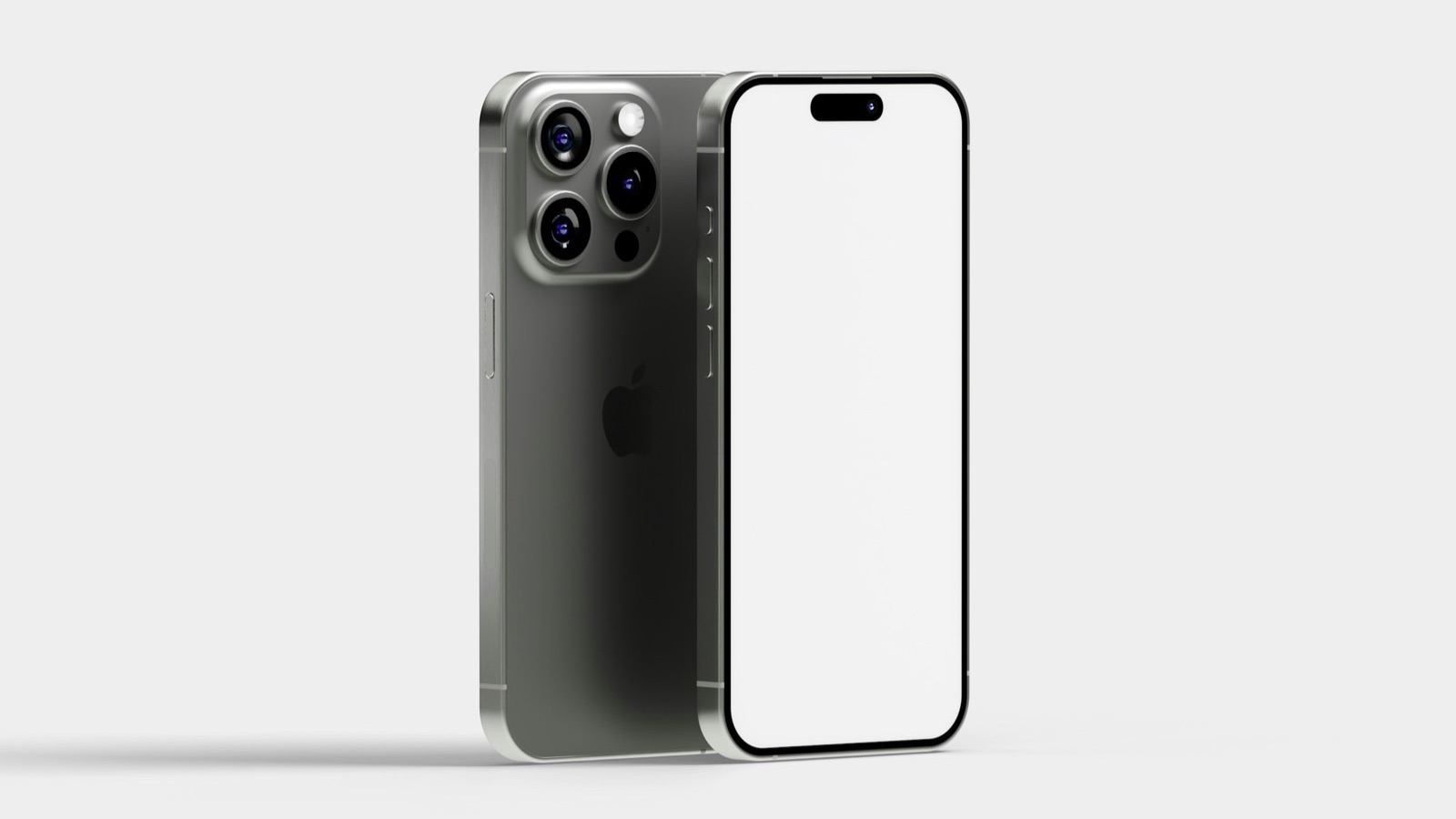
To make an app mockup, take a screenshot of your app, place it inside a realistic phone frame, set a background and canvas size, and export an image. The free MobileStudio App Mockup Generator does all of it in your browser: drop in a screenshot, pick a background and a size like 1080×1350 for Instagram, and download a PNG or JPG. No design software or sign-up needed.
The short answer
| Step | What to do |
|---|---|
| 1. Screenshot | Capture the app screen you want to show |
| 2. Frame | Drop it into the App Mockup Generator |
| 3. Background | Pick a scene or color that fits your brand |
| 4. Size | Choose the canvas for where it's going |
| 5. Export | Download a PNG or JPG |
What is an app mockup?
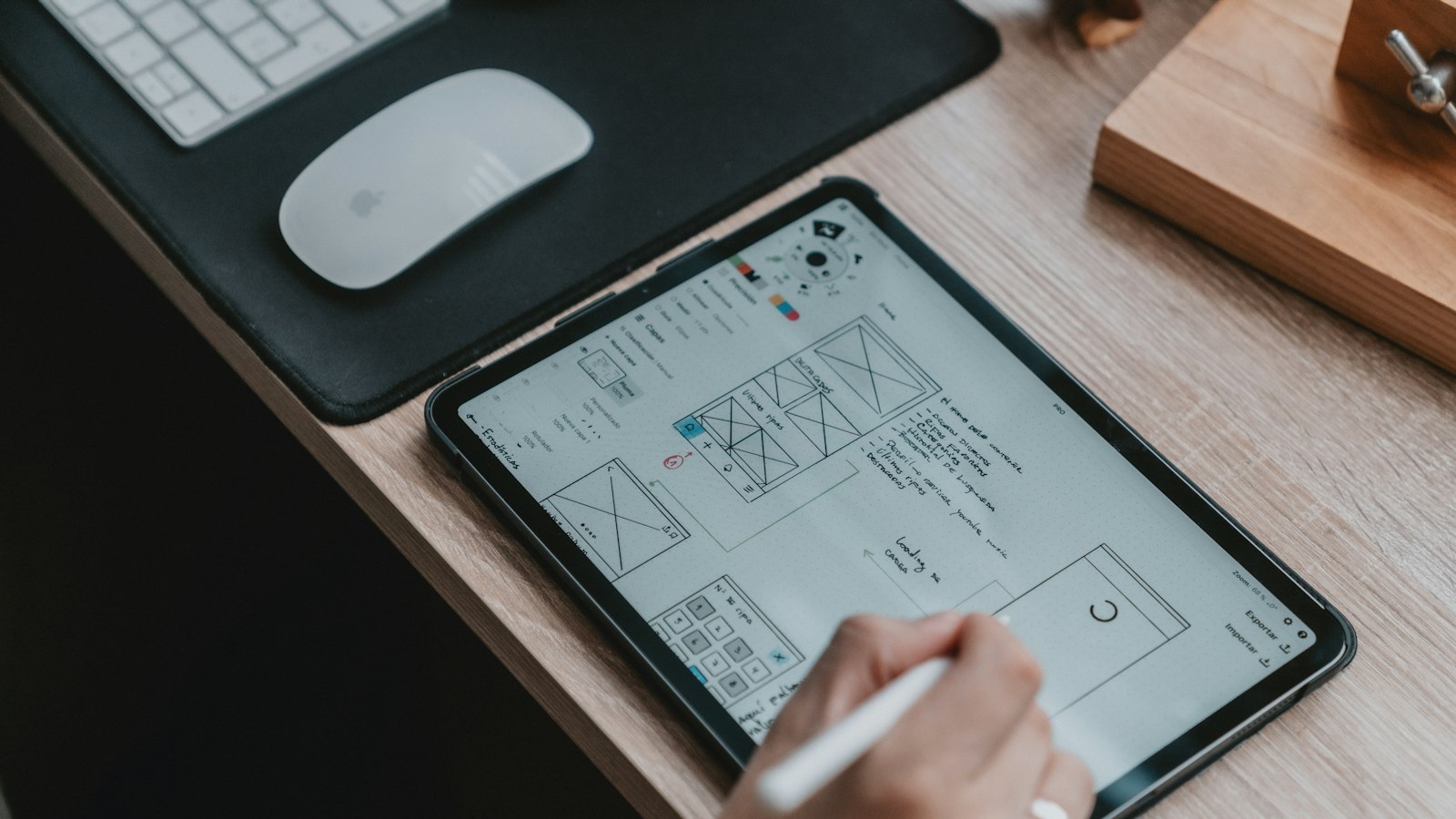
An app mockup is an image (or video) showing your app's screens inside a realistic device. It looks more polished than a raw screenshot, gives context about the device, and fits marketing pages, pitch decks, social posts, and launch announcements. It's different from a wireframe, which sketches layout before the app exists.
How do I make an app mockup for free?
- Take a screenshot of your app on an iPhone, or export a screen from your design tool.
- Open the App Mockup Generator and drop the screenshot in.
- Choose a background, such as a soft gradient or one of the photo scenes.
- Pick a canvas size: 16:9 for websites and slides, 4:5 or 1:1 for social posts, 9:16 for Stories, or custom dimensions.
- Export as PNG (sharpest, for the web) or JPG (smaller).
Everything runs in your browser; the screenshot isn't uploaded.
Which canvas size should I pick?
| Where it's going | Canvas |
|---|---|
| Website hero or blog | 16:9, 1920×1080 |
| Instagram or LinkedIn feed | 4:5, 1080×1350 |
| Instagram or TikTok story | 9:16, 1080×1920 |
| Square post | 1:1, 1080×1080 |
| Product Hunt gallery | 16:10 or 16:9 |
Can I use mockups as App Store screenshots?
Mostly, as long as they show the app in use. Apple's Guideline 2.3.3 says screenshots should show the app in use, not just title art or a splash screen, and they may include text and image overlays. Export at the exact sizes Apple requires; see App Store screenshot sizes and Apple's screenshot specifications.
Where can I find official device frames?
Apple publishes product bezels for its devices on Apple Design Resources, for use in design tools like Figma and Sketch. They're precise, but placing screenshots in them takes design work. The generator is faster for everyday mockups. For the Figma route, see how to make a mockup in Figma.
How do I make a mockup look professional?
- Use a real, populated screen, not an empty state.
- Keep the background calm, so the app stands out.
- Use one background and size across a set of mockups.
- Add a short headline next to or above the phone for marketing images.
More in how to make app screenshots look professional. For different mockup styles, see our guides to a free iPhone mockup and a phone mockup.
Can I make an animated or video mockup?
Yes. A video mockup puts a screen recording, rather than a still, inside the device. That's what MobileStudio does; see how to make a mockup video.
Where MobileStudio fits
The App Mockup Generator is one of our free tools. MobileStudio itself turns your app's screen recordings into polished video mockups with device frames, smooth zooms, and backgrounds, right on your phone. Get MobileStudio.
Quick FAQ
How do I make an app mockup without Photoshop?
Use the free App Mockup Generator in your browser.
What's the best format for a mockup?
PNG for sharp web images, JPG for smaller files.
Can I make a mockup before my app is built?
Yes, from a design file exported as an image.
Are mockups allowed in App Store screenshots?
Yes, if they show the app in use, per Guideline 2.3.3.
Is the mockup generator free?
Yes, with no watermark and no sign-up.