To make a mockup video, record your app's screen, place the recording inside a phone frame over a background, add zooms on the important moments, and export a video sized for where you'll post it. It's the moving version of an app mockup, and it explains an app far better than a still. MobileStudio does this on your phone; for still mockups, the free App Mockup Generator frames screenshots in seconds.
The short answer
| Step | Tip |
|---|---|
| 1. Record | Screen record one clear flow, 15 to 45 seconds |
| 2. Frame | Put the recording in a phone frame |
| 3. Background | A calm color, gradient, or brand scene |
| 4. Zoom | Zoom into taps and key details |
| 5. Export | 9:16 for social, 16:9 for websites, 4:5 for feeds |
Why make a mockup video instead of a screenshot?
Motion shows how the app works: the tap, the transition, the result. A framed video also looks finished, so it works on landing pages, Product Hunt, investor updates, and social media without looking like a raw screen capture.
How do I record the app for a mockup video?
- Use Screen Recording on iPhone, or the screen recorder on Android. See how to screen record on iPhone.
- Turn on Do Not Disturb and use a demo account with real-looking data.
- Move slowly and deliberately; you can speed up dull parts later with Speed Up Video.
- Record one flow per video, such as signing up or completing a key task.
How do I put a recording in a phone frame?
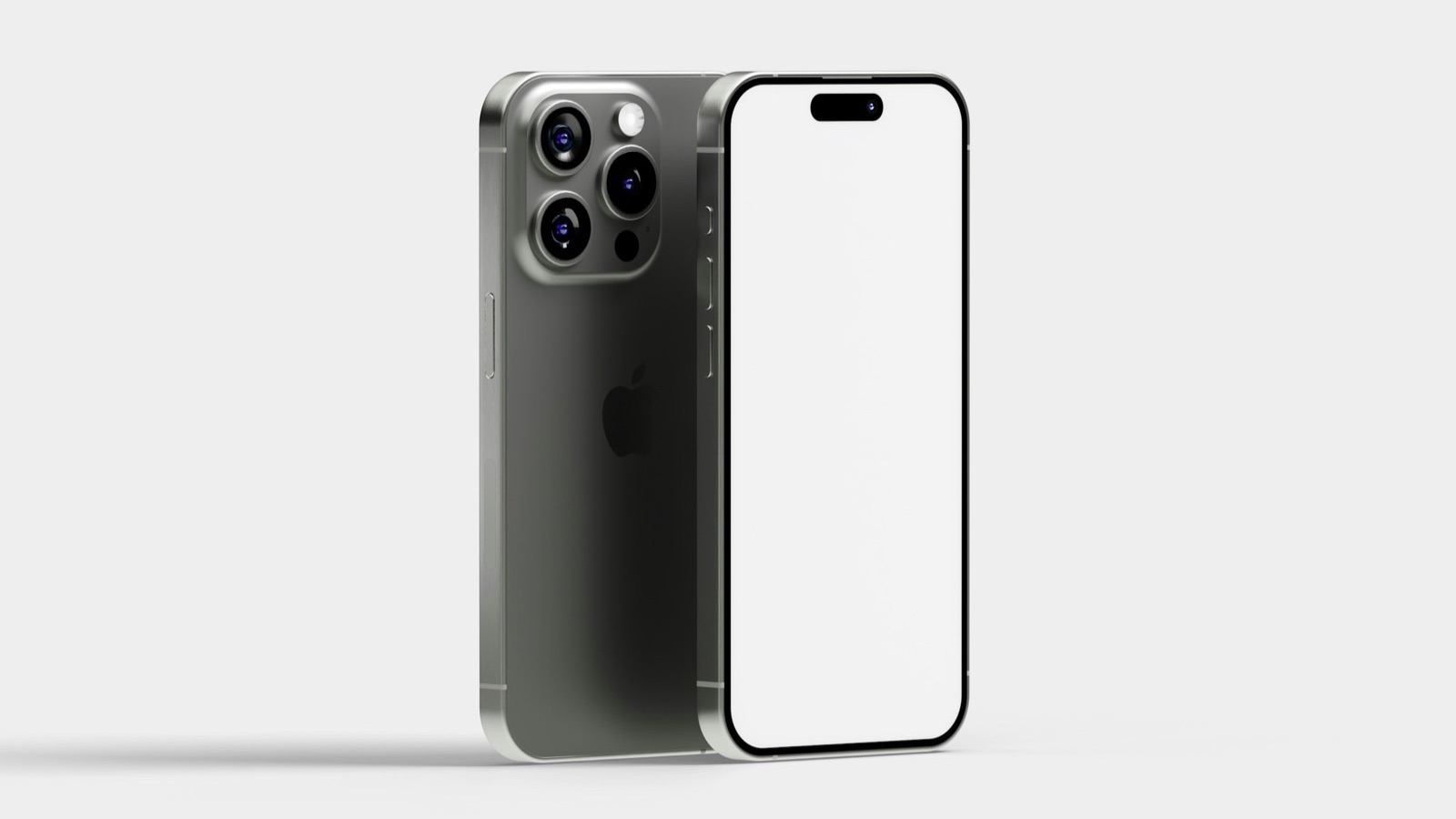
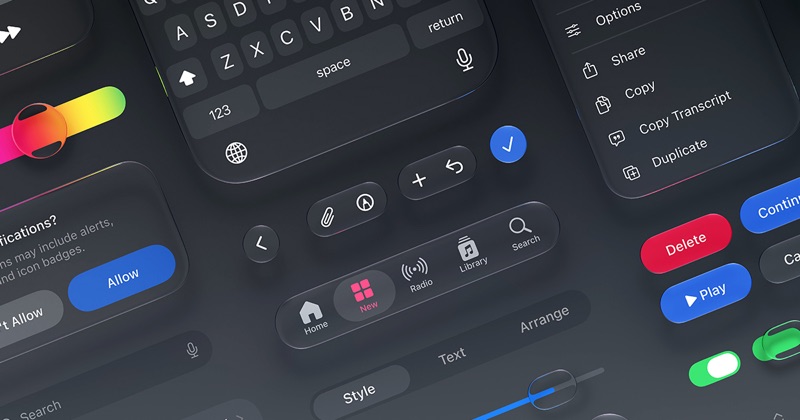
On a computer, you can place the recording over a device image in a video editor, scaling and masking it to the screen, which takes time to line up. MobileStudio does it automatically on your phone: choose the recording, pick a frame and background, add zooms, and export. For still images instead, the App Mockup Generator frames a screenshot in one step, and Apple's official bezels are on Apple Design Resources if you prefer design tools.
Which size should a mockup video be?
| Where it's going | Size |
|---|---|
| TikTok, Reels, Shorts | 9:16, 1080×1920 |
| Instagram or LinkedIn feed | 4:5, 1080×1350 |
| Website hero, YouTube, Product Hunt | 16:9, 1920×1080 |
See video aspect ratios explained.
Can I use a mockup video as an App Store preview?
No. Apple's Guideline 2.3.4 says previews may only use screen captures of the app itself, so device frames don't belong there. Use the raw recording for the App Store, converted with the App Store Preview Maker, and keep the framed version for everything else. Google Play links a YouTube video, where framed demos work well, as its preview assets guide shows; see Google Play promo video.
What makes a mockup video work?
- Lead with the result in the first two seconds.
- Zoom on taps so viewers see what you pressed.
- Add short captions for muted autoplay, with Add Text to Video.
- Keep it short: 15 to 45 seconds for social, up to 90 for a landing page.
Where MobileStudio fits
MobileStudio is built for exactly this: it turns your phone's screen recordings into polished mockup videos with device frames, smooth zooms, and backgrounds, without a laptop or editing skills. Get MobileStudio.
Quick FAQ
What is a mockup video?
A screen recording of your app shown inside a device frame, often with zooms and a background.
How do I make an app demo video with a phone frame?
Record the screen, then frame it in MobileStudio or a video editor.
Can I make a mockup video on my phone?
Yes, with MobileStudio, which records and frames it in one place.
How long should a mockup video be?
15 to 45 seconds for social, up to 90 for a landing page.
Can I use a mockup video on the App Store?
No. App Store previews must be plain screen captures of the app.