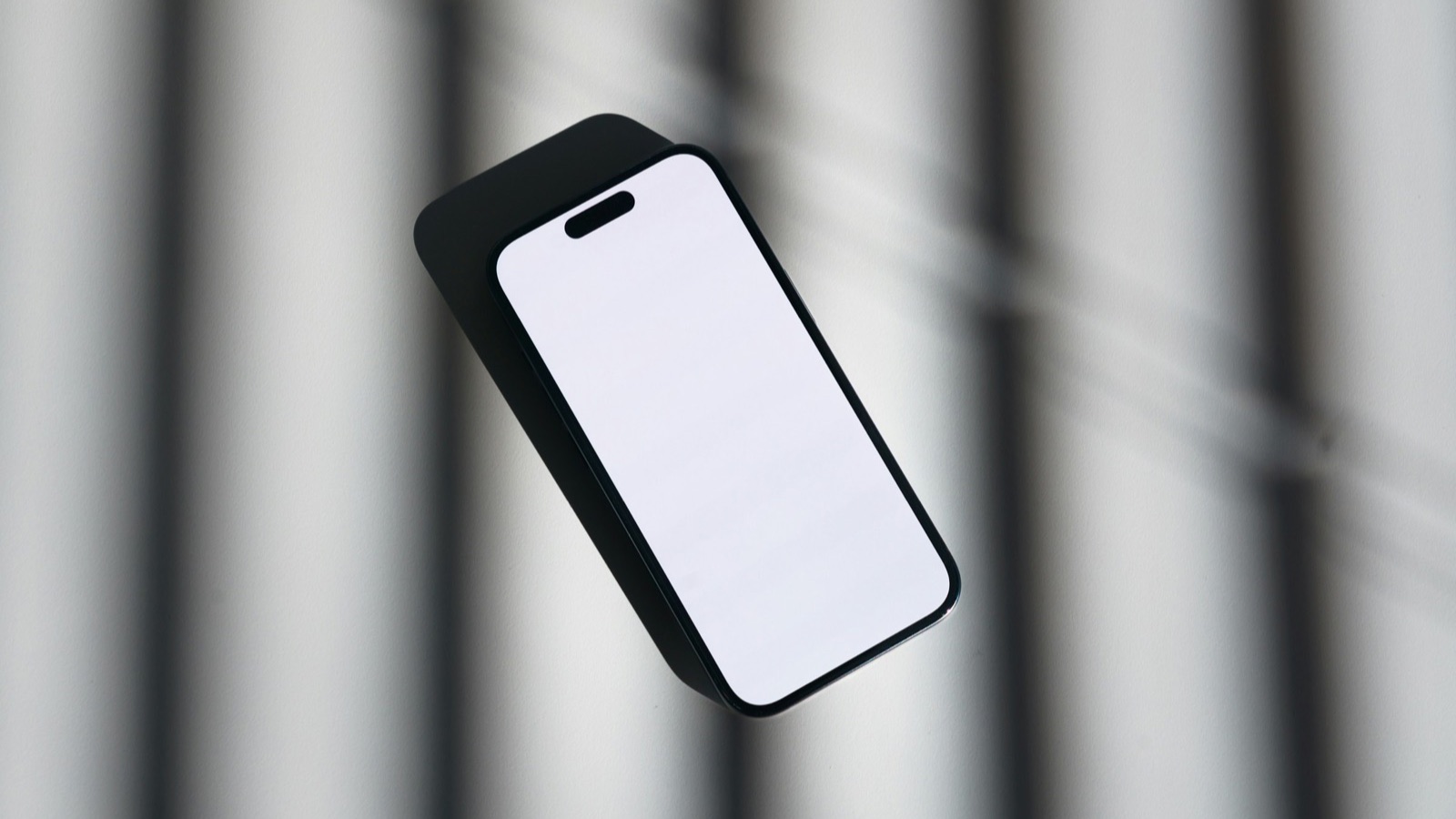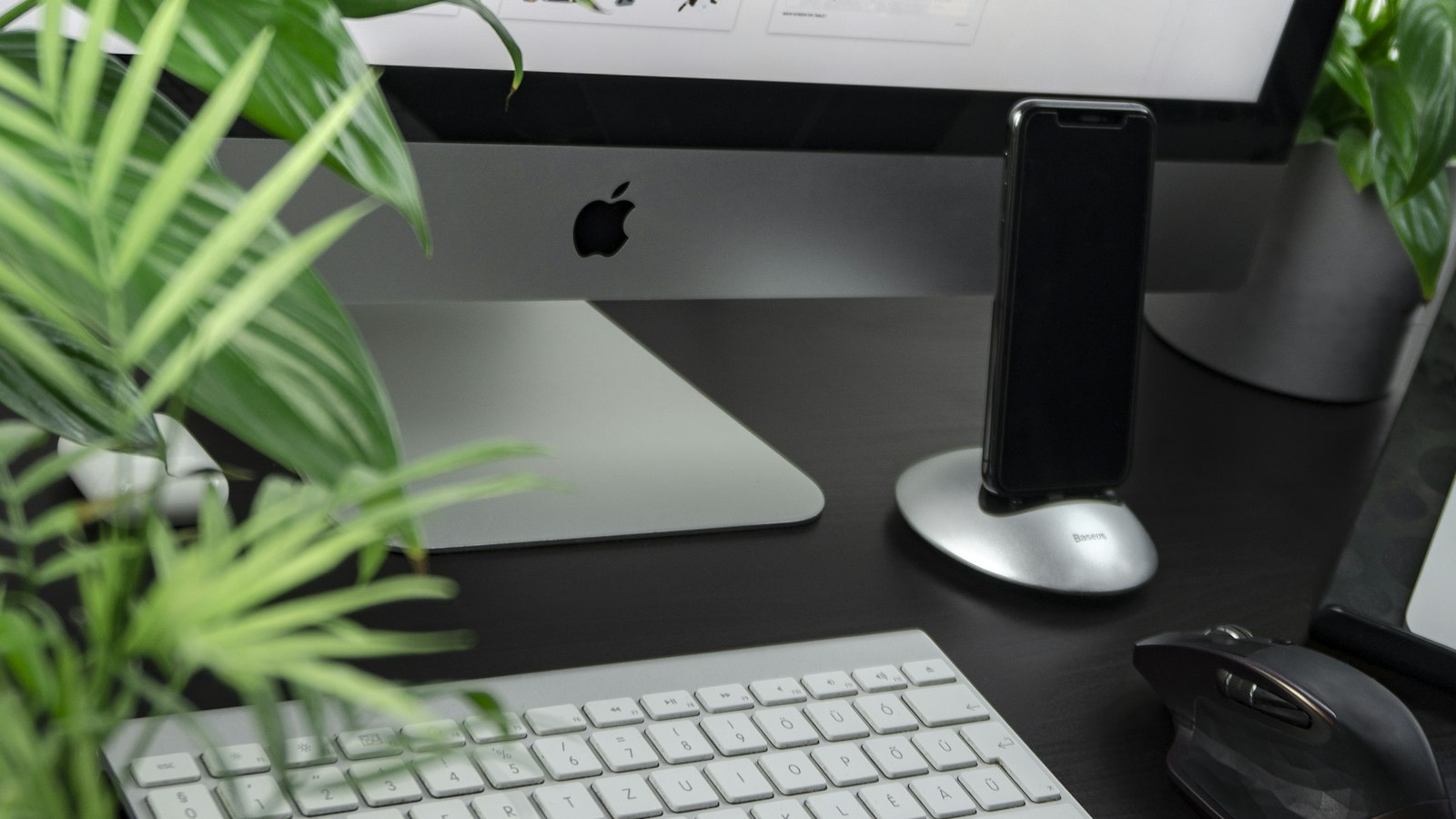
A phone mockup is your app's screen placed inside a realistic phone frame. It's the difference between "here's a screenshot" and "here's a product". Here's how to make one.
What you need
- A screenshot or screen recording of your app.
- A device frame (the phone image with an empty screen).
- A tool to put them together.
Where to get phone frames
- Apple Design Resources: Apple publishes official product bezels for iPhone and other devices on its developer site, for use when presenting apps on its platforms. Check Apple's usage terms and marketing guidelines.
- Figma Community: many free iPhone and Android mockup files. Check each file's license.
- Mockup generator websites: upload a screenshot and download a mockup. Check terms and watermarks.
Static mockup (screenshot)
- Open the frame in your design tool (Figma, Sketch, Photoshop, or Keynote).
- Place your screenshot underneath the frame's screen cutout, or inside the screen layer.
- Make sure it matches the screen's corner radius and size.
- Add a background: a soft gradient or a brand color.
- Export as PNG.
Video mockup (screen recording)
Putting a screen recording inside a phone frame is more work on a computer: a video editor, the frame as an overlay, and careful sizing. That's the step most app makers find tedious.
Mockup do's and don'ts
- Do use the frame of the phone the recording came from, or a neutral one.
- Do keep the screen sharp. Export at full resolution.
- Don't stretch the screenshot to fit a different phone's shape.
- Don't use a logo or device frame in ways the license doesn't allow.
Free tool: the App Mockup Generator puts your screenshot in a realistic iPhone frame and exports a PNG or JPG in seconds.
Where MobileStudio fits
This is exactly what MobileStudio does for video: it puts your app's screen recording inside a device frame, adds a background and zooms, and exports it, all on your phone. Get MobileStudio.
Quick FAQ
Are Apple's device frames free?
Apple provides them on its Design Resources page, under its terms.
What's the best background for a mockup?
Simple: a soft gradient or one brand color.