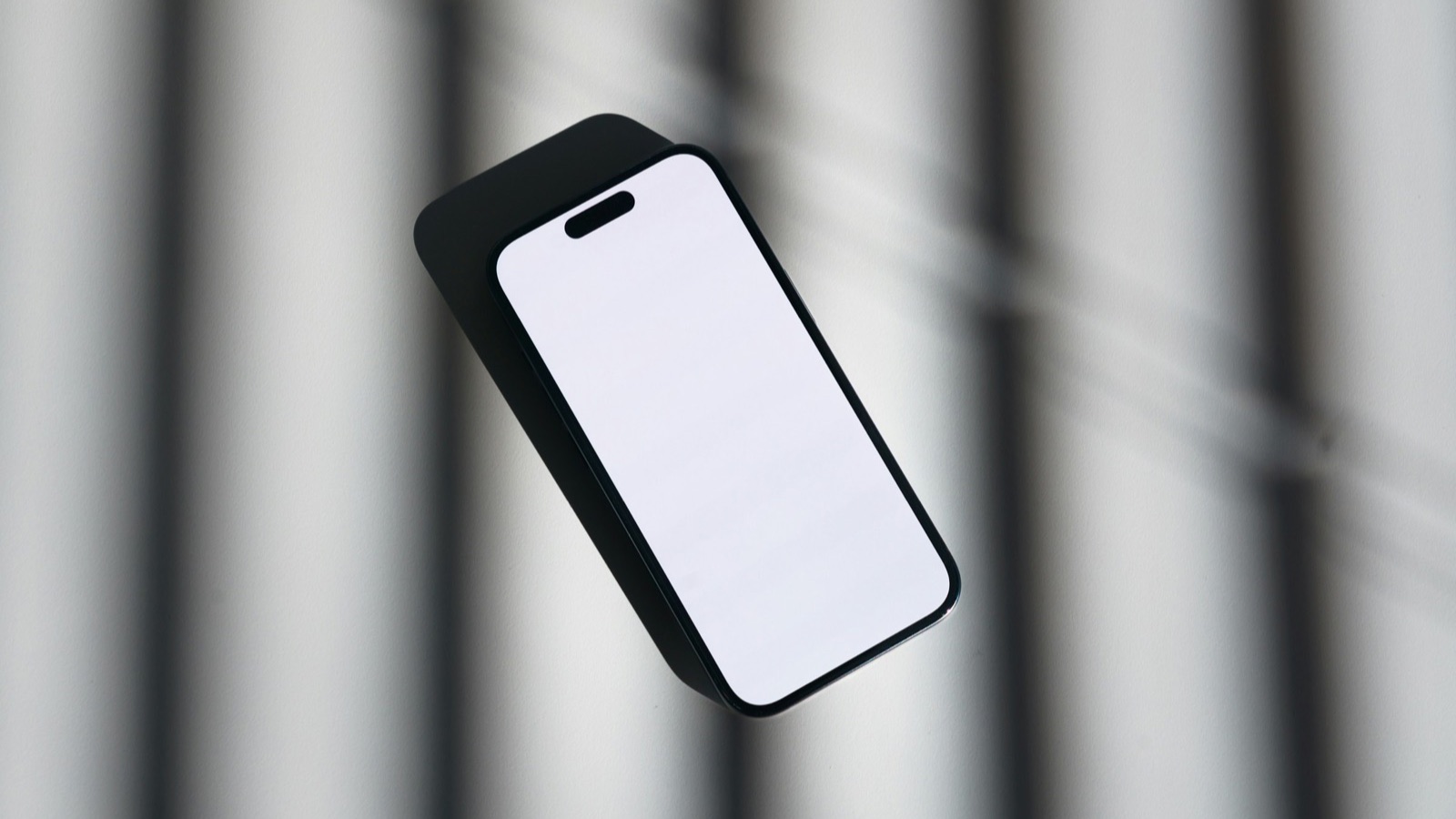
An Android mockup shows your app's screenshots inside an Android phone, such as a Pixel or Galaxy. To make one, place a screenshot inside a device frame in a design tool like Figma, using a frame from Figma's community or a device-frame generator. If your marketing doesn't need a specific Android device, our free MobileStudio App Mockup Generator frames screenshots in a realistic iPhone in seconds; it doesn't include Android frames yet.
The short answer
| Need | Best route |
|---|---|
| Pixel or Galaxy frame for a Play listing or site | Figma with a community Android frame |
| Quick framed image, device not important | App Mockup Generator (iPhone frame) |
| Generic phone, no brand | A frameless rounded-rectangle mockup |
| Moving demo | A video mockup of a screen recording |
Why use an Android mockup?
If your app is Android-only, or you're showing the Android version on Google Play or your website, an Android device makes it clear which platform the screens are from. For cross-platform apps, many teams use one device style throughout their marketing for consistency.
How do I make an Android mockup in Figma?
- Search Figma's community files for an Android or Pixel device frame and add it to your file.
- Create a frame the size of your final image, such as 1920×1080.
- Place the device frame, then put your screenshot underneath its screen area.
- Mask the screenshot to the screen shape, so the corners follow the device.
- Add a background and a headline, then export as PNG.
Figma's frames guide explains frames and clipping. Full walkthrough: how to make a mockup in Figma.
What size screenshots should I use?
Use a full-resolution screenshot from the device. On most Android phones, press power and volume down together. Avoid screenshots shared through chat apps, which compress them. For Google Play itself, Google lets you add up to 8 screenshots per device type, as its preview assets guide explains.
Do Google Play screenshots need a device frame?
No. Many listings use raw screenshots, framed images, or a mix. What matters is that they show the app clearly and follow Google's store listing best practices, such as avoiding extra text that may get cut off on some screens.
Can I use an iPhone frame for an Android app?
It can confuse people on Google Play, so avoid it there. For a website, pitch deck, or social post about a cross-platform app, an iPhone frame or a generic phone works fine. The App Mockup Generator is the quickest way to make those.
What about a mockup video?
A video mockup puts a screen recording inside a phone frame, so viewers see the app moving. It's more engaging for launches and social posts than a still. MobileStudio, which is available on Google Play, records and frames your app on your phone; see how to make a mockup video.
How do I keep Android mockups consistent?
Use the same device, angle, background, and headline style across a set, and lead with your most important screen. More tips in how to make app screenshots look professional and our general phone mockup guide.
Where MobileStudio fits
The App Mockup Generator is one of our free tools. MobileStudio, on Google Play, turns your Android screen recordings into polished video mockups with device frames, zooms, and backgrounds. Get MobileStudio.
Quick FAQ
How do I make an Android mockup for free?
Use a community Android frame in Figma's free plan.
Does the MobileStudio mockup generator have Android frames?
Not yet. It frames screenshots in an iPhone.
What's the best Android device for a mockup?
A recent Pixel or Galaxy is familiar to most Android users.
Can I use mockups on Google Play?
Yes, as long as the screenshots show your app clearly.
How many screenshots can I add on Google Play?
Up to 8 per device type.