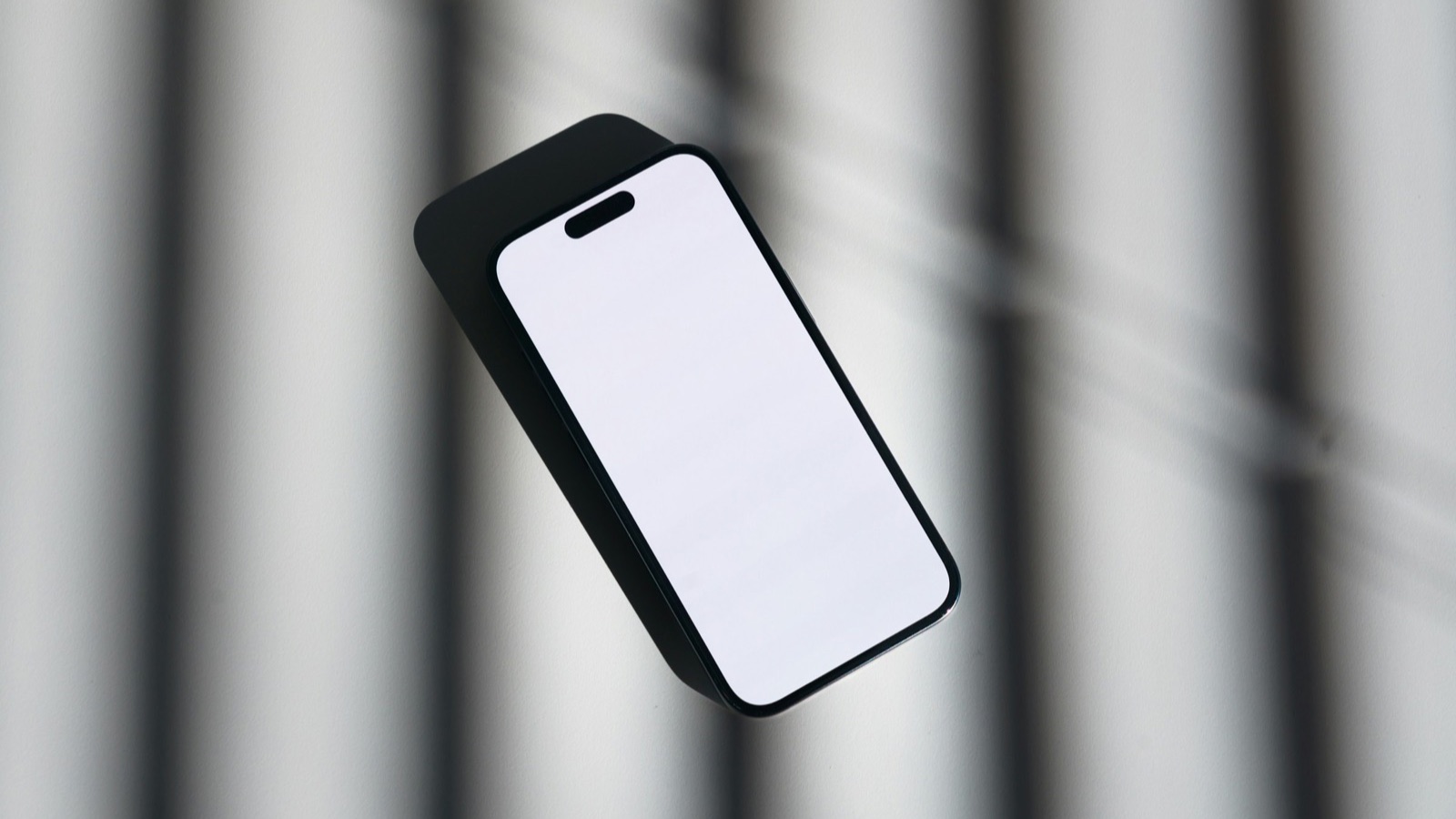
To make a mockup in Figma, add a device frame (Apple's official bezels or a community phone frame), place your app screenshot underneath the frame's screen, mask it to the screen shape, then add a background and headline and export a PNG. It gives you full control over every pixel. If you need a quick framed image instead, the free MobileStudio App Mockup Generator does it in seconds without a design tool.
The short answer
| Step | In Figma |
|---|---|
| 1. Canvas | Create a frame at your final size, such as 1920×1080 |
| 2. Device | Add an iPhone bezel or a community device frame |
| 3. Screen | Paste your screenshot below the bezel |
| 4. Mask | Clip the screenshot to the screen shape |
| 5. Style | Add a background and headline |
| 6. Export | Export the frame as PNG at 1x or 2x |
Where do I get device frames for Figma?
- Apple Design Resources: Apple publishes product bezels and iOS UI kits for Figma on Apple Design Resources. They're accurate and up to date.
- Figma Community: search for "iPhone mockup" or "Android device frame" and duplicate a file. Check each file's license for commercial use.
How do I make the mockup?
- Press F and draw a frame at your final size, such as 1080×1350 for a feed post. Figma's frames guide explains frames and their settings.
- Add the device bezel and scale it to fit, leaving space around it.
- Paste your screenshot and place it under the bezel layer.
- Draw a rectangle matching the screen area, with the same corner radius as the device's screen.
- Select the rectangle and the screenshot, and choose Use as mask, with the rectangle below the screenshot.
- Add a background (a fill on the frame or a shape behind everything) and a short headline.
How do I export a Figma mockup?
Select the outer frame, open Export in the right panel, choose PNG and 2x for sharp results, and click export. Use JPG for a smaller file when transparency isn't needed. For App Store screenshots, export at Apple's exact sizes; see App Store screenshot sizes and Apple's screenshot specifications.
How do I make a set of mockups quickly in Figma?
Turn your finished mockup into a component, with the screenshot as a swappable layer, then duplicate the frame for each screen and replace the image. Every mockup in the set keeps the same frame, background, and headline style. That consistency is what makes a screenshot set look professional; see how to make app screenshots look professional.
When is Figma overkill?
For one or two framed images for a tweet, a blog post, or a quick deck, setting up bezels and masks takes longer than it's worth. The App Mockup Generator frames a screenshot in an iPhone with a background and canvas size in one step, then exports PNG or JPG. Figma pays off for large, branded sets you'll update often.
Can Figma make video mockups?
Figma prototypes can animate, but turning a real screen recording into a framed video is easier in a video tool. MobileStudio does this on your phone; see how to make a mockup video. Before App Store upload, also check Apple's Guideline 2.3.3 on what screenshots should show.
Where MobileStudio fits
The App Mockup Generator is one of our free tools. MobileStudio itself turns your screen recordings into polished video mockups with device frames, zooms, and backgrounds. Get MobileStudio.
Quick FAQ
How do I make an iPhone mockup in Figma?
Add Apple's bezel from Apple Design Resources, mask your screenshot to the screen, and export.
Are Figma mockups free?
Figma has a free plan, and Apple's bezels and many community frames are free to use.
How do I mask a screenshot in Figma?
Place a screen-shaped rectangle below it, select both, and choose Use as mask.
What export settings should I use?
PNG at 2x for sharp images.
Is there a faster way than Figma?
Yes. The App Mockup Generator frames a screenshot in one step.