Free iPhone mockups are easy to find. The catch is in the license: some are free for personal projects only, some need attribution, and some aren't really free at all.
Where to find free iPhone mockups
Apple Design Resources. Apple's official device bezels, free to download, intended for presenting apps on Apple platforms. Read Apple's terms and marketing guidelines.
Figma Community. Search "iPhone mockup" for many free files. Each file shows its license.
Design resource sites. Many offer free mockups in exchange for an email or attribution.
Understand the license before you use it
| License type | Usually means |
|---|---|
| Free for personal use | Not for client work, ads, or your product's marketing |
| Free with attribution | Credit the creator where you use it |
| Free for commercial use | Use in marketing, but check limits |
| "Free" with a paid upgrade | Low-res free version, full version paid |
When in doubt, ask the creator or choose a clearly licensed option.
Quality checklist
- High resolution: at least as large as your final image.
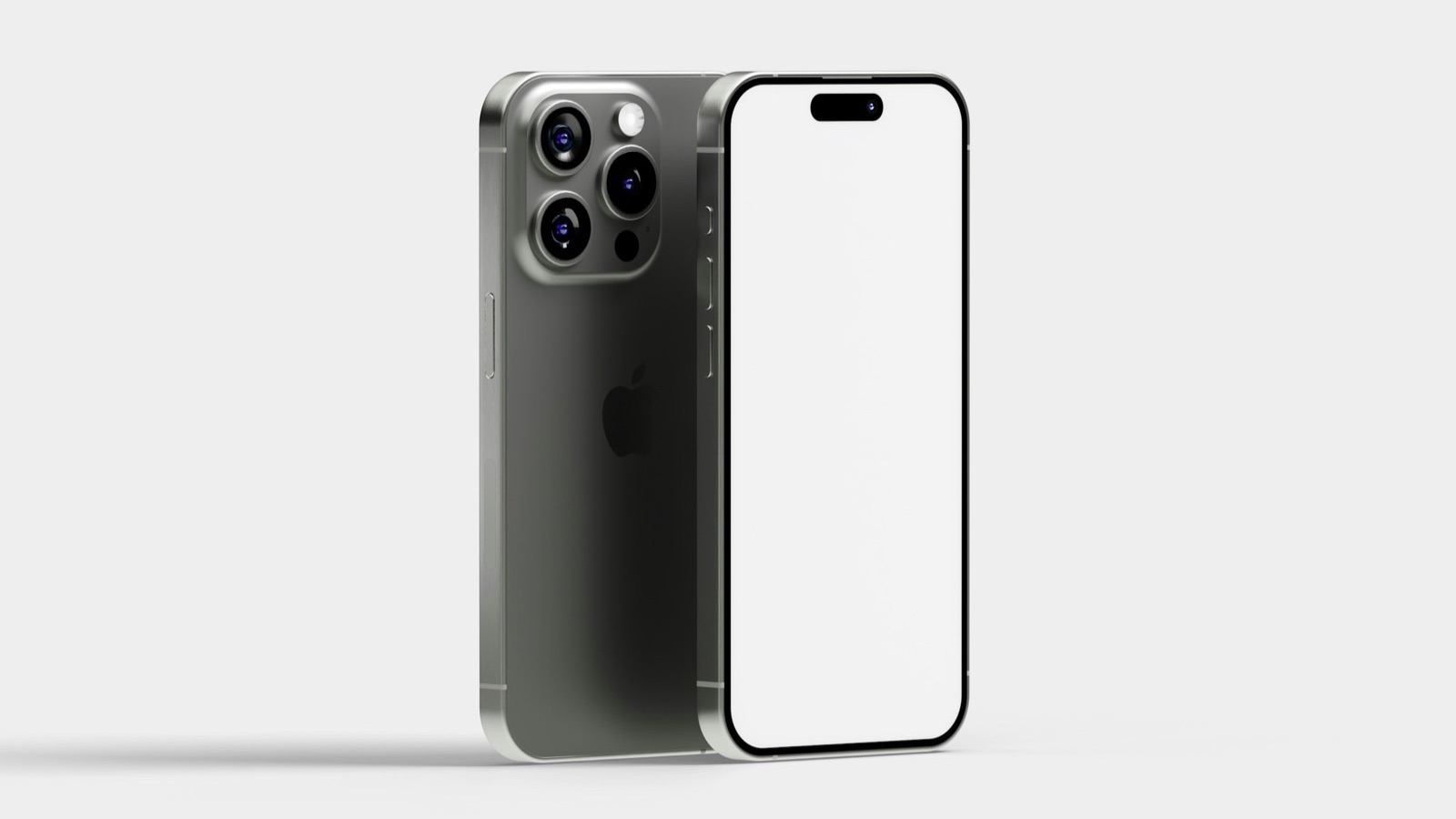
- Accurate proportions: compare with Apple's official bezels.
- Editable screen: a smart object or a separate screen layer saves time.
- Transparent background: see iPhone mockup PNG.
Free mockups for video
Most free mockups are for still images. For screen recordings, the frame needs to sit over the whole video. That's where a video tool comes in.
Free tool: the App Mockup Generator puts your screenshot in a realistic iPhone frame and exports a PNG or JPG in seconds.
Where MobileStudio fits
MobileStudio applies device frames to your app's screen recordings, with backgrounds and zooms, on your phone, so you don't need to piece together video mockups by hand. Get MobileStudio.
Quick FAQ
Are Apple's iPhone frames free?
Yes, from Apple Design Resources, under Apple's terms.
Can I use a free mockup on my app's website?
Only if its license allows commercial use.