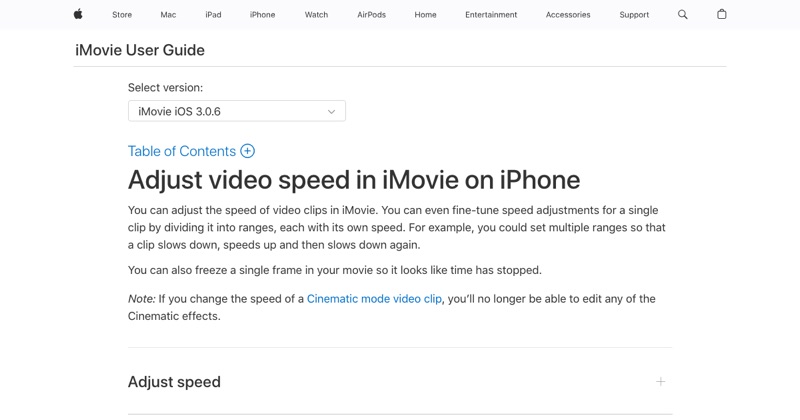
iMovie is Apple's free video editor, and it's the best built-in way to speed up video on iPhone. This guide goes through every control, so you get exactly the result you want the first time.
Set up the project
- Open iMovie (free in the App Store if it's not installed).
- Tap Start New Project, then Movie.
- Choose your video and tap Create Movie.
Your clip appears in the timeline at the bottom.
Speed up the whole clip
- Tap the clip so it gets a yellow outline.
- Tap Speed (the speedometer icon) in the toolbar below.
- Drag the slider right. The label under the clip shows the speed, like 2x (the maximum in one pass).
Speed up only part of it
This is iMovie's best trick, and many people miss it:
- With Speed selected, a yellow bar with handles appears on the clip.
- Drag the handles to cover only the part you want faster.
- Tap Add to create another range with its own speed.
Use it to fast-forward through loading or typing, then drop back to 1x for the important moment.
What happens to the sound
By default iMovie keeps the pitch of sped-up audio natural, so voices don't sound chipmunk-like. Even so, fast speech is hard to follow. Above about 1.5x, mute the clip (Audio button > mute) and add music.
Freeze frames
In the same Speed controls you can add a Freeze frame, which holds one moment. It's useful for pointing out a detail before speeding on.
Export without losing quality
- Tap Done at the top-left.
- Tap the Share icon.
- Tap Save Video.
The export keeps the original resolution. Your original clip in Photos is unchanged.
Free tool: Speed Up Video makes any video 0.25× to 4× faster or slower in your browser, with natural-sounding audio and no watermark.
Where MobileStudio fits
Speeding up the slow parts is one of the most common edits for app screen recordings. MobileStudio is built around that kind of editing for app demos: pacing, framing, and exporting on your phone. Get MobileStudio.
Quick FAQ
What's the max speed in iMovie on iPhone?
2x per pass. Export and re-import to go further.
Why is the Speed button missing?
Make sure the clip is selected (yellow outline).