There are four realistic ways to speed up video on an iPhone. Each one fits a different situation. Here they are side by side.
The comparison
| Method | Cost | Works on | Max speed | Watermark | Best for |
|---|---|---|---|---|---|
| iMovie | Free (Apple) | Any video | 2x per pass | No | Most people |
| Photos | Built in | Slo-mo clips only | Normal speed | No | Undoing slow motion |
| Camera Time-lapse | Built in | Future recordings | Automatic | No | Long scenes you haven't filmed yet |
| CapCut | Free with paid tiers | Any video | Well above 2x | Check export settings | Very fast or curved speeds |
iMovie: the default choice
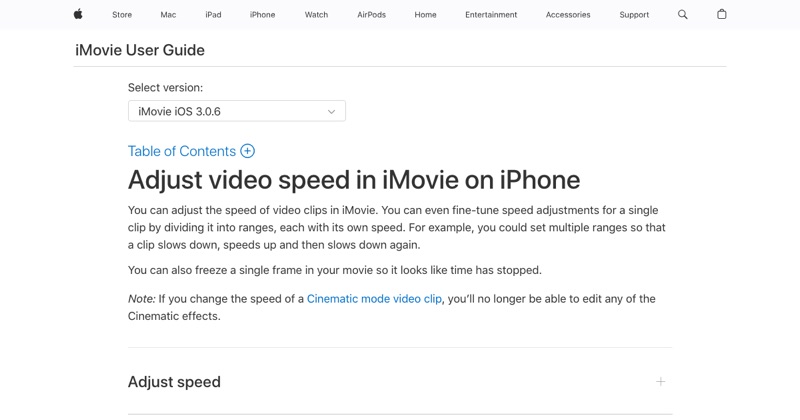
Free, from Apple, no watermark. Create a Movie project, tap your clip, tap Speed, slide to 2x, then Done > Share > Save Video. You can also speed up just one section. Full iMovie walkthrough.
Photos: only for Slo-mo
If the clip was shot in Slo-mo, open it in Photos, tap Edit, and drag the slow-motion markers on the timeline together. The clip then plays at normal speed. Photos can't make a regular video faster than normal.
Time-lapse: plan ahead
Filming a sunset, a cooking process, or a long drive? Swipe to Time-lapse in the Camera app before you start. The iPhone captures frames at intervals and plays them back fast automatically.
CapCut: for extreme speeds
CapCut's speed tool goes far beyond 2x and offers speed curves (gradual speed-ups). It's free with paid upgrades, so check the export settings before you rely on it. How to speed up a video in CapCut.
Which should you pick?
- Just need it faster: iMovie.
- Shot in Slo-mo by accident: Photos.
- Haven't filmed it yet: Time-lapse.
- Need 4x or faster: CapCut, or iMovie twice.
Free tool: Speed Up Video makes any video 0.25× to 4× faster or slower in your browser, with natural-sounding audio and no watermark.
Where MobileStudio fits
For screen recordings of your app, speed is just one part of making a good demo. MobileStudio handles pacing, device frames, and export on your phone. Get MobileStudio.
Quick FAQ
What's the easiest way to speed up a video on iPhone?
iMovie: tap the clip, tap Speed, slide to 2x.
Can Photos speed up a normal video?
No, only Slo-mo clips back to normal speed.