Screen recordings are the videos that most need speeding up. They're full of dead time: apps loading, typing, scrolling to the right spot. But speeding up the whole thing makes it impossible to follow. The trick is to speed up only the slow parts.
Why not just speed up the whole recording?
At 2x, taps happen too fast to see, text flashes by before anyone can read it, and the viewer loses the thread. Keep the meaningful moments, like the tap that matters or the result appearing, at normal speed.
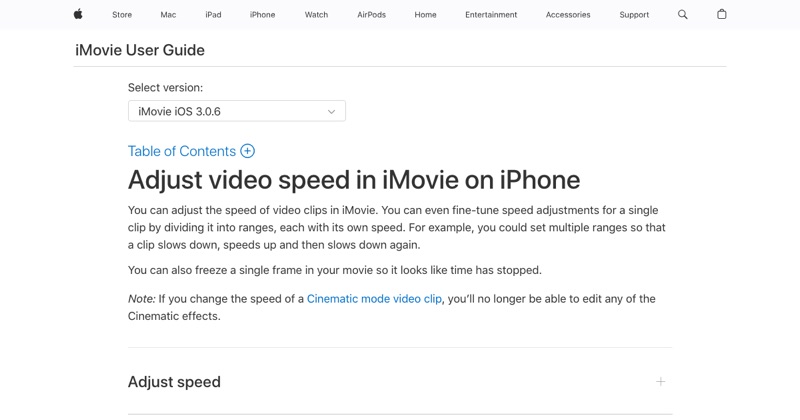
Speed up selected parts in iMovie
- Open iMovie (free from Apple) and tap Start New Project > Movie.
- Select your screen recording and tap Create Movie.
- Tap the clip, then tap Speed.
- Drag the yellow handles to cover the first slow section, like an app loading.
- Set that range to 2x.
- Tap Add to create the next range, and repeat for each slow stretch.
- Leave everything else at 1x.
- Tap Done > Share > Save Video.
What to speed up in a screen recording
- Loading and waiting: always.
- Typing: speed it up, or cut it and show the finished text.
- Long scrolls: speed up, but slow down as you arrive.
- Navigation: going through menus to get to the point.
What not to speed up
- The key tap or swipe you're demonstrating.
- Any text the viewer needs to read.
- The result or "aha" moment.
Mute sped-up audio
Sped-up screen recordings with sound are distracting. Mute the clip in iMovie (Audio > mute) and add music, or keep it silent with captions.
Trim first, then speed up
Before adjusting speed, cut the start (closing Control Center) and the end (reaching for stop) in Photos with Edit. Less footage means fewer ranges to manage.
For more pacing advice, see how to speed up a video on iPhone.
Free tool: Speed Up Video makes any video 0.25× to 4× faster or slower in your browser, with natural-sounding audio and no watermark.
Where MobileStudio fits
This is exactly the editing MobileStudio is built for: turning a long, raw screen recording of your app into a tight, well-paced demo on your phone. Get MobileStudio.
Quick FAQ
How fast should a screen recording be sped up?
2x for waiting and typing, 1x for anything the viewer needs to follow.
Can I speed up a screen recording without iMovie?
Not in Photos. Use iMovie or another editor.