A common reason to speed up video in CapCut is to squeeze a long clip into a short Reel or TikTok. Here's how to do that without losing your viewer.
Work out the speed you need
Divide your clip length by the target length. For a 60-second clip that needs to be 15 seconds, that's 4x. Then decide which parts can go faster and which need to stay slow.
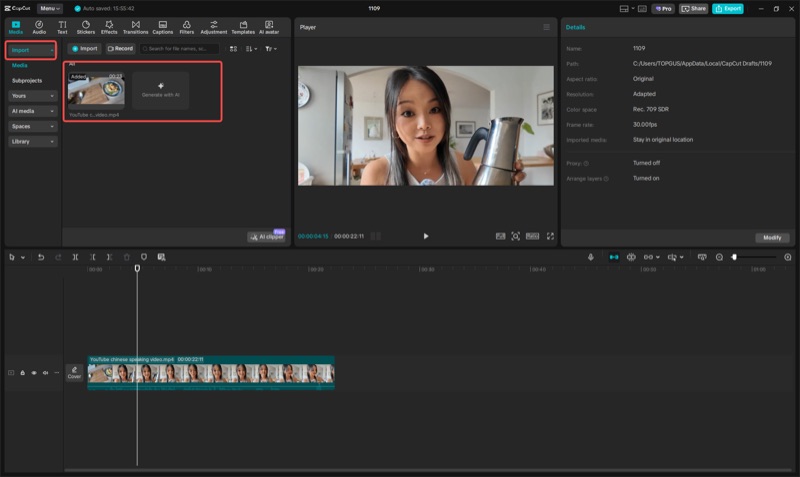
Apply speed in CapCut
- Add your clip to a new project.
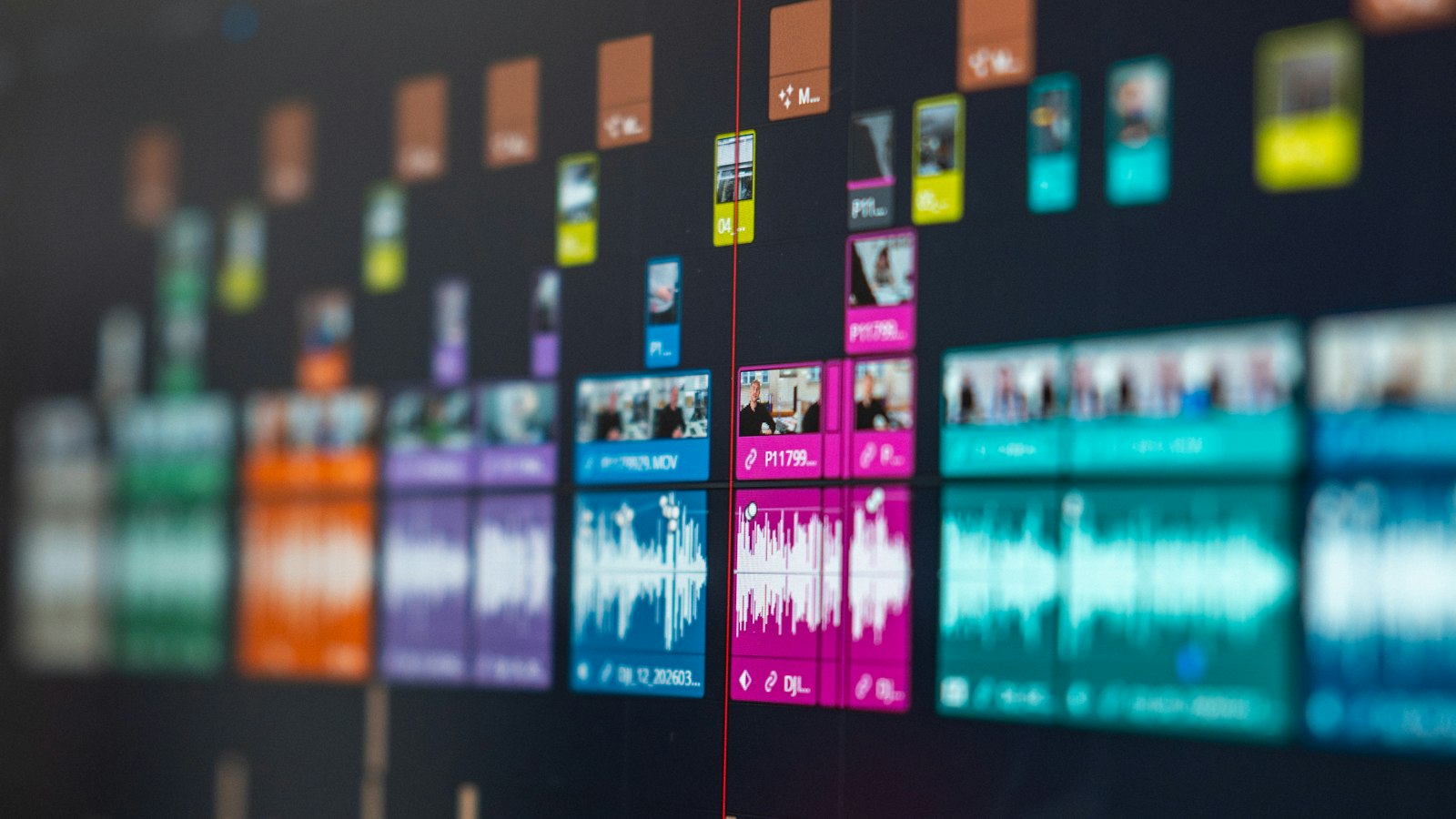
- Split it at the start and end of each section that can go faster.
- Select a section, tap Speed > Normal, and set the speed.
- Leave the important moments at 1x.
Sync to music
Speeding up to music beats looks intentional instead of random:
- Add your music track.
- Use CapCut's beat markers (in the audio options) to see the beats.
- Make sped-up sections start and end on a beat.
Use Curve speed for transitions
Speed > Curve ramps speed up and down within a clip. A short burst of speed between two scenes makes a smooth transition.
Keep it readable on a small screen
- Don't speed through text. Hold it for at least a second or two.
- Put captions in the middle of the frame, away from the app's buttons at the edges.
- Watch the export on your phone before posting.
Export settings for social
Export in a vertical 9:16 project, and check the resolution in the export screen. Higher frame rates make fast motion look smoother.
Free tool: Speed Up Video makes any video 0.25× to 4× faster or slower in your browser, with natural-sounding audio and no watermark.
Where MobileStudio fits
If you're making Reels or TikToks about your own app, MobileStudio turns screen recordings into polished, vertical app demos on your phone. Get MobileStudio.
Quick FAQ
What speed should I use for a Reel?
Whatever fits your target length, but keep key moments at 1x.
Can CapCut speed up just part of a video?
Yes. Split the clip and speed up only that section.