To make a boomerang video from any clip, make a reversed copy and put it right after the original, so it plays forward then backward. Loop it for the classic effect. The free MobileStudio Reverse Video tool makes the reversed half in your browser; join the two in any editor. If you're recording right now, Instagram's Boomerang camera and iPhone's Live Photo Bounce do it automatically.
The short answer
| Starting point | Best way |
|---|---|
| A video you already have | Reverse a copy, join it to the original |
| Recording now, for Stories | Instagram's Boomerang camera |
| A Live Photo on iPhone | Live menu > Bounce |
| You want a GIF | Samsung's swing GIF, or convert the boomerang with Video to GIF |
How do I make a boomerang from an existing video?
- Trim the moment. Keep 1 to 3 seconds of clear motion with the video trimmer. Short is key.
- Make the reversed half. Open Reverse Video, drop in the trimmed clip, and click Reverse & export.
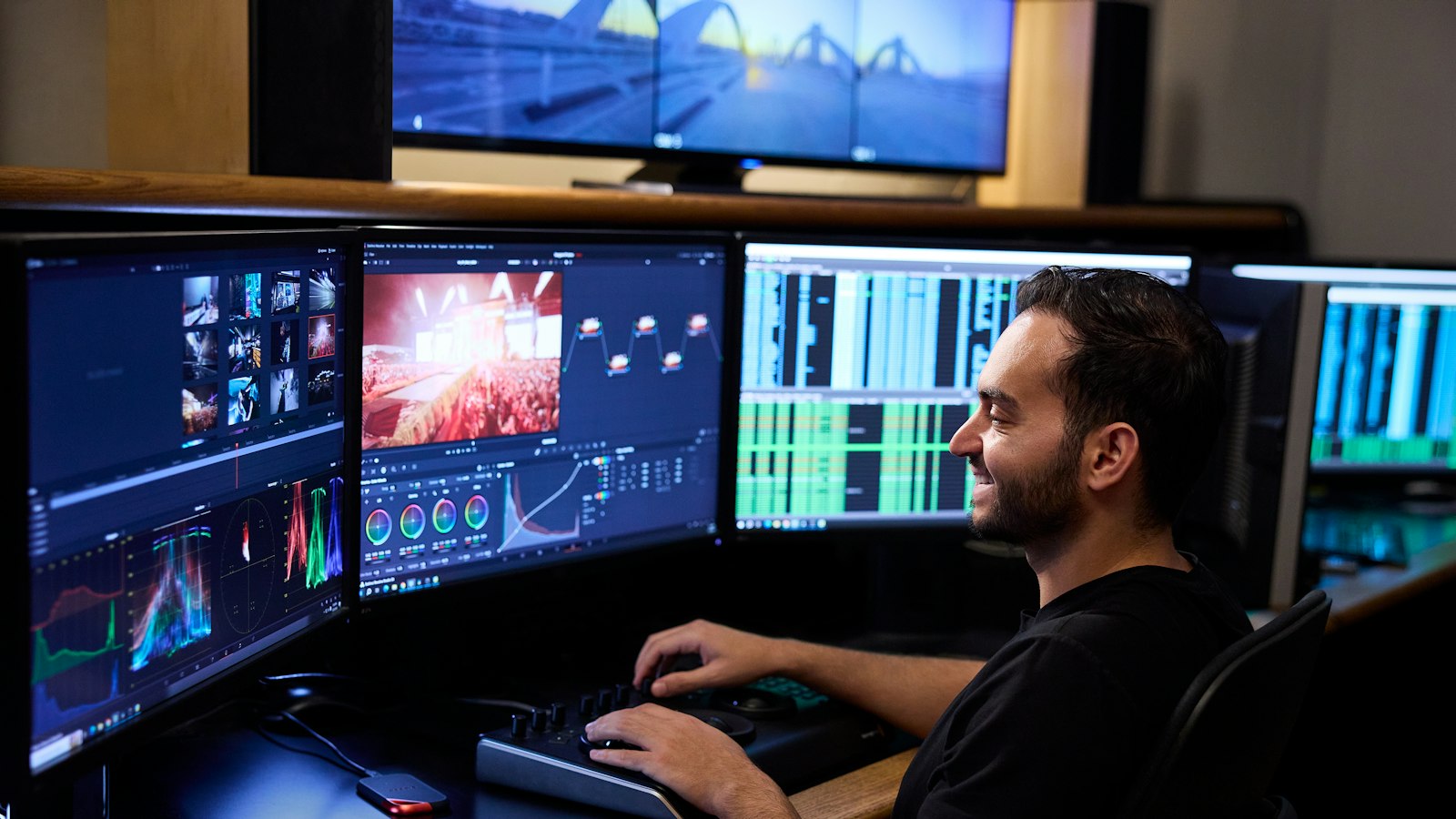
- Join them. In an editor like CapCut, iMovie, or Clipchamp, place the original clip, then the reversed clip right after it.
- Speed it up. Boomerangs look best at 1.5× to 2×; use Speed Up Video or the editor's speed control.
- Loop it. Repeat the pair a few times, or use the trimmer's Loop option on the finished file.
How do I make a boomerang on iPhone?
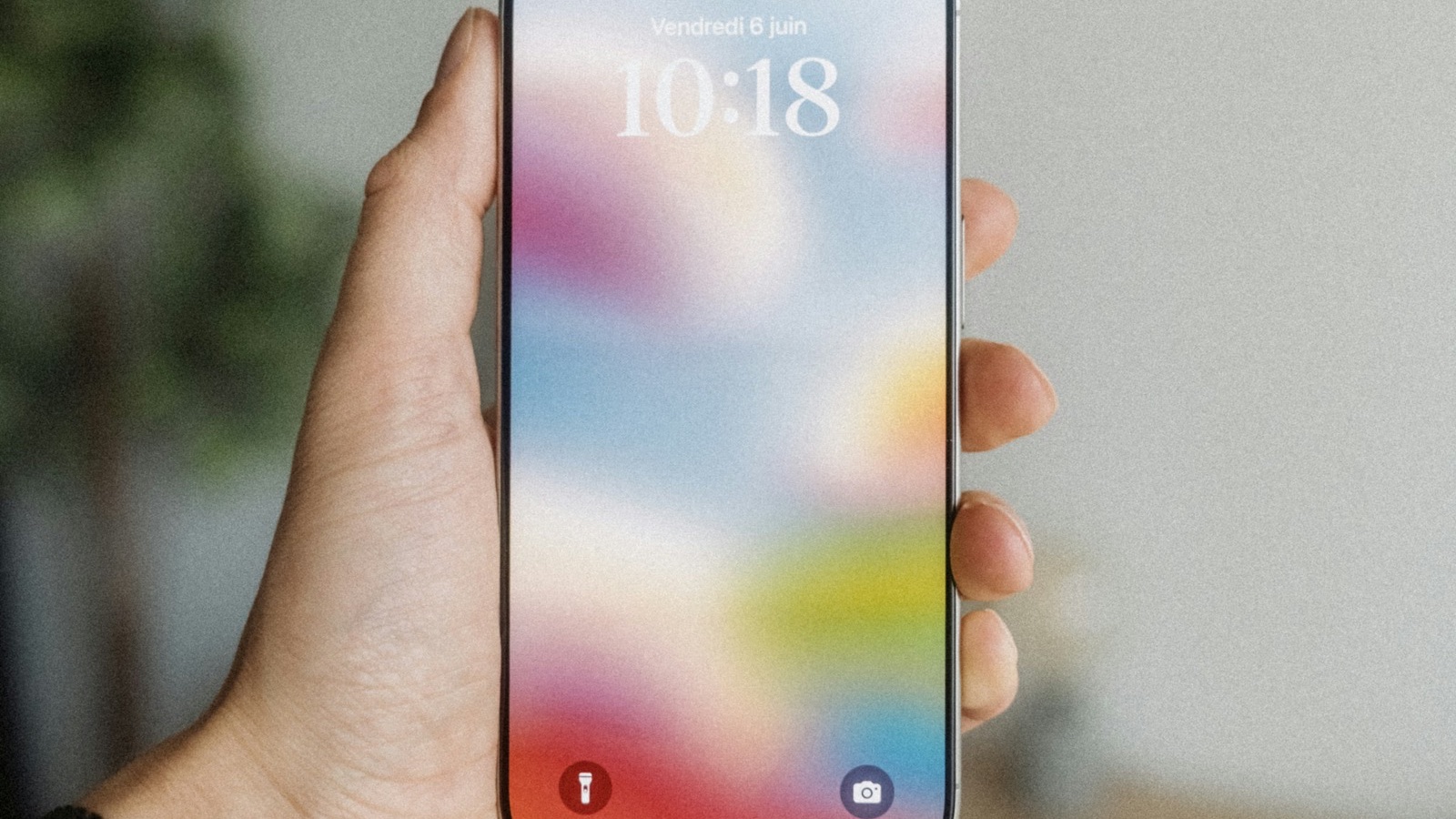
For a Live Photo: open it in Photos, tap the Live menu, and choose Bounce. It plays forward and back on repeat. Apple's video editing guide covers the other Photos edits.
For a regular video, follow the steps above, using the browser tool in Safari for the reversed half and iMovie or CapCut to join them. See how to reverse a video on iPhone.
How do I make a boomerang on Instagram?
Open the Stories camera, swipe to Boomerang, and hold the capture button. Instagram records a short burst and loops it back and forth. It only works with new recordings, not videos from your gallery. To post an existing video as a boomerang, make it with the steps above and upload it as a Story or Reel; see how to reverse a video for Instagram.
How do I make a boomerang on Android?
Samsung's Gallery can make GIFs in a swing style, which plays forward then backward, as Samsung's GIF guide shows. For a video boomerang, reverse a copy in Chrome with the browser tool and join it to the original in CapCut.
How do I make a boomerang on Mac?
In iMovie, place the clip twice in a row, select the second copy, click Speed, and tick Reverse, as Apple's iMovie speed guide explains. Export, then loop the file if you want it to repeat.
What makes a good boomerang?
- One clear motion: a jump, a toss, a clink of glasses, a hair flip.
- A still camera: prop the phone up so only the subject moves.
- Short: 1 to 2 seconds forward is plenty.
- Fast: speed it up for that snappy back-and-forth feel.
Can I turn a boomerang into a GIF?
Yes. Export the boomerang as an MP4, then convert it with Video to GIF. GIFs loop forever on their own, so a single forward-and-back pass is enough. See how to loop a video for looping the MP4 version.
Where MobileStudio fits
Reverse Video is one of our free tools. MobileStudio itself turns screen recordings into polished app demos. Get MobileStudio.
Quick FAQ
How do I make a boomerang from a video I already took?
Reverse a copy with Reverse Video and join it to the original.
Can I make a boomerang without Instagram?
Yes, with any editor plus the reverse tool, or Live Photo Bounce on iPhone.
How long should a boomerang be?
1 to 3 seconds of motion, played forward and back.
What's the difference between a boomerang and a loop?
A loop repeats forward; a boomerang alternates forward and backward.
Is Live Photo Bounce a boomerang?
Yes, it's Apple's built-in version for Live Photos.