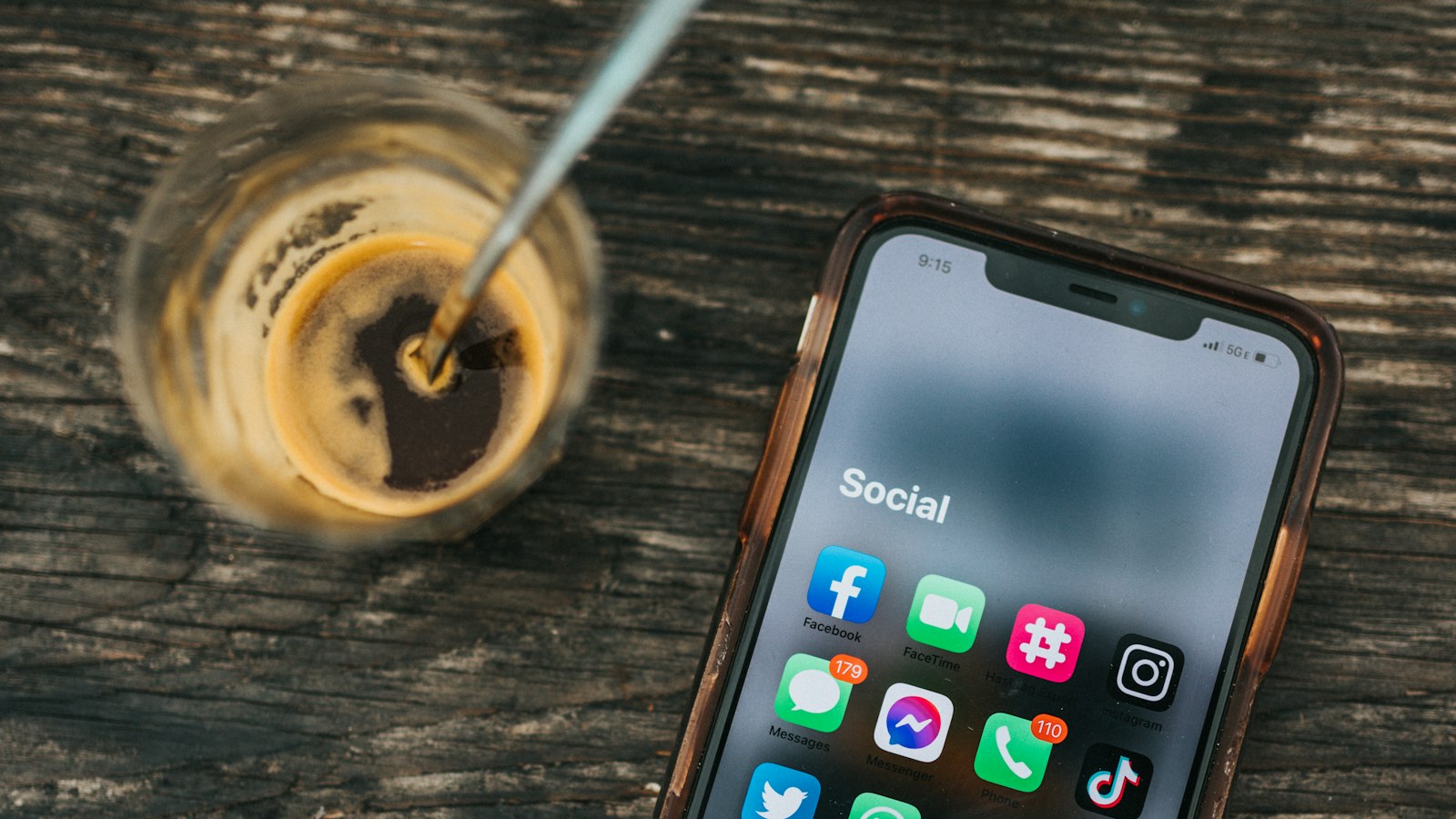
Here's exactly what happens, step by step, when you screen record someone's Instagram story.
On your side
- Your phone records everything on screen, including the story, the username, and the progress bars at the top.
- Sound is recorded if your recorder captures device audio (on iPhone, it does by default; on Android, choose device audio).
- The recording saves to your Photos or Gallery.
On their side
- They get no notification that you recorded it.
- Your name appears in their viewer list, because you watched it.
- Nothing else changes.
Close Friends stories
Stories shared to Close Friends (with the green ring) behave the same way: no recording notice. But they were shared with a small, trusted group, so recording and sharing them breaks that trust more than with a public story.
Disappearing DMs are different
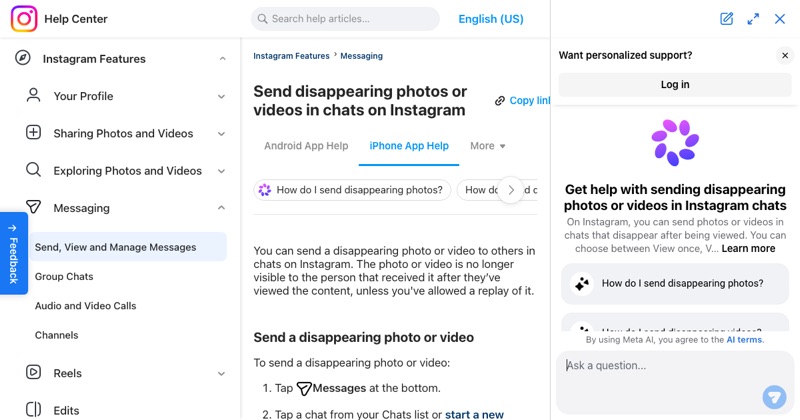
Photos and videos sent as View once or Allow replay in DMs aren't stories. The sender can be notified about screenshots, and recording may be blocked.
Practical tips for recording a story
- Hold your finger on the screen to pause the story if you need longer.
- Start recording before opening the story, so you don't miss the start.
- Trim the start and end afterwards in Photos or Gallery.
Before you share it
It's someone else's content. Ask before reposting, and never share private or Close Friends content outside the group.
For the full breakdown of notifications: does Instagram notify when you screen record.
Where MobileStudio fits
For stories about your own app, MobileStudio turns raw screen recordings into polished vertical demos. Get MobileStudio.
Quick FAQ
Does Instagram tell people if you record their close friends story?
No, but it's especially important to respect that content.
Is the story's audio recorded?
Yes, if your recorder captures device audio.