Instagram only notifies for one thing: screenshots of disappearing messages in DMs. Here's the full breakdown.
Notification table
| Content | Screenshot notice? | Screen recording notice? |
|---|---|---|
| Story | No | No |
| Feed post or carousel | No | No |
| Reel | No | No |
| Highlight | No | No |
| Live video | No | No |
| Regular DM messages | No | No |
| Disappearing photo or video (DM) | Yes | Capture may be blocked |
Disappearing messages are the exception
When Instagram introduced disappearing photos and videos in Direct, it said "the sender will be notified if you replay or screenshot the message." The sender sees it in the chat. Instagram may also block screen recording of these messages or show them as black.
What can people see?
- Story viewers: your username appears in the viewer list.
- Live viewers: your name appears while you watch.
- Reels and posts: no viewer list for individual viewers.
Is this permanent?
No. Instagram changes features often and has tested story screenshot alerts in the past. This reflects Instagram's published behavior at the time of writing.
Respect the content
No notification doesn't mean free to reuse. Creators own their photos and videos, and reposting without permission can break copyright and Instagram's rules.
Where MobileStudio fits
Making posts or Reels about your own app? MobileStudio turns screen recordings into polished vertical demos. Get MobileStudio.
Quick FAQ
Does Instagram notify screen recording of Reels?
No.
Does Instagram notify screenshots of DMs?
Only for disappearing photos and videos.
Sources and further reading
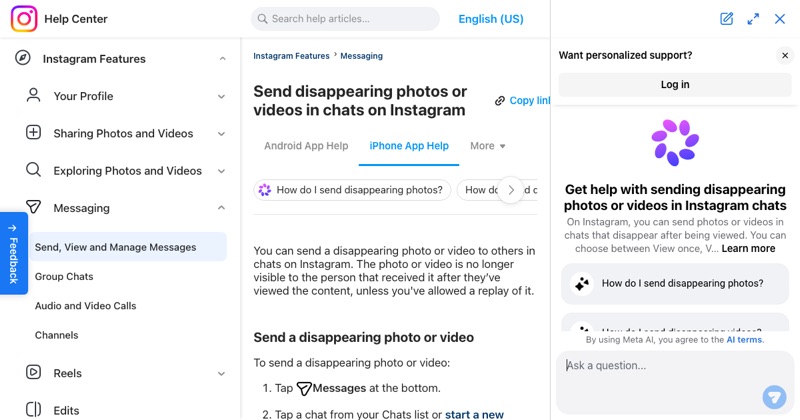 help.instagram.comInstagram Help Center: Send disappearing photos or videos in chatsInstagram Help Center: how view once and allow replay work for disappearing photos and videos.
 about.instagram.comInstagram: New updates to Instagram Direct Message (2017)Instagram's announcement of disappearing photos and videos in Direct, including screenshot and replay notices.