If you're asking "how do I screen record on iPhone", there's a good chance you already tried and something went wrong. Here's the 20-second version, then the fixes for every common problem.
The quick version
Swipe down from the top-right corner, tap the Screen Recording button, wait for the countdown, and tap the red indicator at the top to stop. The video goes to Photos.
Problem: there's no Screen Recording button
It isn't always in Control Center by default. Add it:
- Open Control Center and tap + (top-left).
- Tap Add a Control and search Screen Recording.
On iOS 17 or older: Settings > Control Center, then the green +.
Problem: the button is gray and won't tap
That's a restriction. Go to Settings > Screen Time > Content & Privacy Restrictions > Content Restrictions > Screen Recording and set it to Allow. If the phone is managed by a school or company, their profile may block it, and only they can lift it.
Problem: the recording has no sound
- Your voice is missing: the microphone is off by default. Touch and hold the record button and turn Microphone on.
- An app is silent: some apps go quiet in Silent mode, and some protect their audio.
- A call is silent: call audio is never recorded.
All the causes are in why screen recordings are silent.
Problem: part of the video is black
Streaming apps and some banking apps block screen capture. The black area is intentional and there's no setting to change it.
Problem: the recording stopped on its own
Usually storage. Free up space in Settings > General > iPhone Storage. A low battery, a phone call, or starting AirPlay mirroring can also end it.
Problem: "Screen recording failed to save"
Restart the iPhone and try a short test recording. If it keeps failing, free up storage. Saving a large video needs extra temporary space.
Still stuck?
Restart the phone, update iOS in Settings > General > Software Update, and try a 10-second test. If the button works but nothing saves, check that Photos has space and isn't stuck syncing.
Where MobileStudio fits
Once recording works, MobileStudio helps turn the clip into something worth sharing: framed, zoomed, and exported for social or your website. Get MobileStudio.
Quick FAQ
Why won't my iPhone screen record?
Most often the button is missing from Control Center or a Screen Time restriction is on.
Why does my screen recording have no audio?
The microphone is off by default, and call audio is never captured.
Sources and further reading
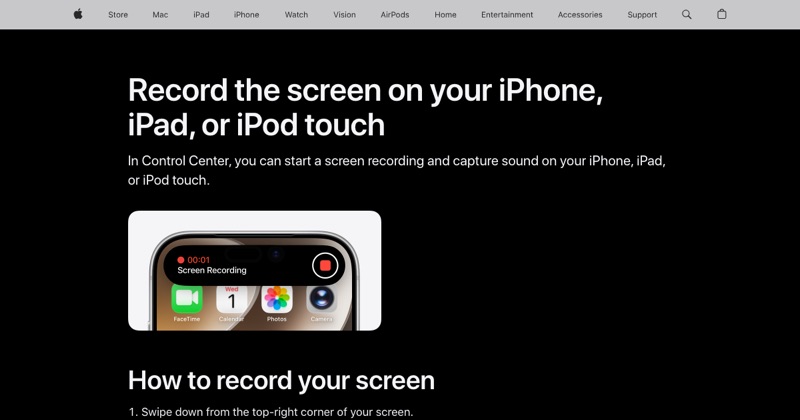 support.apple.comApple Support: Record the screen on your iPhone, iPad, or iPod touchIn Control Center, you can start a screen recording and capture sound on your iPhone, iPad, or iPod touch.
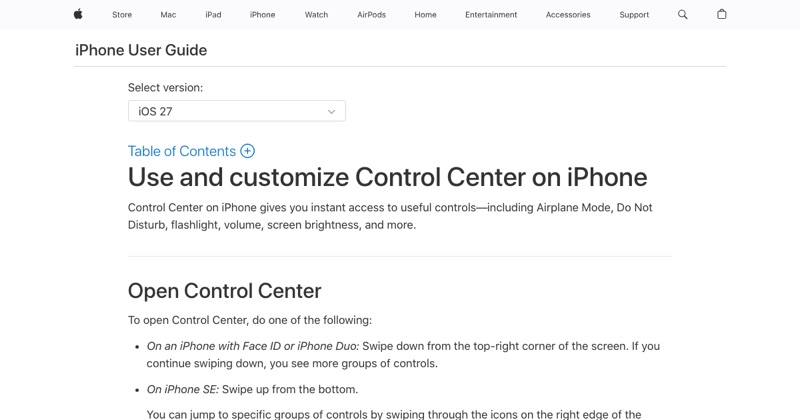 support.apple.comApple Support: Use and customize Control Center on iPhoneOpen the iPhone Control Center to access useful controls. You can customize Control Center by adding controls.