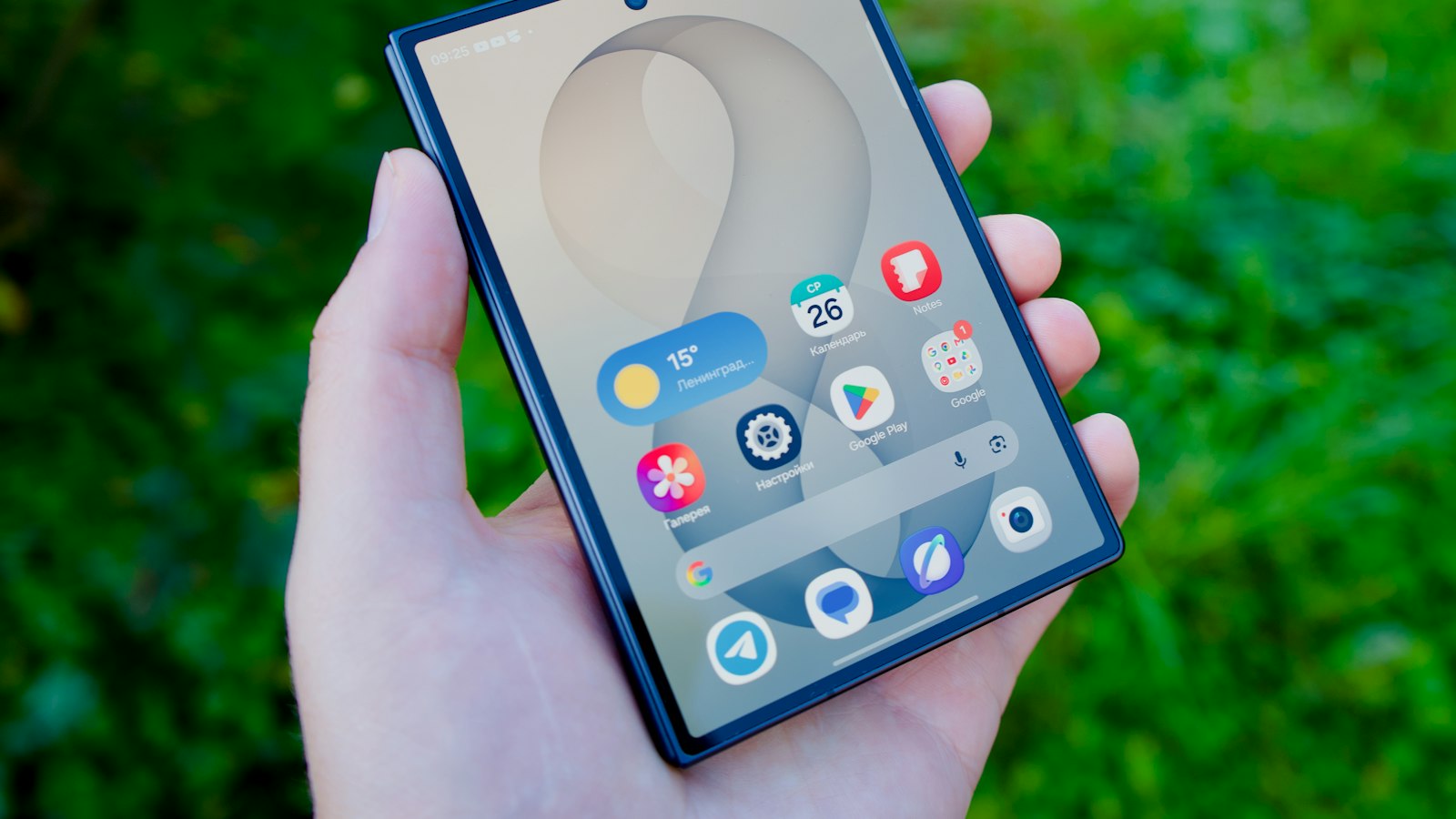
Google Pixel phones have one of the best built-in screen recorders on Android, including the option to record just one app. Here's how to use it.
Start a recording
- Swipe down twice to open Quick Settings.
- Tap Screen record. (If it's missing, tap the pencil icon and add it.)
- Choose your options (below), then tap Start.
Record one app or the entire screen
Recent Pixel software asks what to record:
- Record one app: only that app is captured. Notifications and other apps stay out of the video.
- Record entire screen: everything, like older versions.
For demos and tutorials, one app is usually cleaner.
Audio options
Turn on Record audio, then choose:
- Device audio: app and game sounds.
- Microphone: your voice.
- Device audio and microphone: both.
Show touches
Turn on Show touches on screen to show a dot wherever you tap. It's very useful for tutorials.
Stop and find it
Swipe down and tap the screen recorder notification to stop. In Google Photos, find it under Collections > On this device > Movies.
Tips for Pixel
- Turn on Do Not Disturb if you're recording the whole screen.
- Some apps block recording and show black. That's the app, not the Pixel.
- Call audio isn't recorded.
Where MobileStudio fits
Recording your app on a Pixel? MobileStudio turns raw recordings into polished demos with frames and zooms. Get MobileStudio.
Quick FAQ
Can Pixel record just one app?
Yes, on recent software. Choose "Record one app".
Where are Pixel screen recordings saved?
Google Photos, under Collections > On this device > Movies.