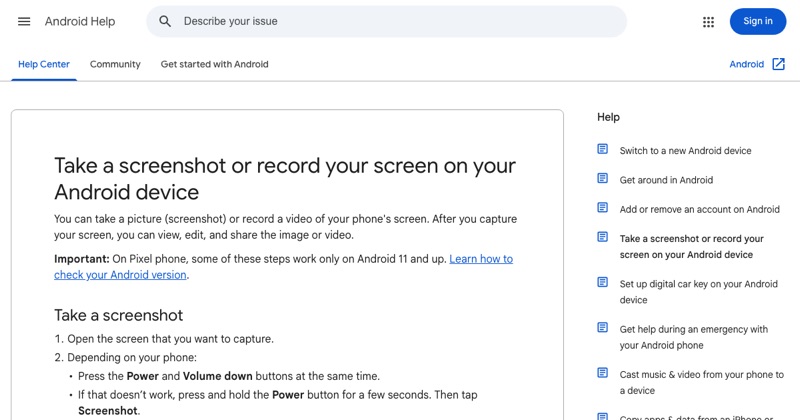
A screen recording for a tutorial needs more than pressing record. Viewers need to see your taps, hear your explanation, and keep up. Here's how to set that up on Android.
Before you record
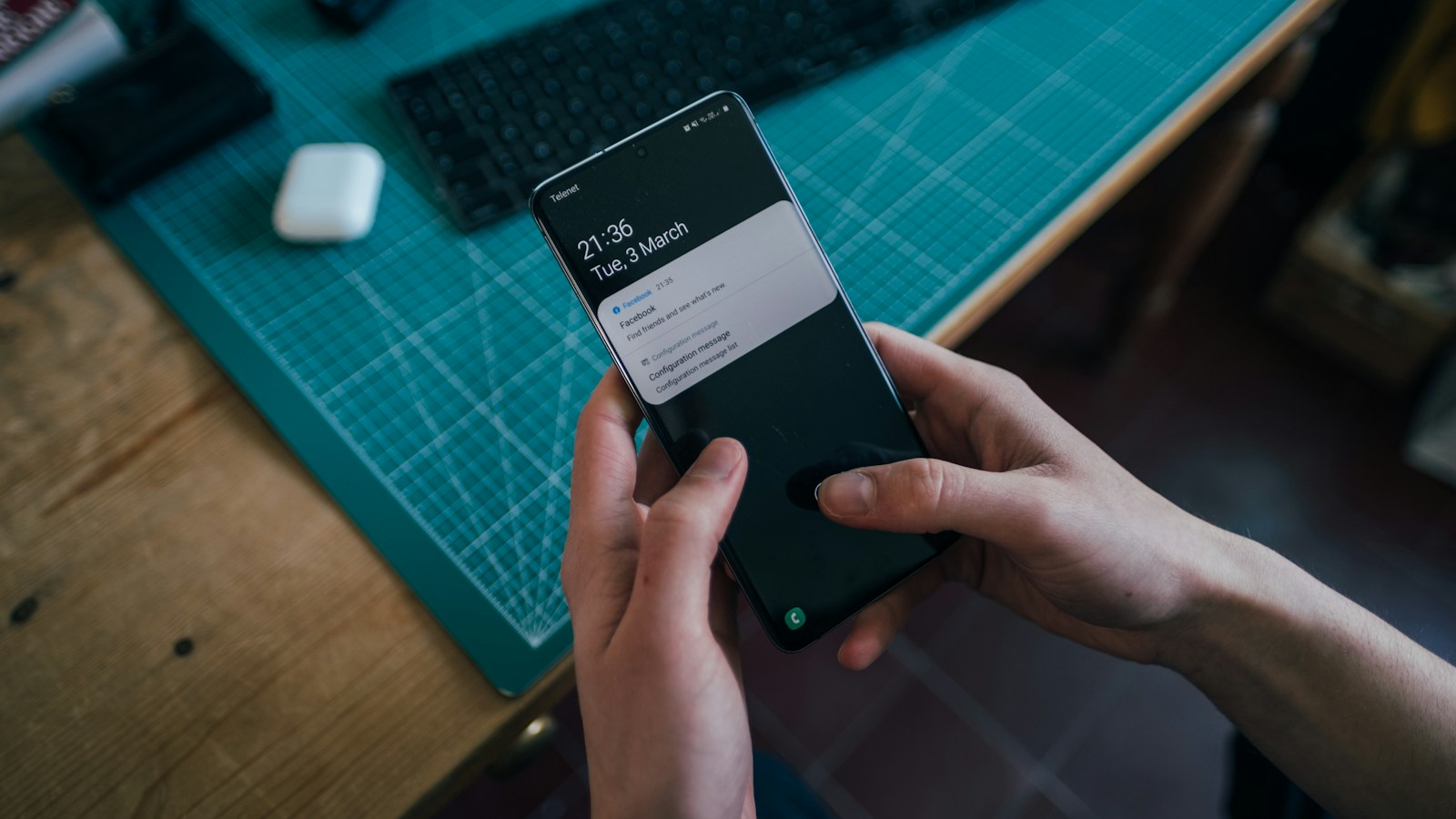
- Turn on Do Not Disturb so notifications don't interrupt.
- Open the starting screen first.
- Close other apps you don't want visible.
- Charge the phone, or keep it plugged in.
Choose the right recorder options
- Swipe down twice and tap Screen record.
- Record one app (if offered) keeps everything else out.
- Turn on Record audio and choose Microphone (or Device audio and microphone if the app's sounds matter).
- Turn on Show touches on screen so viewers see every tap.
- Tap Start.
On Samsung, choose Media sounds and mic and enable showing taps in the recorder settings.
Narrate well
- Say what you're about to do before you tap.
- Keep sentences short.
- Pause between steps, since you can trim pauses later.
- Speak at a normal distance from the phone in a quiet room.
Clean up the status bar (optional)
For a polished look, developers can use System UI demo mode in Developer options to show a fixed clock and full battery. Everyone else can crop the status bar out afterwards.
After recording
Trim the start and end in Google Photos or your Gallery's editor. Watch it once all the way through. If something was confusing, re-record that part.
Where MobileStudio fits
Making tutorials or demos of your own app? MobileStudio turns raw recordings into polished, framed videos. Get MobileStudio.
Quick FAQ
How do I show taps in an Android screen recording?
Turn on "Show touches on screen" in the recorder options.
Can I record my voice and app sound together?
Yes. Choose device audio and microphone.