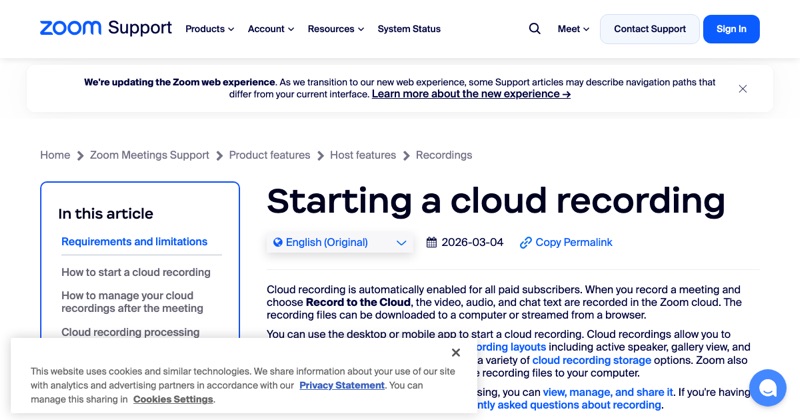
Here's how to record Zoom on whatever you're using, with no extra detail.
On a computer (Windows, Mac, Linux)
- Use the Zoom desktop app.
- In the meeting, click Record.
- Pick Record on this Computer (or Record to the Cloud on paid plans).
- Click Stop, or end the meeting.
The file appears as an MP4 after the meeting ends. Full local recording guide.
On iPhone or iPad
- You need to be the host (or co-host) on a paid Zoom account.
- In the meeting, tap More (the three dots).
- Tap Record to the Cloud.
- Find the recording later in the Zoom web portal under Recordings.
On Android
Same as iPhone: tap More > Record (cloud recording, paid account).
No Record button?
- You're not the host: ask for permission or ask the host to record.
- Free account on a phone: phones only do cloud recording. Use the desktop app instead.
- Your organization turned recording off: ask your admin.
Always tell people
Zoom shows everyone a recording notice. If you use a separate screen recorder instead, tell participants yourself and get their OK. Consent rules vary by location.
Where MobileStudio fits
Showing a mobile app in a meeting? MobileStudio turns a phone recording of your app into a polished demo to share alongside the call. Get MobileStudio.
Quick FAQ
Is recording Zoom free?
Local recording on the desktop app is free. Cloud recording needs a paid plan.
Can I record Zoom on my phone for free?
Not with Zoom's recorder. Phones only use cloud recording.