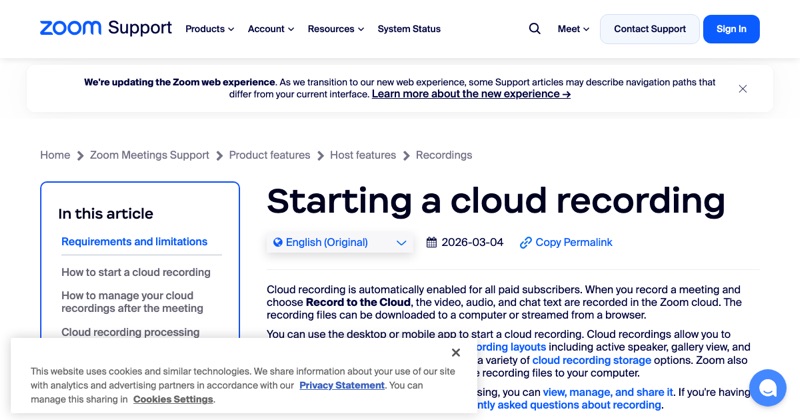
If you're not the host, Zoom's Record button won't work for you until the host allows it. Here's how to get permission and what the host needs to do.
Step 1: Ask the host
Send a quick chat message: "Could you allow me to record? It's for my notes." Many hosts will say yes, and some will offer to record and share the file instead.
Step 2: What the host clicks
The host opens Participants, hovers over your name, clicks More, and chooses the option to allow recording (wording varies, like Allow Record or Allow to record local files).
Step 3: Record
Once allowed, click Record in your meeting controls. Participants usually record locally, on your computer in the desktop app.
Can participants record on a phone?
Generally no. Mobile recording is cloud-only, tied to the host's paid account. Use the desktop app if you need to record.
If the host says no
Respect it. Your options:
- Ask whether they'll share their own recording or notes afterwards.
- Take written notes.
- Ask if the session is being recorded officially, like for a class or webinar.
Using a separate screen recorder to get around a "no" is a bad idea. Zoom won't notify anyone, but recording people who've declined can break the law where they are, as well as their trust.
If you're recording for accessibility
If you need a recording or captions for accessibility reasons, tell the host. Zoom also has live captions and transcription features that the host can enable.
Where MobileStudio fits
Need to share a mobile app demo after a call? Record it on your own phone and polish it in MobileStudio, with no permission needed for your own app. Get MobileStudio.
Quick FAQ
Can a participant record a Zoom meeting?
Only after the host allows it.
Will the host know if I record?
Yes. Zoom's recording shows a notice to everyone.