Yes, Zoom meetings can be recorded, but not by everyone, and not everywhere. Here's who can record and what you need.
Who can record
| You are | Can you record? |
|---|---|
| Host | Yes |
| Co-host | Yes |
| Participant | Only if the host gives you permission |
Two kinds of Zoom recording
Local recording. The recording is saved on your computer. It's available in the Zoom desktop app (Windows, Mac, Linux) on free and paid accounts. You can't local-record from the phone app.
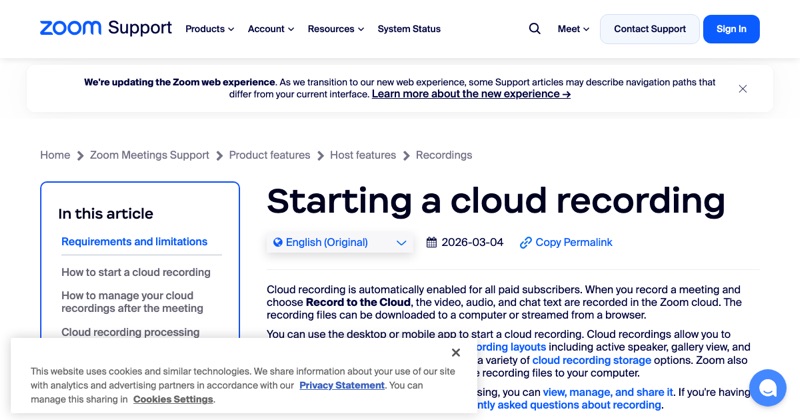
Cloud recording. The recording is saved in your Zoom account online. It's for paid (licensed) accounts, and works from the desktop and the iPhone or Android app.
How to record as the host (desktop)
- Start the meeting in the Zoom desktop app.
- Click Record in the meeting controls.
- Choose Record on this Computer or Record to the Cloud (if you have it).
- Click Stop or end the meeting to finish.
Local recordings are converted to MP4 when the meeting ends and saved in a Zoom folder in your Documents.
How to record on a phone
On the mobile app, a licensed host taps More > Record to the Cloud (wording varies by version). See how to record a Zoom meeting on iPhone.
If you're a participant
Ask the host to let you record. They can grant it from the Participants list. Or ask them to record and share the file. Recording as a participant.
Does everyone know?
Yes. When Zoom's recording starts, participants see a recording indicator and a notice. That's how it should be. Recording people without their knowledge can be illegal where they are.
Where MobileStudio fits
If you're recording a product walkthrough or demo, MobileStudio turns phone screen recordings of your app into polished demos. Get MobileStudio.
Quick FAQ
Can you record a Zoom meeting on a free account?
Yes, locally on the desktop app. Cloud recording needs a paid plan.
Can participants record a Zoom meeting?
Only with the host's permission.