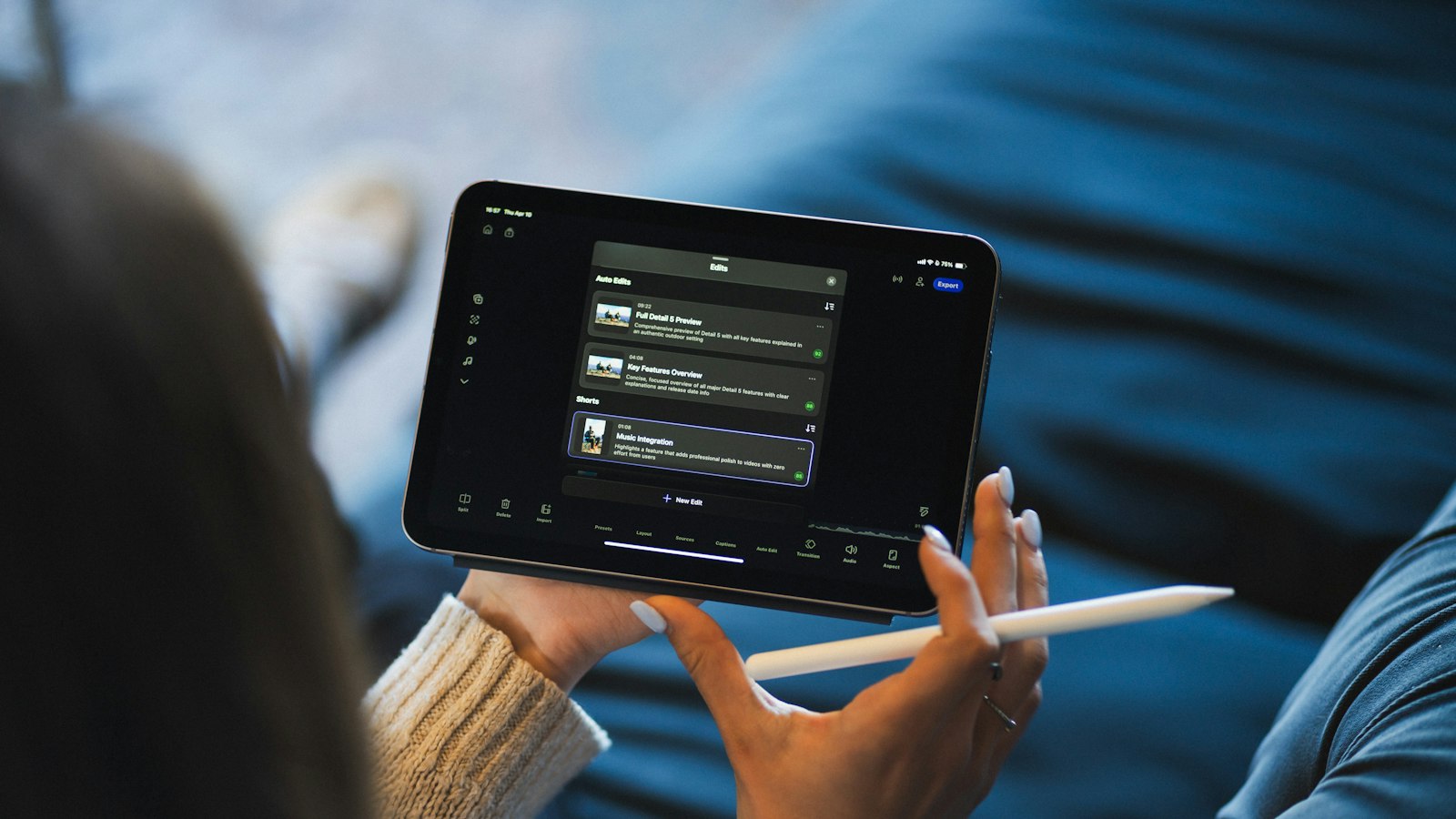
Yes. Every iPad that runs a recent version of iPadOS can record its screen with no app needed. Here's what that covers, and the limits worth knowing first.
Which iPads can screen record?
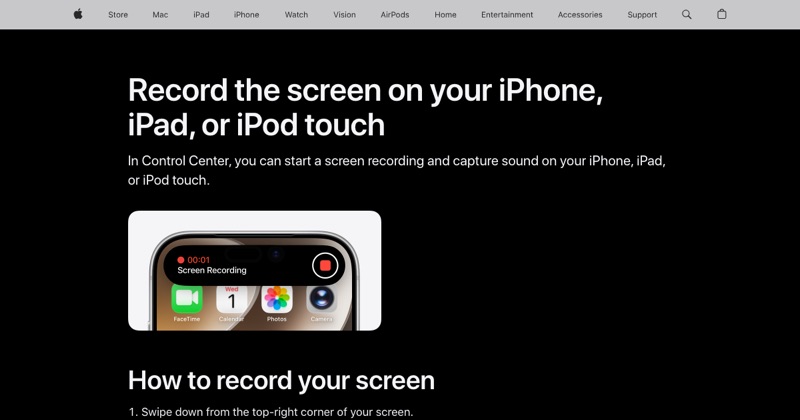
Any iPad that can run a current iPadOS version has the built-in recorder. If you can open Control Center (swipe down from the top-right corner), you can add the Screen Recording button and use it.
How to do it
- Swipe down from the top-right corner.
- Tap the Screen Recording button. If it's missing, tap + > Add a Control and add it.
- Wait three seconds.
- Tap the red indicator at the top to stop. The video goes to Photos.
What iPad screen recording can do
- Record everything on screen, including multiple windows in Split View or Stage Manager.
- Record app sound by default.
- Record your voice if you touch and hold the button and turn the microphone on.
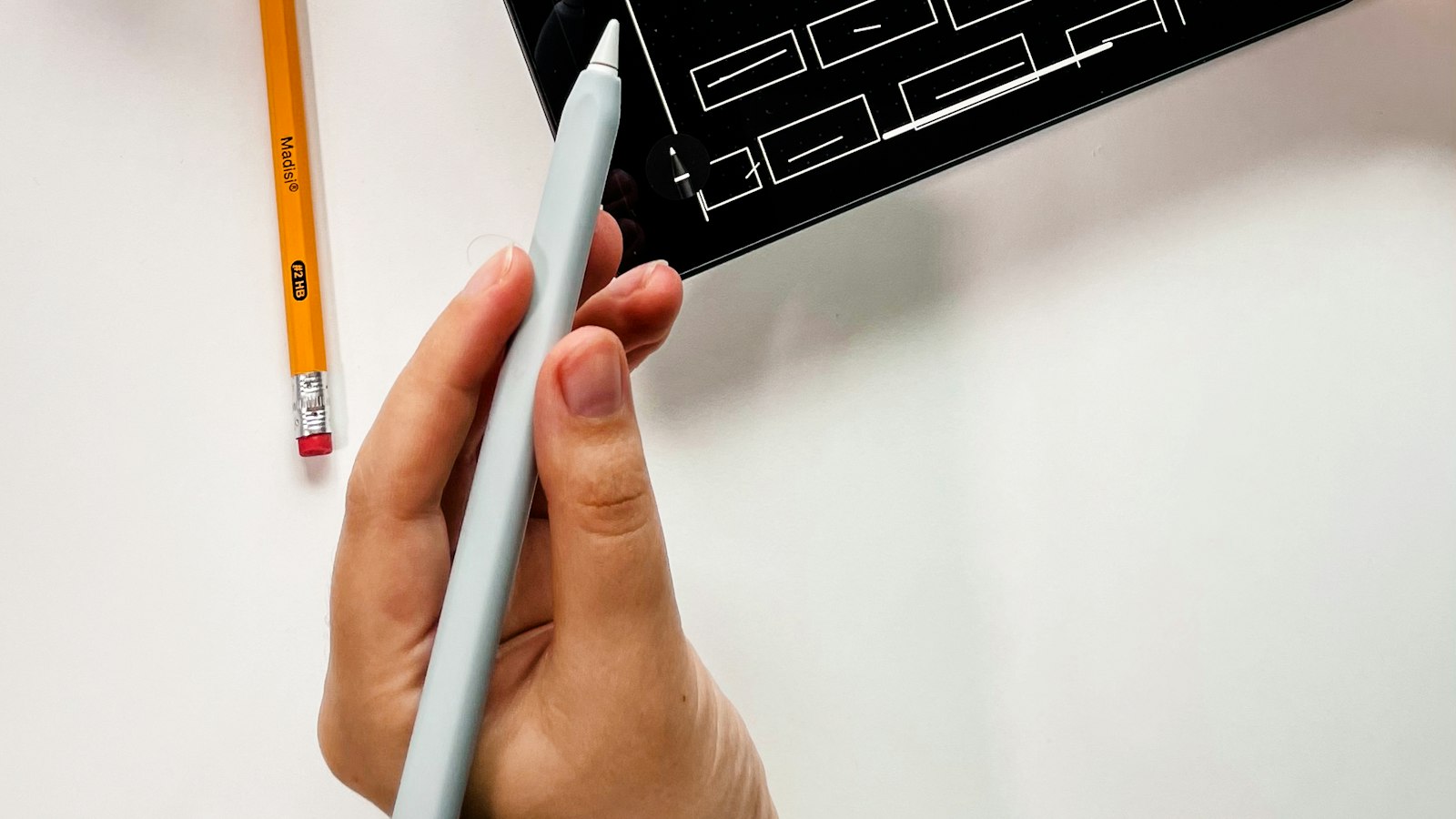
- Capture Apple Pencil drawing as it happens.
What it can't do
- Record call audio. FaceTime and other calls are excluded.
- Record protected video. Streaming apps record as black.
- Record while mirroring. AirPlay mirroring and screen recording can't run together.
- Record just one window. It always captures the whole display. Crop afterwards in Photos.
Can it be blocked?
Yes. If the button is gray, Screen Time may be restricting it (Settings > Screen Time > Content & Privacy Restrictions > Content Restrictions > Screen Recording). School-managed iPads often have it disabled by the school.
Good uses for iPad screen recording
- Teaching: walking through a worksheet or app.
- Design: showing a sketch from start to finish.
- Support: showing someone exactly how to do something.
See screen record on iPad for multitasking and Pencil tips.
Where MobileStudio fits
MobileStudio focuses on phone app demos: turning iPhone recordings of your app into polished, framed videos. Get MobileStudio.
Quick FAQ
Do I need an app to record my iPad screen?
No. It's built into iPadOS.
Why is my iPad screen recording gray?
A Screen Time restriction or a school or work management profile.