Screen recording on iPad uses the same button as iPhone, but the iPad's bigger screen and multitasking change how you should plan a recording.
How to screen record on iPad
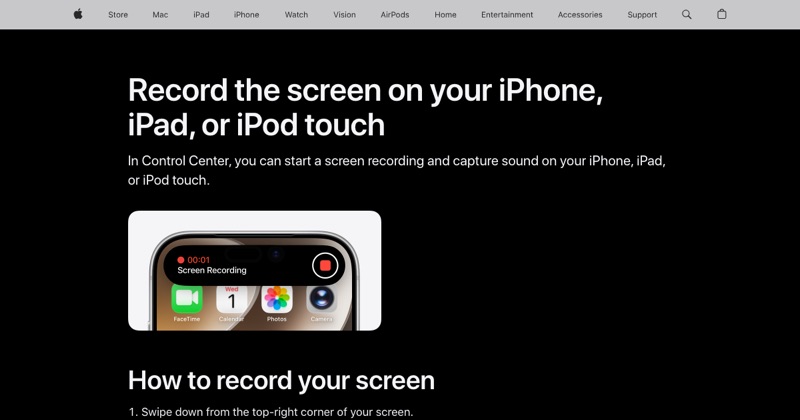
- Swipe down from the top-right corner to open Control Center.
- Tap the Screen Recording button.
- After the three-second countdown, close Control Center.
- Stop by tapping the red indicator at the top of the screen, then Stop.
The video saves to Photos.
Button missing? Tap + > Add a Control in Control Center and add Screen Recording.
Recording with your voice
Touch and hold the Screen Recording button, tap Microphone, then Start Recording. Great for walking through a slide deck or a design.
Split View, Slide Over, and Stage Manager
The iPad recorder captures the whole display, not one app. If you're using Split View, Slide Over, or Stage Manager, every visible window ends up in the video. Before you record:
- Close windows you don't want shown.
- Or make the app you're demoing full screen.
Recording Apple Pencil work
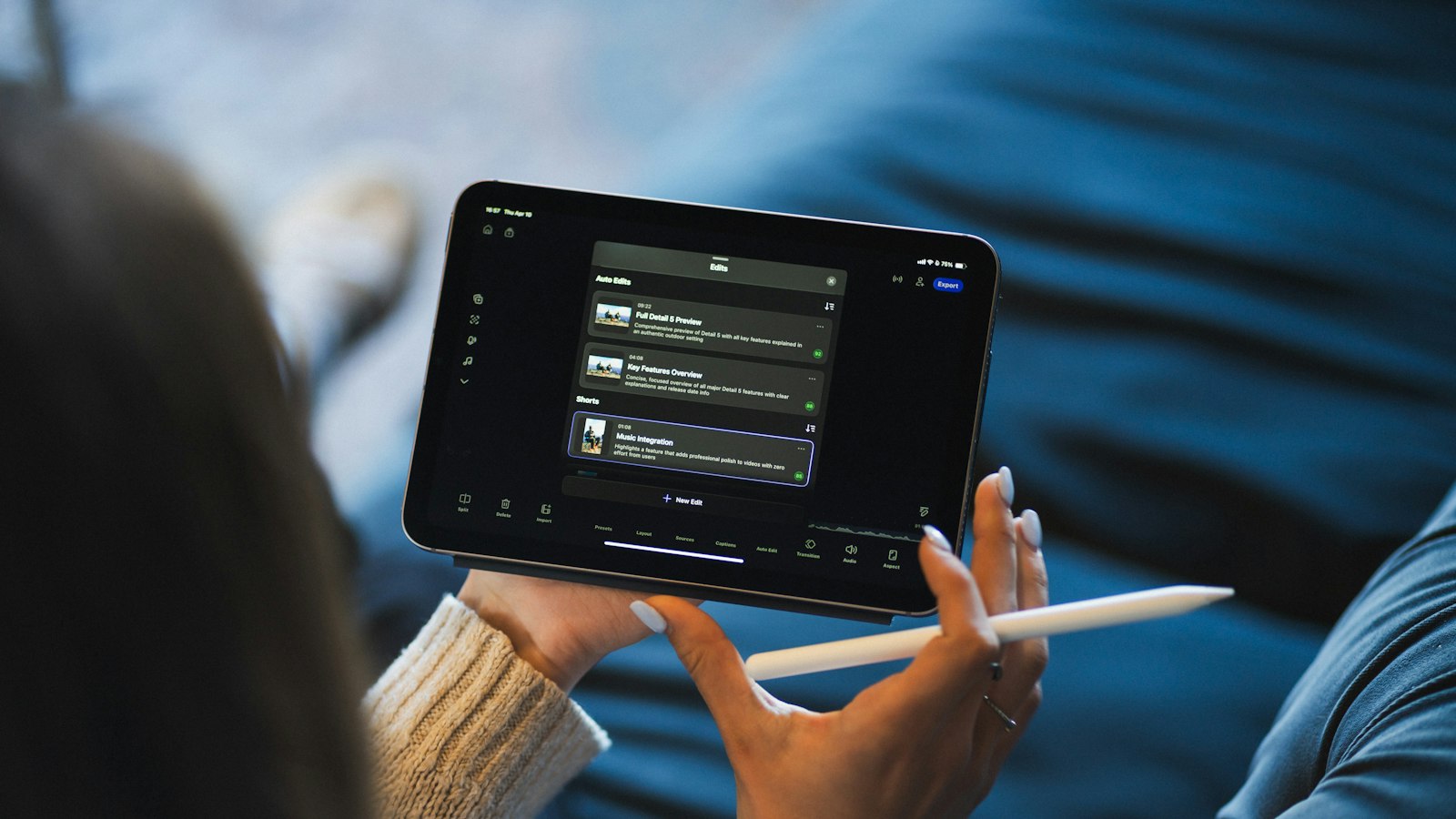
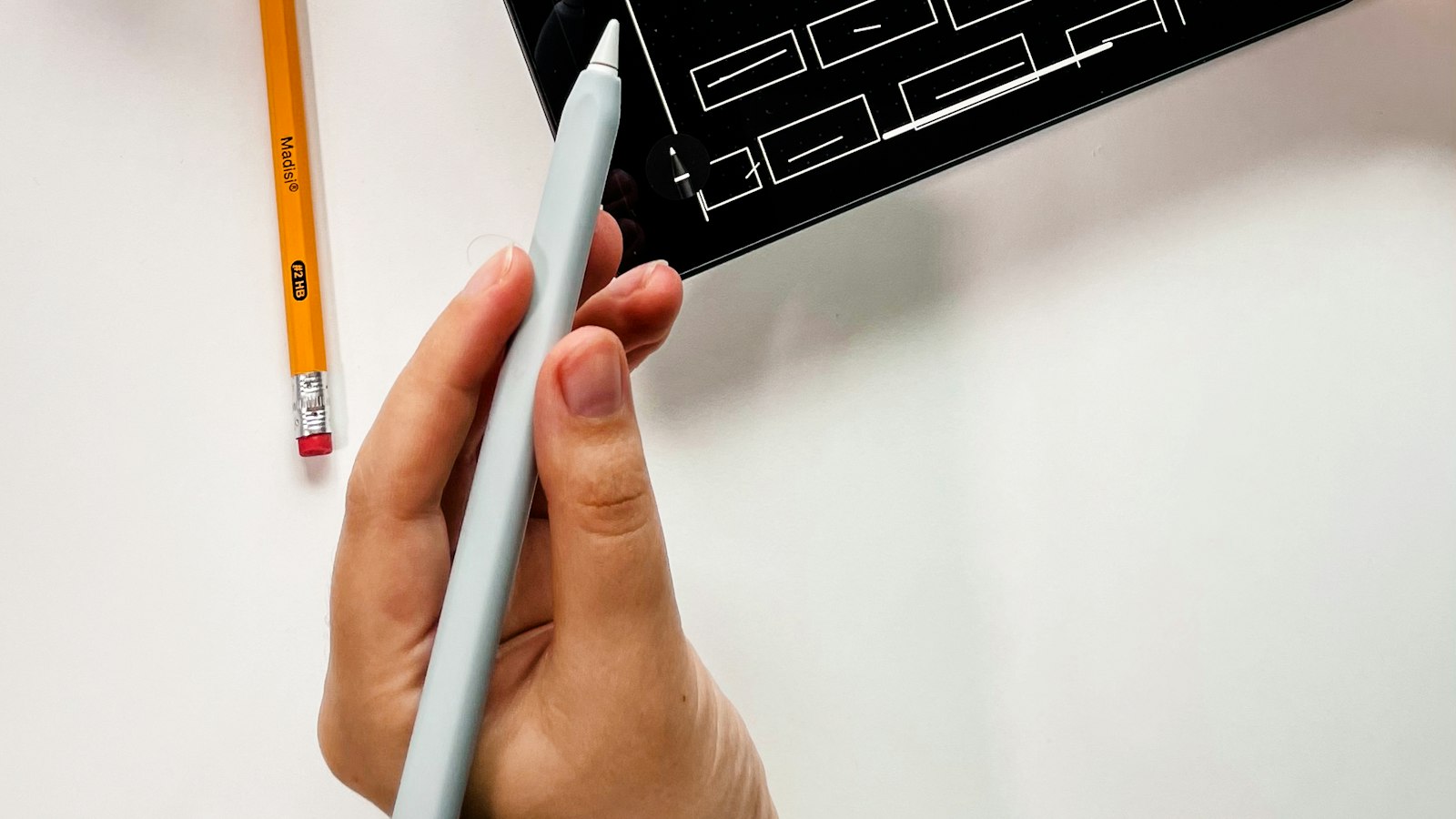
Screen recording captures your strokes as they appear, which makes it great for showing a sketch or annotating a PDF. It doesn't show the Pencil itself or a pointer, so narrate what you're doing if it isn't obvious.
External displays
If your iPad is mirroring to an external display or TV over AirPlay, you can't record at the same time. Stop mirroring first.
File size
iPad screens are big, so recordings are big too. Check Settings > General > iPad Storage before recording anything long.
For more fixes, see can you screen record on iPad and our iPhone guide, which uses the same steps.
Where MobileStudio fits
MobileStudio is built for phone app demos. For iPhone recordings of your app, it adds a device frame, background, and zooms on the phone. Get MobileStudio.
Quick FAQ
Does iPad screen recording capture both apps in Split View?
Yes. It records everything on the display.
Can I record my iPad's screen with sound?
Yes. App sound by default, and your voice with the microphone on.