"Turn on screen record" means two different things depending on your phone: making the button appear, and then actually starting it. Here's both, for every major phone.
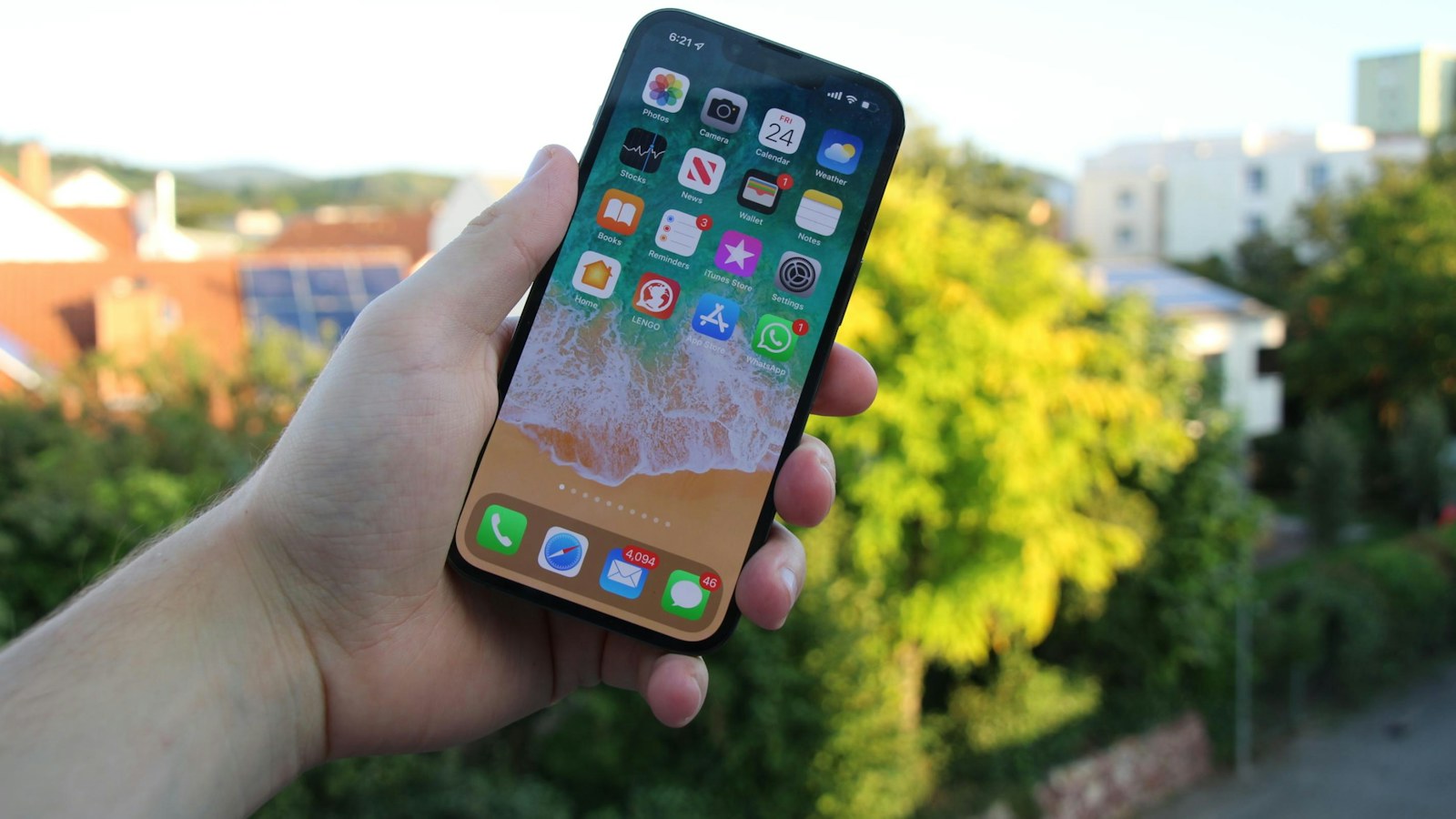
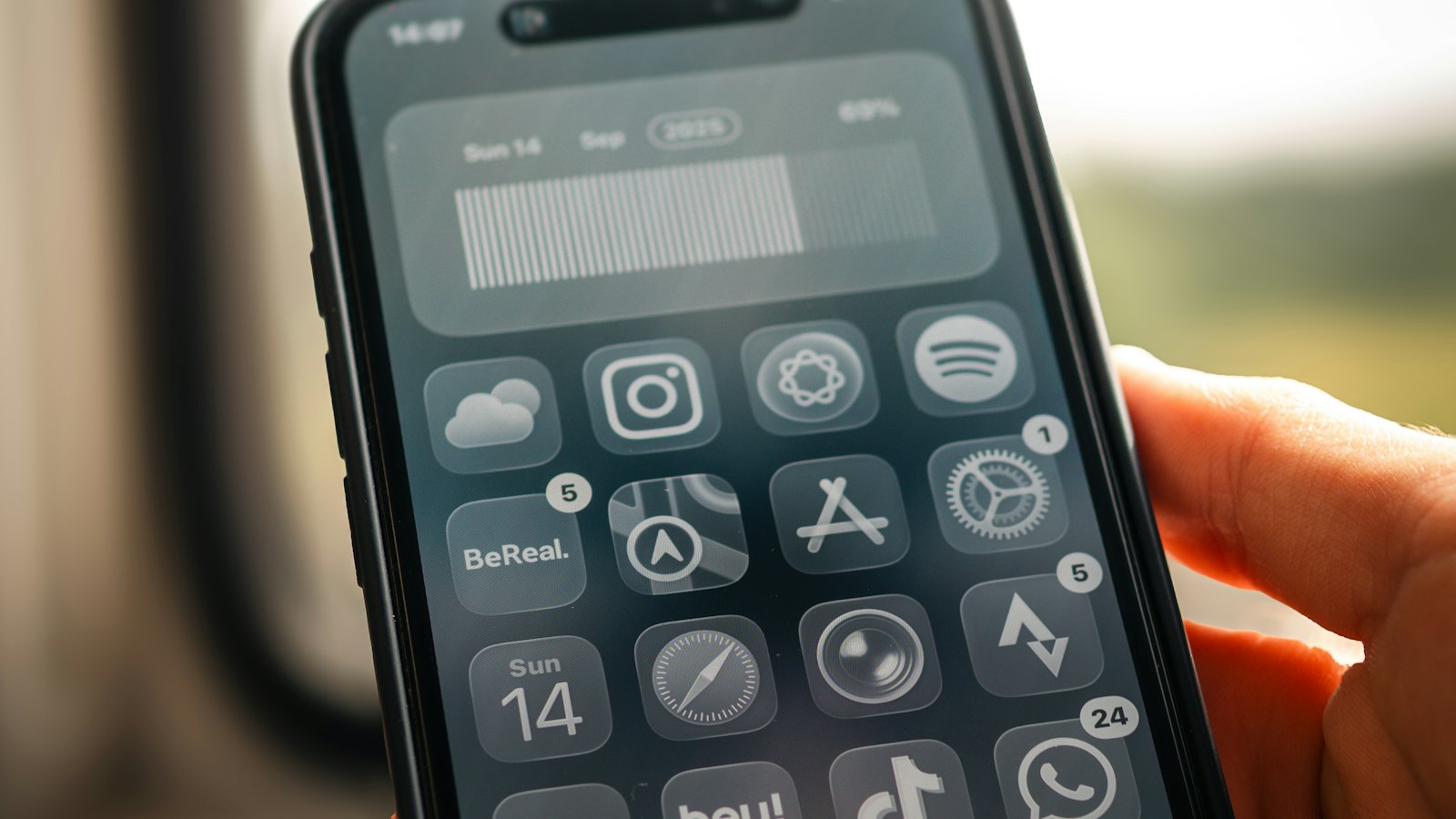
iPhone (iOS 18 and later)
The recorder lives in Control Center, but the button isn't always there.
- Swipe down from the top-right corner to open Control Center.
- Tap the + in the top-left corner (or touch and hold an empty spot).
- Tap Add a Control, search Screen Recording, and tap it.
Now it's on. Tap the button any time to start recording after a three-second countdown.
On iOS 17 or older: go to Settings > Control Center and tap the green + next to Screen Recording.
iPad
Same as iPhone. Swipe down from the top-right corner, add the Screen Recording control if it's missing, and tap it to start.
Android (Pixel and most phones)
- Swipe down twice from the top of the screen to open Quick Settings.
- Look for a Screen record tile. If it's missing, tap the pencil (Edit) icon and drag it into your tiles.
- Tap it, choose your audio options, and tap Start.
Samsung Galaxy
Swipe down twice to open the Quick panel and tap Screen recorder. If it's not there, tap the three dots or pencil, choose Edit buttons, and add it. You'll pick a sound option (No sound, Media sounds, or Media sounds and mic) before it starts.
If screen record won't turn on
- iPhone button is gray: a Screen Time restriction is blocking it. Go to Settings > Screen Time > Content & Privacy Restrictions > Content Restrictions > Screen Recording and choose Allow.
- Work or school phone: a device management profile can disable recording. Only your IT admin can change that.
- Older Android phone: the built-in recorder arrived with Android 11 on most phones (Android 10 on Samsung). Earlier versions need a Play Store app.
- You're screen mirroring: iPhone won't record while AirPlay mirroring is on.
For full step-by-step guides, see screen recording on iPhone and screen recording on Android.
Where MobileStudio fits
Turning on screen record is step one. If you're recording your app to show other people, MobileStudio turns that raw recording into a polished demo on your phone. Get MobileStudio.
Quick FAQ
Why can't I find screen record on my iPhone?
It isn't added to Control Center by default on every iPhone. Add it with + > Add a Control.
Does turning on screen record use battery?
Only while it's actually recording.
Sources and further reading
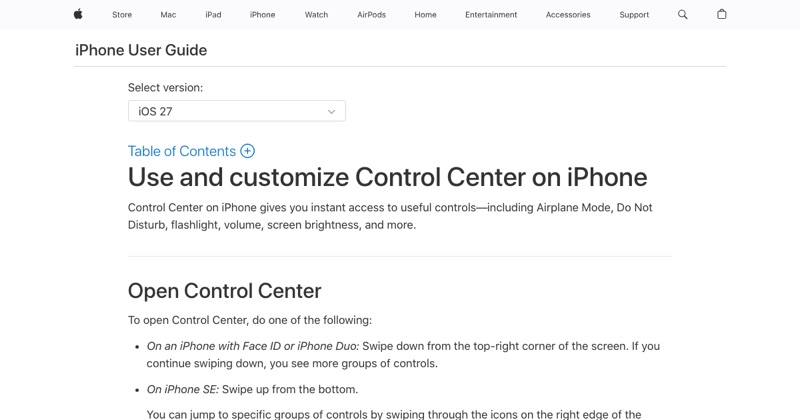 support.apple.comApple Support: Use and customize Control Center on iPhoneOpen the iPhone Control Center to access useful controls. You can customize Control Center by adding controls.
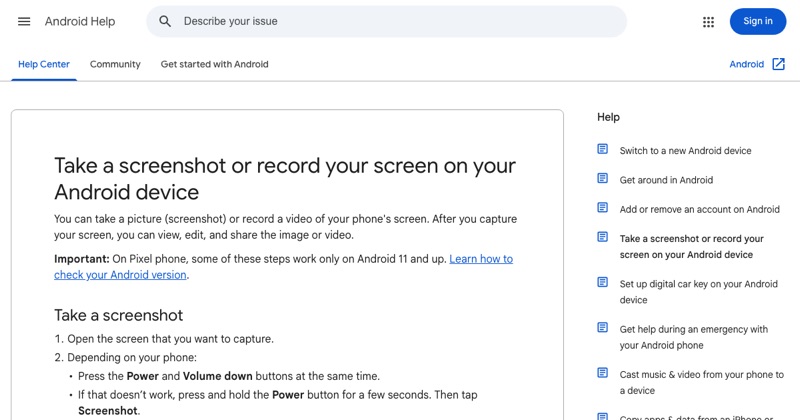 support.google.comAndroid Help: Take a screenshot or record your screenGoogle's official steps for the built-in Android screen recorder, including where recordings are saved.