Yes, but the answer changes with the type of call. Here's a quick map before you try anything.
The answer by call type
| Call | Can you record it? | How |
|---|---|---|
| One-to-one FaceTime audio call | Yes, where available | Apple's built-in Call Recording |
| FaceTime video call on Mac | Yes | Screen recorder + virtual audio driver, or Audio Hijack |
| FaceTime video call on iPhone only | Partly | Screen recording + speakerphone, or a second device |
| Group FaceTime call | Yes, with a workaround | A Mac setup or a second device |
Why it isn't simple
When you screen record on iPhone, the other person's voice isn't captured. Apple leaves call audio out of screen recordings. So a plain screen recording of FaceTime gives you video and maybe your own voice, but not theirs.
Apple's built-in option
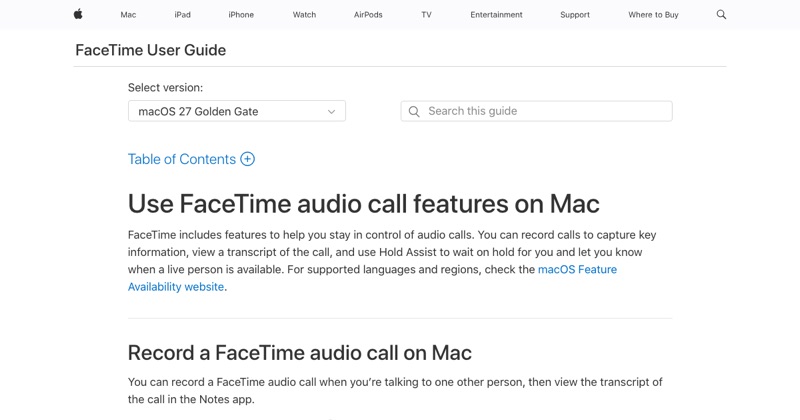
Since iOS 18.1, iPhone can record calls, including one-to-one FaceTime audio calls, in supported regions and languages. Tap the record button on the call screen. Everyone hears that the call is being recorded, and the recording and transcript save to the Notes app.
For video calls
Your best bet is a Mac: route FaceTime's audio into a recorder with a free tool like BlackHole, or use a paid app like Audio Hijack. On iPhone only, put the call on speaker so the mic picks up the other side.
Full step-by-step for every method: how to record a FaceTime call.
Always get consent
Apple's Call Recording announces itself. Workarounds don't, so ask first: "Is it OK if I record this?"
Where MobileStudio fits
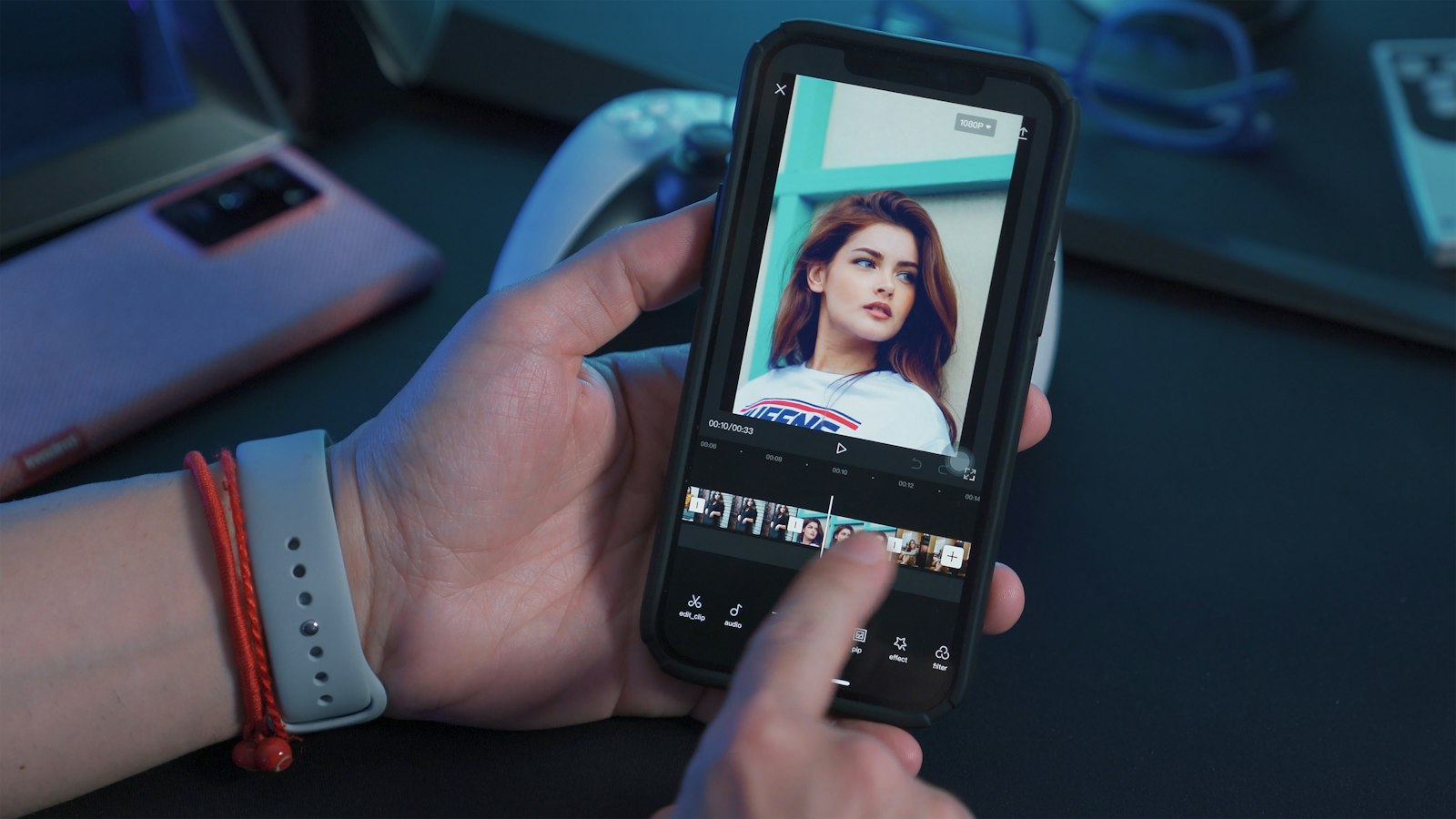
MobileStudio doesn't record calls. If you're recording your own app to show people, it turns that screen recording into a polished demo. Get MobileStudio.
Quick FAQ
Can you record FaceTime with sound?
Yes for audio calls with Call Recording. Video calls need a Mac or a workaround.
Does FaceTime notify the other person?
Apple's Call Recording does. Screen recording doesn't.