Since iOS 18.1, iPhone has built-in call recording, and it covers one-to-one FaceTime audio calls. It's the cleanest way to record a FaceTime call on iPhone, as long as it's available where you are.
What it can record
- One-to-one FaceTime audio calls.
- Regular phone calls.
What it can't record
- FaceTime video calls.
- Group calls.
How to record
- Start or answer a one-to-one FaceTime audio call.
- Tap the record button near the top-left of the call screen.
- Everyone on the call hears that the call is being recorded.
- Tap stop when you're done, or just hang up.
Where the recording goes
Open the Notes app and look for the Call Recordings folder. Each recording has:
- The audio, which you can play back or share.
- A transcript, in supported languages.
- A summary, if Apple Intelligence is turned on.
Why the record button might be missing
- Your region or language isn't supported. Apple limits Call Recording by country and language. It isn't available everywhere, including some countries in the EU.
- You're on an older iOS version. Check Settings > General > Software Update.
- It's a video or group call.
For video calls
Use a Mac with BlackHole or Audio Hijack, or the speakerphone workaround on iPhone. Every method.
Where MobileStudio fits
MobileStudio doesn't record calls. If you're recording your app on your iPhone, it turns that into a polished demo. Get MobileStudio.
Quick FAQ
Can iPhone record FaceTime calls without an app?
FaceTime audio calls, yes, with Call Recording where available.
Does the other person know?
Yes. Call Recording announces itself.
Sources and further reading
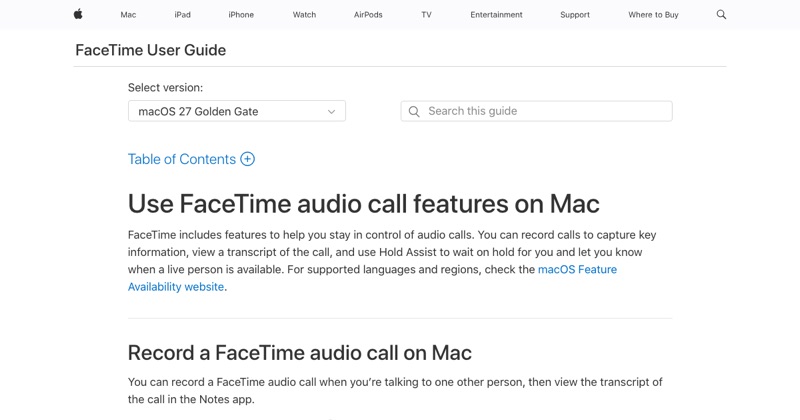 support.apple.comApple Support: FaceTime audio call features on MacIn FaceTime on Mac, record and transcribe audio calls, or use Hold Assist to wait on hold and notify you when to return.
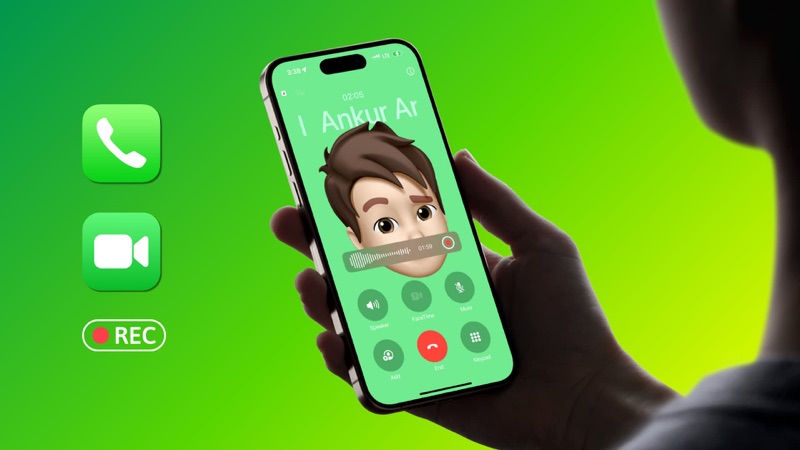 idownloadblog.comiDownloadBlog: How to officially record phone and FaceTime calls on iPhoneLearn how to record a phone call on your iPhone, transcribe the recording, summarize it, and export the audio file to another app.