WhatsApp doesn't have a record button for calls, and phone screen recorders usually leave out call audio. Here's what really works, by device.
Why it's hard
WhatsApp calls are end-to-end encrypted, and WhatsApp doesn't offer recording. On top of that, both iPhone and Android restrict apps from capturing call audio. Samsung's documentation says screen recorders can't record phone, VoIP, or video calls.
On a computer (most reliable)
- Install WhatsApp Desktop on Windows or Mac and link it to your phone.
- Make the call from the computer.
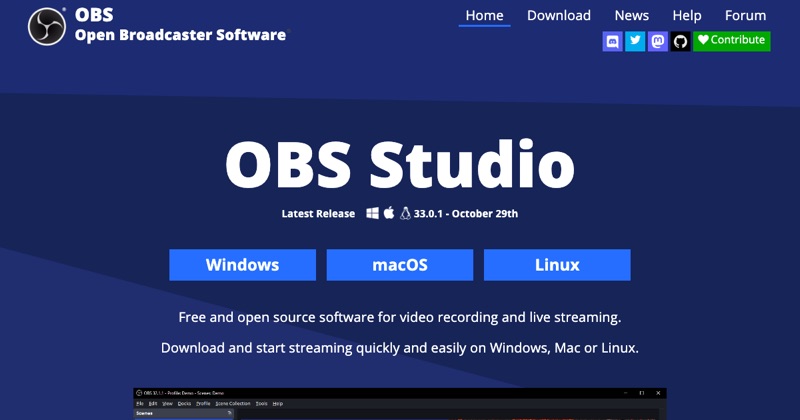
- Record with OBS Studio (free). On Windows, capture WhatsApp's audio with Application Audio Capture; on Mac, use a virtual audio driver like BlackHole.
This captures both sides cleanly. More on desktop recording.
On Android
- The built-in screen recorder usually won't capture the other person's voice.
- Some third-party call recorder apps claim to work, with mixed results and broad permission requests. Test carefully and check what they access.
- Low-tech fallback: speaker on, record with a second device.
On iPhone
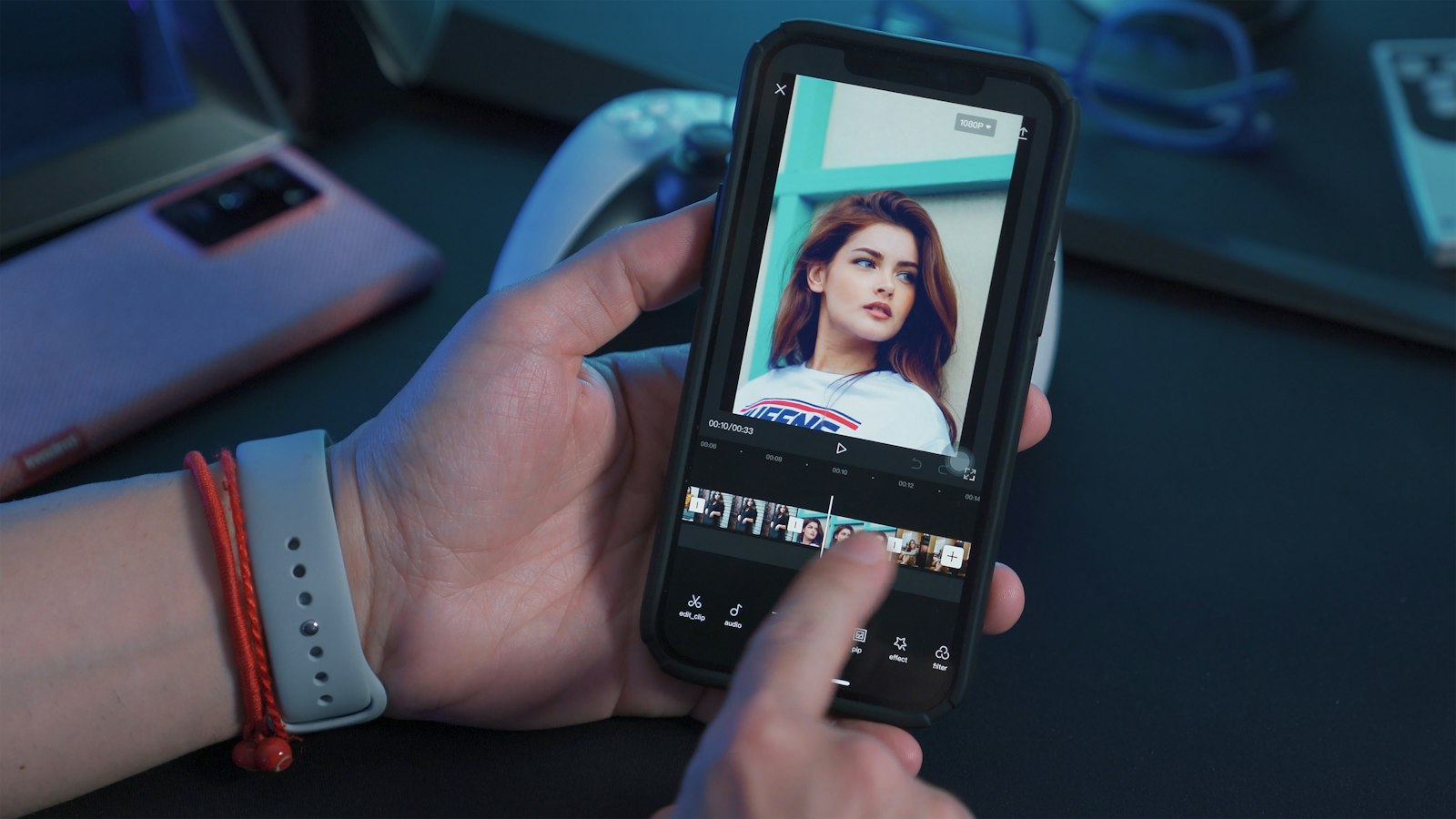
- Screen recording captures the video but not call audio.
- No App Store app can record WhatsApp call audio on iPhone.
- Workaround: speaker on, with the screen recorder's mic on, or a second device. iPhone details.
Consent
Recording laws vary, and some places require everyone's consent. Tell people before you record.
Where MobileStudio fits
MobileStudio isn't a call recorder. It turns screen recordings of your app into polished demos. Get MobileStudio.
Quick FAQ
Does WhatsApp notify when you record a call?
WhatsApp has no recording feature, so there's no notice. Get consent yourself.
Can I record a WhatsApp video call with audio?
Reliably, only from WhatsApp Desktop on a computer.