Yes, but probably not where you looked first. The Photos app's Edit screen has no speed slider for normal videos. Here's what's actually possible on an iPhone.
What the Photos app can do
- Slo-mo clips: you can change which part plays slowly, or remove the slow motion entirely so the clip plays at normal speed. Open the clip, tap Edit, and drag the slow-motion markers together.
- Trim, crop, filters, and mute: yes.
What the Photos app can't do
- Make a normal video play faster than normal speed.
- Speed up only part of a regular video.
That's the gap most people hit.
What can speed up a video on iPhone
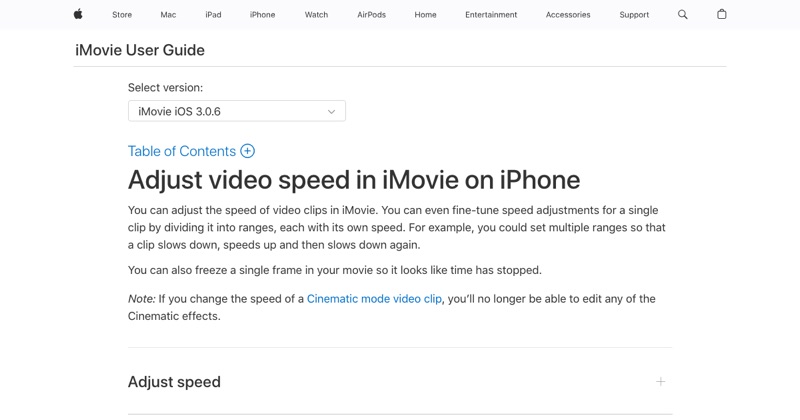
iMovie (free, from Apple). Tap a clip in a Movie project, tap Speed, and slide up to 2x. You can speed up the whole clip or just a section. No watermark. Step-by-step here.
Camera Time-lapse. For things you haven't filmed yet, record in Time-lapse mode and the iPhone speeds it up for you.
Third-party editors like CapCut. These go beyond 2x and add speed curves. Check the export options and terms before you use one.
Can you go faster than 2x?
Yes. Export from iMovie at 2x, re-import, and speed up again for 4x. Or use CapCut. See more than 2x.
Can you speed up a video while watching it?
The Photos app has no playback speed control for viewing. Many video apps do, like YouTube's playback speed setting. That only changes how you watch, not the file.
Free tool: Speed Up Video makes any video 0.25× to 4× faster or slower in your browser, with natural-sounding audio and no watermark.
Where MobileStudio fits
If you're speeding up screen recordings of your app, MobileStudio handles that kind of editing for app demos, on your phone. Get MobileStudio.
Quick FAQ
Is there a free way to speed up video on iPhone?
Yes. iMovie is free and has no watermark.
Why can't I find speed in Photos?
Photos only adjusts Slo-mo clips. Normal videos need iMovie or another editor.