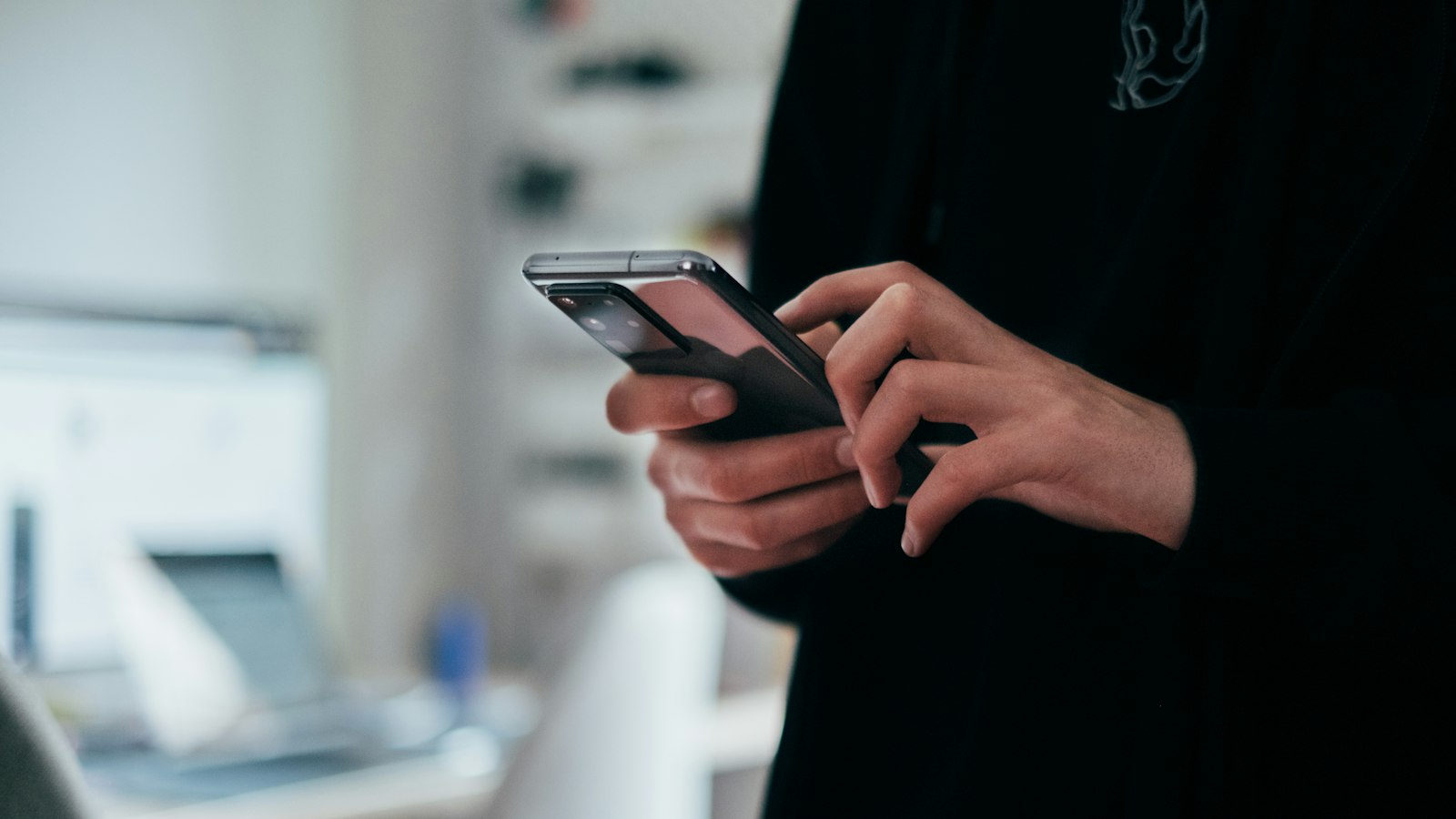
Android has had a built-in screen recorder on most phones since Android 11. Here's the full picture on one page.
How to record your Android screen
- Swipe down twice from the top to open Quick Settings.
- Tap Screen record (Samsung: Screen recorder).
- Choose your options (audio, show touches) and tap Start.
- Stop from the notification, or Samsung's floating toolbar.
Your audio choices
| Option | Records | Use it for |
|---|---|---|
| No audio | Silence | Visual steps |
| Device audio / Media sounds | App and game sound | Gameplay, videos |
| Microphone | Your voice and the room | Narration |
| Both | Apps and your voice | Tutorials with sound |
The choice is made before the countdown and can't be changed afterwards.
Brand differences
- Google Pixel: can record one app or the entire screen. Pixel guide.
- Samsung Galaxy: Quick panel recorder with a selfie-video overlay. Samsung guide.
- Xiaomi, Redmi, POCO: a Screen recorder toggle or app. Menus vary by HyperOS version.
- OnePlus, Motorola, Nothing: follow the stock Android pattern.
Where recordings are saved
- Google Photos: Collections > On this device > Movies.
- Samsung: the Gallery app.
Quick fixes
- Tile missing: edit Quick Settings (pencil icon) and drag it in.
- No sound: you picked "no audio" or "media only".
- Black screen in some apps: the app blocks capture on purpose.
- Calls are silent: call audio can't be recorded.
- Very old phone: you'll need a recorder app from the Play Store.
The full step-by-step: how to screen record on Android.
Where MobileStudio fits
Android recordings come in all sorts of sizes. MobileStudio turns raw phone recordings of your app into consistent, polished demos with frames and zooms. Get MobileStudio.
Quick FAQ
Does every Android phone have a screen recorder?
Most phones on Android 11 or later do. Samsung added one earlier.
Can Android record internal audio?
Yes, choose device audio or media sounds before you start.