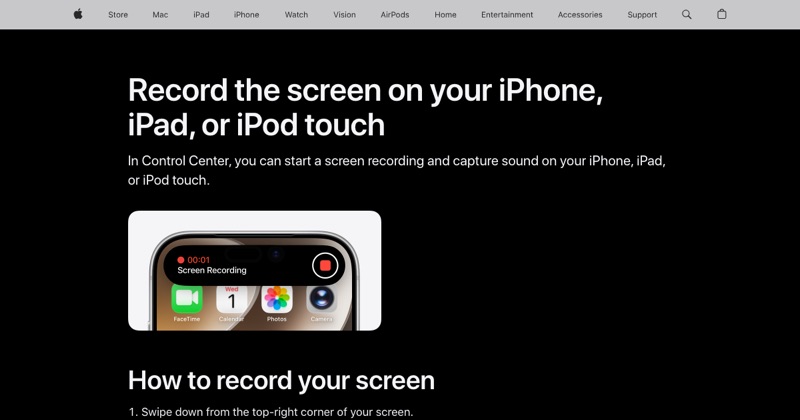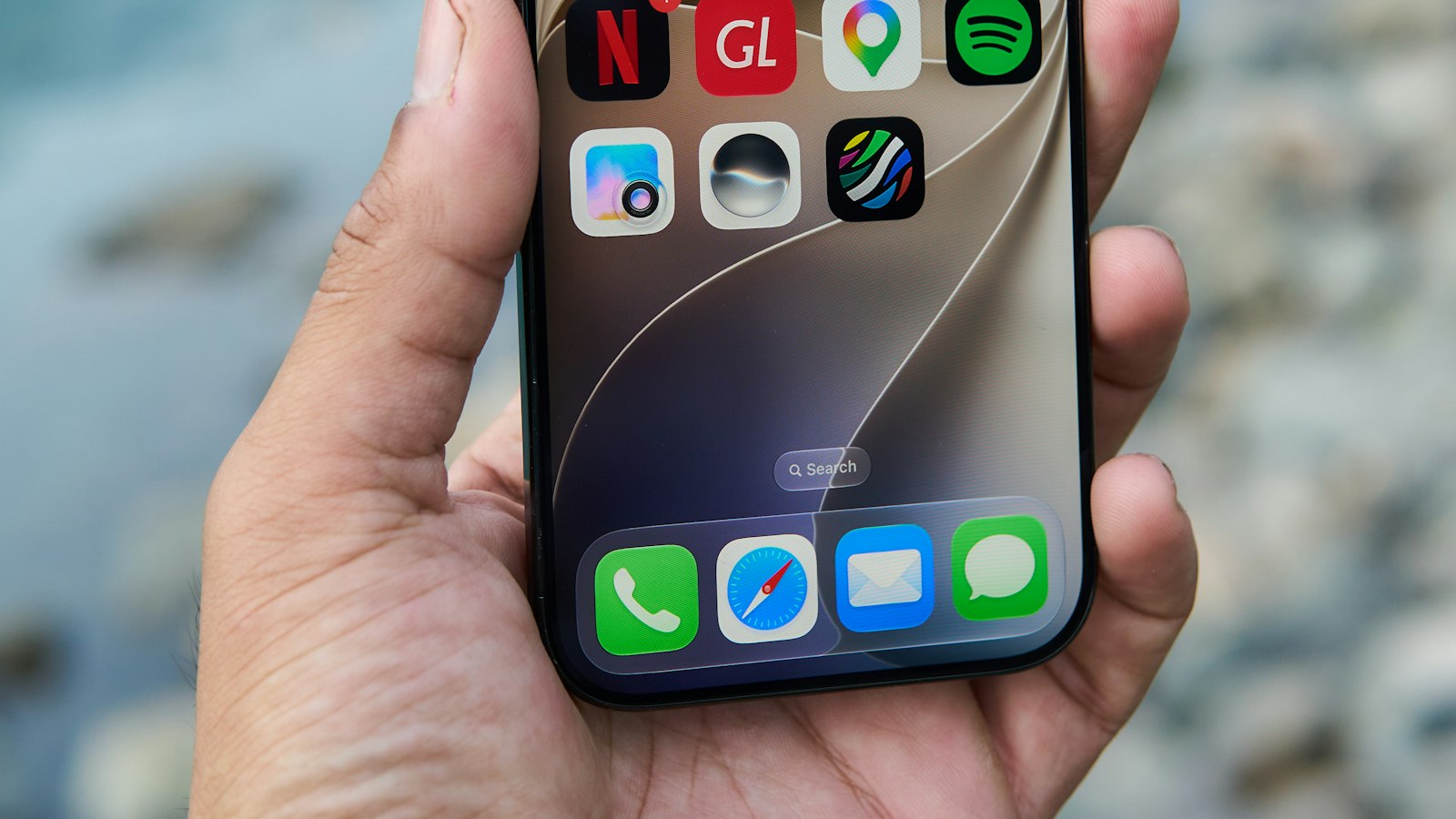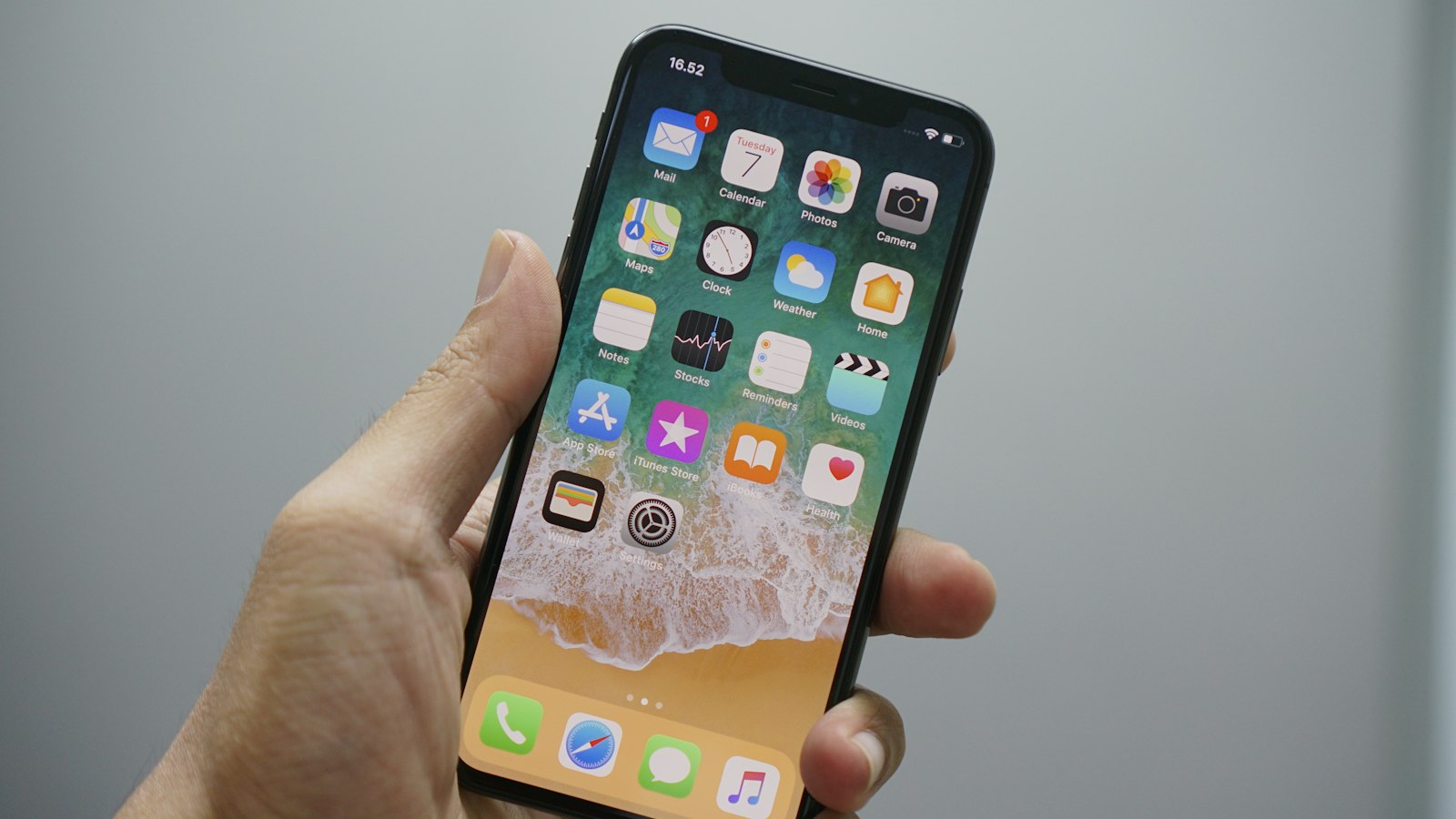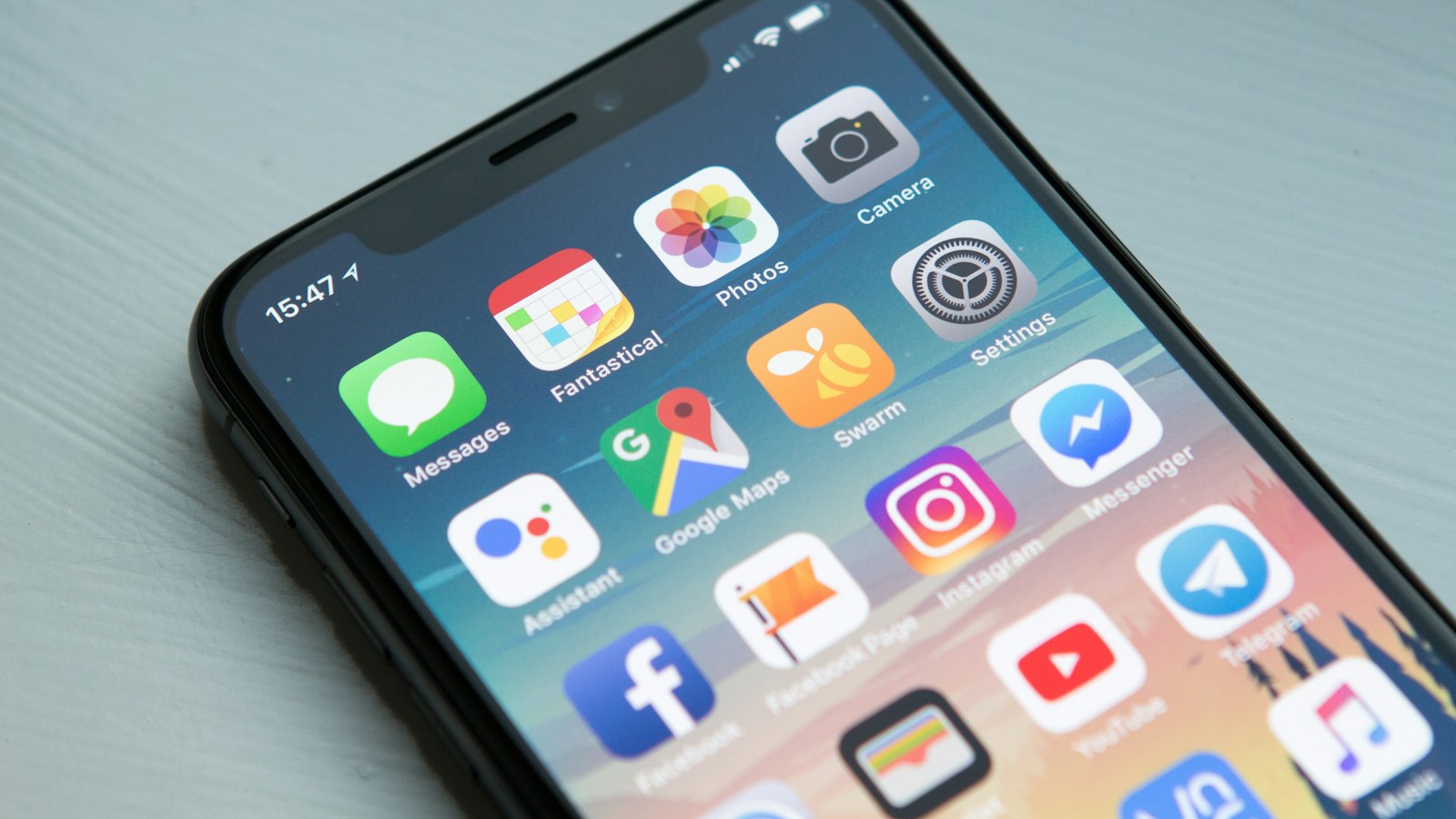
The iPhone 14 lineup is split. The iPhone 14 and 14 Plus have a notch, while the 14 Pro and 14 Pro Max introduced the Dynamic Island. Recording is identical. Stopping looks a little different.
Start recording (every iPhone 14 model)
- Swipe down from the top-right corner to open Control Center.
- Tap the Screen Recording button.
- Wait for the three-second countdown.
Missing button? Tap + > Add a Control in Control Center and add Screen Recording.
Stop recording on iPhone 14 and 14 Plus (notch)
The clock in the top-left corner turns into a red pill. Tap it, then tap Stop.
Stop recording on iPhone 14 Pro and 14 Pro Max (Dynamic Island)
A small red recording indicator appears in the Dynamic Island at the top of the screen. Tap it (or open Control Center and tap the record button), then tap Stop.
Either way, the video saves to Photos.
Recording with your voice
Touch and hold the Screen Recording button, tap Microphone so it turns on, then Start Recording.
Always-On display (14 Pro)
The Always-On display doesn't affect recordings, but if you lock the phone mid-recording, the recording ends. Keep the screen on while you record.
Storage
iPhone 14 models start at 128GB. Check Settings > General > iPhone Storage before long recordings.
For troubleshooting (gray button, no sound, black screen), see the complete iPhone guide.
Where MobileStudio fits
Turn your iPhone 14 screen recordings into polished app demos with frames and zooms, without a laptop. Get MobileStudio.
Quick FAQ
Where is the screen recording button on iPhone 14?
In Control Center. Swipe down from the top-right corner.
Does the Dynamic Island show in my recording?
The recording shows the screen content. The Dynamic Island area appears black, as it does on screen.