What Apple Actually Requires in an App Store Preview Video
Apple's rules for App Store preview videos are stricter than most teams expect — no visible taps, no pricing, no mockups. Here's exactly what's allowed, straight from Apple's own specifications.
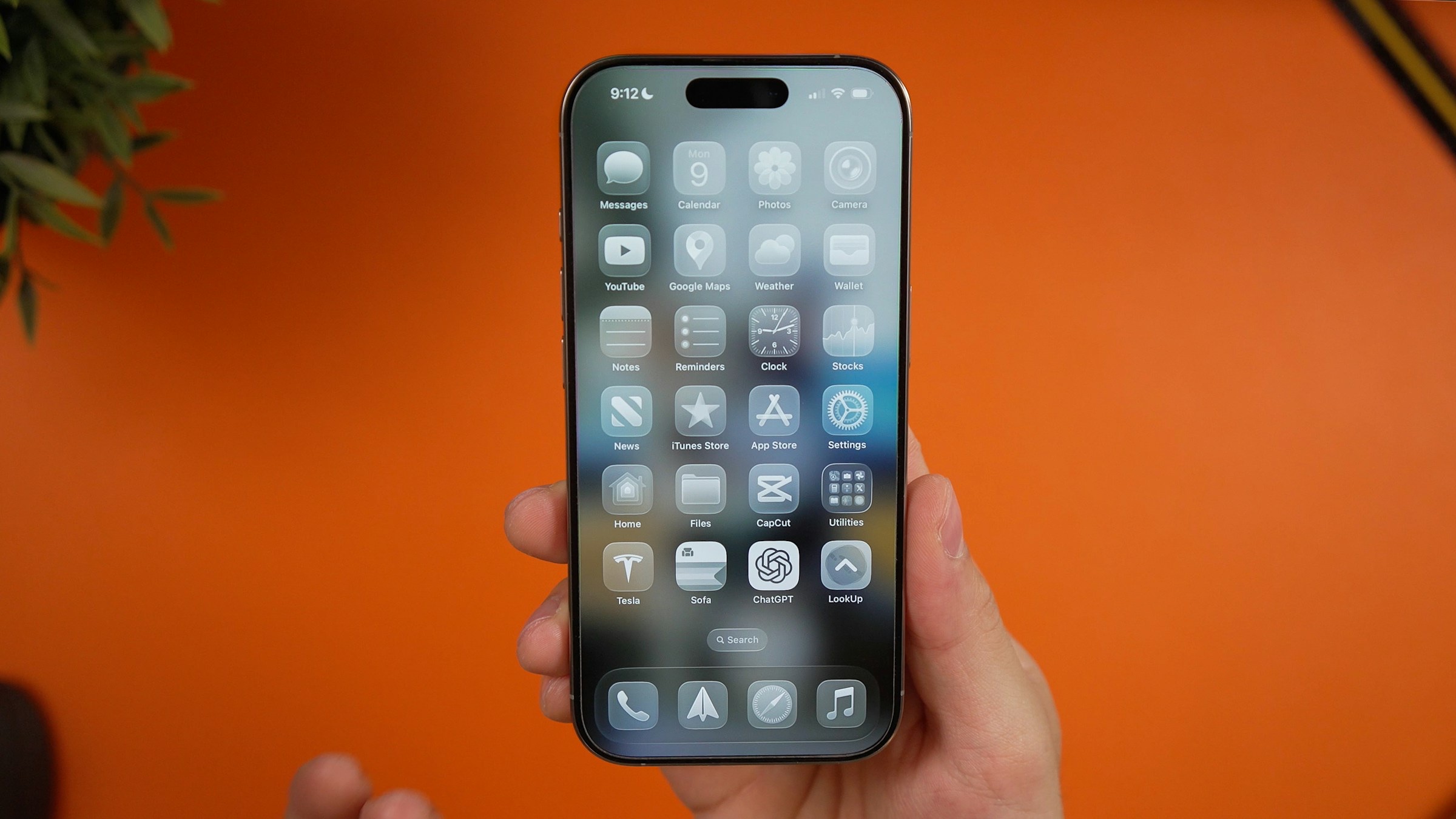
An App Store preview video isn't just a shorter, vertical version of whatever demo video you already made. Apple has its own rules for this specific format — documented in App Store Connect's own specifications and Apple's app preview guidelines — and a video that breaks them gets rejected regardless of how good it looks.
Most of these rules aren't obvious until you hit them. Here's what Apple actually requires, not what a template happens to default to.
Length: 15 to 30 seconds, no exceptions
Apple's specification is exact: a preview must run between 15 and 30 seconds. Submit something shorter or longer and App Store Connect won't accept it. There's no minimum-viable workaround — if the story you're telling needs more room, that's a sign to split it into a second preview rather than stretch the first one.
You get up to three previews per device class per language, so a longer story can be told across multiple 30-second clips instead of forced into one.
No hands, no fingers, no over-the-shoulder shots
This is the rule teams miss most often, because it's the opposite of how most product demo videos are shot. Apple's guidelines are explicit: no people interacting with the device, no visible fingers tapping the screen, no over-the-shoulder framing. The video has to show the interface itself, not someone using it.
If your existing demo footage — the kind covered in turning a screen recording into a polished demo video — was shot to show a hand tapping through the flow, it needs a different capture for this specific use. Record straight from the device instead, using QuickTime, iMovie, or Final Cut, which is what Apple names directly in its own guidance.
The footage has to be real, not a mockup
Apple rejects previews built from marketing animation or footage that doesn't represent what the app actually does. Transitions can't imply a feature exists if it doesn't. This one is straightforward in principle and easy to violate in practice — a slick animated walkthrough of a redesign that hasn't shipped yet is exactly the kind of thing that gets flagged.
Show the native UI at native resolution. Don't zoom in past what the interface actually looks like at real size, even if a feature would read more clearly zoomed in.
No prices, no dates, no seasonal copy
Three specific content rules exist because of how the App Store works globally: no specific prices (they vary by region and currency), no seasonal or timely references like "new for spring," and no dates that will read as stale the moment the season changes. A preview approved today might still be running a year from now — anything time-bound in it becomes a liability later.
If pricing, a subscription, or a login is required to use what's shown, Apple requires disclosing that — either in on-screen text during the footage or in an end frame.
Design for muted autoplay
Preview videos autoplay on the product page and in search results, muted by default. Anyone relying on narration or dialogue to explain what's happening will lose that context for the vast majority of viewers who never tap to unmute. On-screen text needs to carry the meaning on its own; sound — a musical score, UI feedback sounds — should support what's already clear visually, not carry it.
This is the same design constraint that shows up in demo videos built for muted, autoplaying social feeds, just enforced by Apple's platform instead of a feed algorithm.
Match the resolution to the device class
Apple specifies exact pixel dimensions per display size rather than one universal size. An iPhone with a 6.1–6.3" display needs 886 × 1920 px portrait; a 13" iPad needs 1200 × 1600 px. Exporting at the wrong dimensions for the device class you're targeting is a common, entirely avoidable rejection reason — check the exact number for your device class in Apple's specification before exporting, not after.
A short checklist before you submit
- Length is 15–30 seconds, not a frame outside that range
- No fingers, hands, or over-the-shoulder shots — device footage only
- Footage matches what the app actually does, no mockups or unshipped features
- No prices, no dates, no seasonal phrases anywhere in the video or end frame
- In-app purchases, subscriptions, or logins are disclosed if the shown feature needs one
- The story works with sound off — on-screen text carries the meaning
- Exported at the exact pixel dimensions for the device class it's for
Where MobileStudio fits
MobileStudio is currently in early access, and an App Store preview export is on the list of destinations it's built to support — framing and pacing a recording correctly once, then sizing it for wherever it needs to go, App Store dimensions included. Join the waitlist if you want to try it as it opens up, or browse real demo and launch videos made with it in the meantime.
None of these rules are difficult individually. What trips people up is assuming a preview video follows the same rules as every other demo video they've made — it doesn't, and Apple checks.