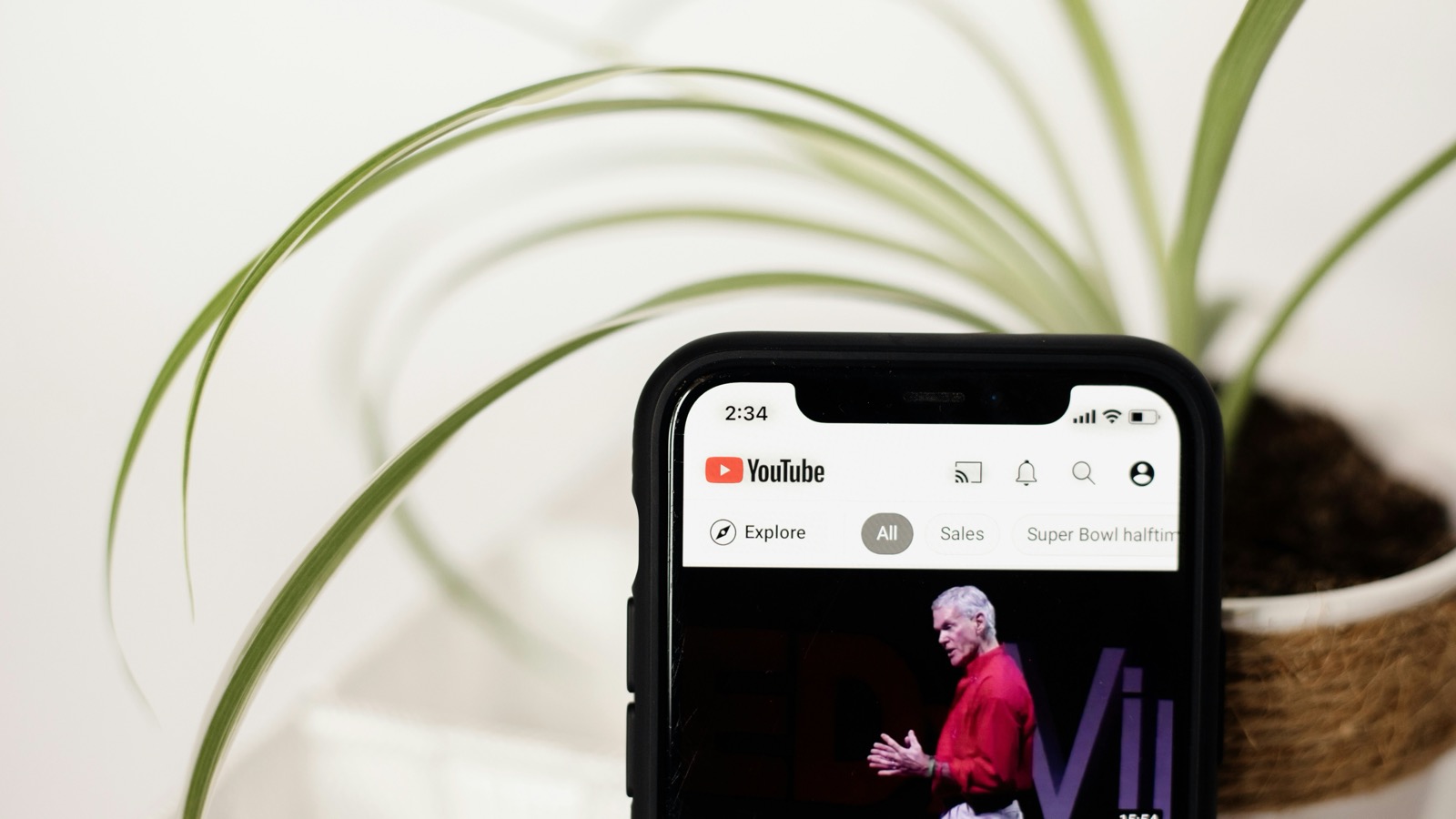
How to Make a Product Demo Video People Actually Watch
A demo video's only real job is to keep someone watching past the first three seconds. Here's what earns that, and what loses it.
A product demo video has one real job: keep someone watching past the first three seconds, and leave them understanding what the product does. Everything else — music, transitions, voiceover — only matters if that first job is already handled. Most demo videos that don't work fail in the first three seconds, not the last.
The hook is the opening frame, not an intro
The instinct is to ease in: a logo, a title card, maybe some music before anything happens on screen. In a feed, that's exactly the window where someone scrolls past. The opening frame should already be the product doing the thing it's for — the interaction itself is the hook, not a lead-up to one.
If you're recording that footage from an iPhone for the first time, What to Look for in an iPhone Screen Recording App and How to Turn an iPhone Screen Recording Into a Polished Demo Video cover capture and editing in more depth than this post does.
Show one feature, not the whole product
A demo trying to cover everything the app can do usually ends up showing nothing memorably. The videos people actually finish watching commit to one feature, one use case, one before-and-after. If the product has five things worth showing, that's five short videos, not one long one.
Stability matters more than it seems like it should
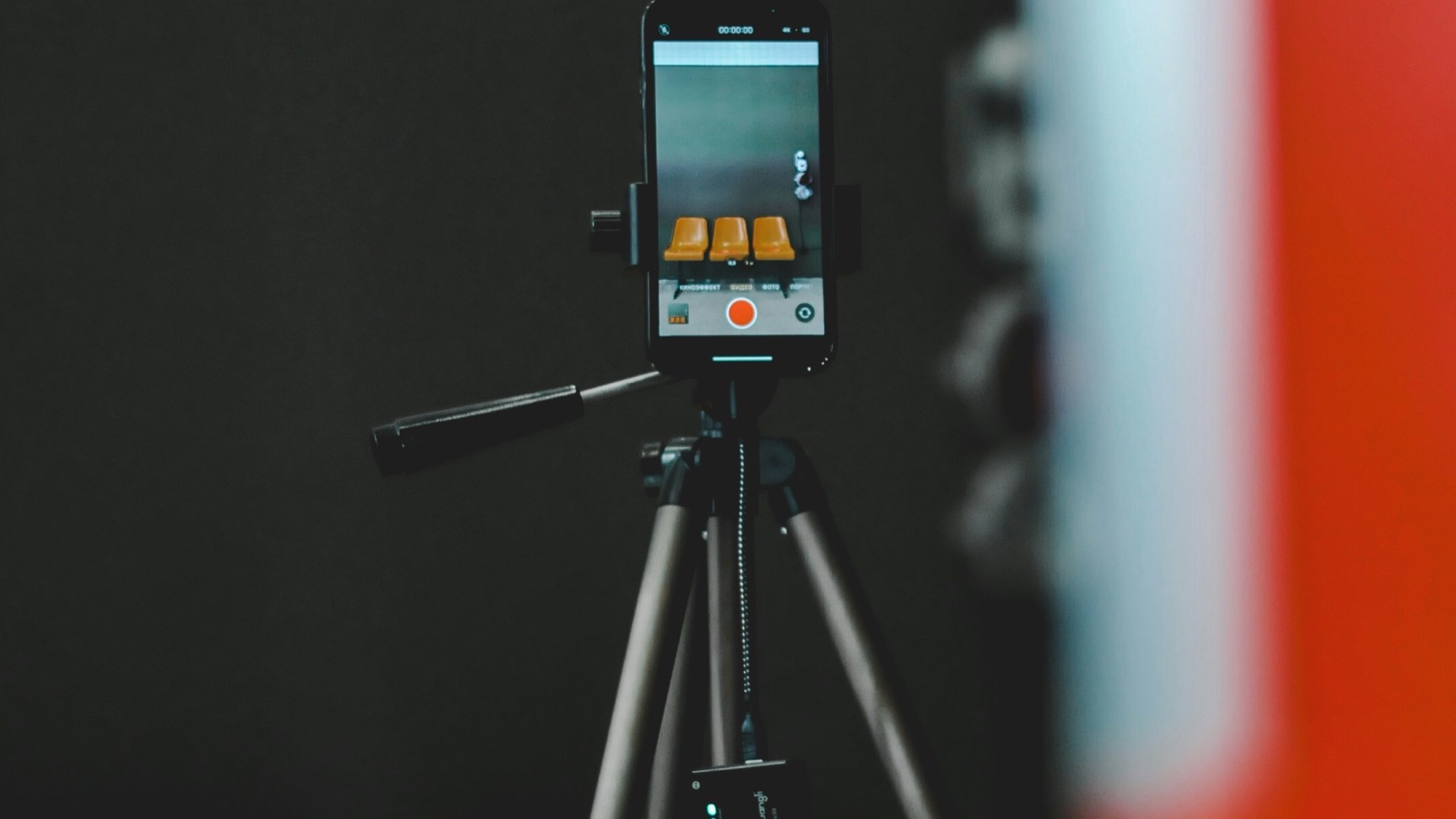
Handheld footage of a phone screen reads as amateur even when the content is good — small shakes are far more noticeable when the subject is a static screen than when it's a moving scene. A simple phone tripod fixes most of this instantly:
Watch this and more real product demos in the Studio → — a short, steady clip of one screen, one interaction, nothing extra. That's a fair example of the floor every demo video should clear before anything else gets added.
Design for sound off, add sound as a bonus
Most demo videos are first watched muted. If the point only comes across with narration, on-screen text or clean visual pacing needs to carry it instead. Voiceover and music can still help once the visual story already works without them — they shouldn't be load-bearing.
Pacing: cut earlier than feels natural
Raw screen recordings are almost always slower than they should be watched back — a pause before a tap, a beat after a result loads. Trimming that dead time is usually the single biggest difference between "recorded" and "produced." When in doubt, cut a beat earlier than feels comfortable; a demo that feels slightly brisk holds attention better than one that feels slightly slow.
A short structure that works for most demos
- The interaction, immediately — no logo, no title card first.
- The result, held long enough to actually register.
- One clear next step — where to get it, or what to do next — as the last frame, not squeezed into a corner throughout.
Common ways demo videos lose people
- Front-loading branding instead of the product itself.
- Trying to show every feature in one clip instead of picking one.
- Leaving in dead time from the raw recording — pauses, fumbled taps, loading screens.
- Relying on narration that a muted autoplay never plays.
- No clear ending — the video just stops instead of landing on a result.
Where MobileStudio fits
MobileStudio is currently in early access, built around turning a raw screen recording into a framed, paced, correctly-exported demo clip without juggling a separate recorder, mockup tool, and editor. Join the waitlist to try it as it opens up, or look through more real demo videos made with it for examples closer to what you're building.
The best product demo videos rarely look expensive. They look steady, focused on one thing, and honest about what happens when you tap the button — because that's what actually keeps someone watching to the end.