Yes, you can record Zoom meetings on a free account. But there are limits worth knowing before an important call.
What a free account can do
- Local recording in the Zoom desktop app on Windows, Mac, or Linux.
- Save recordings as MP4 video and M4A audio files on your computer.
What a free account can't do
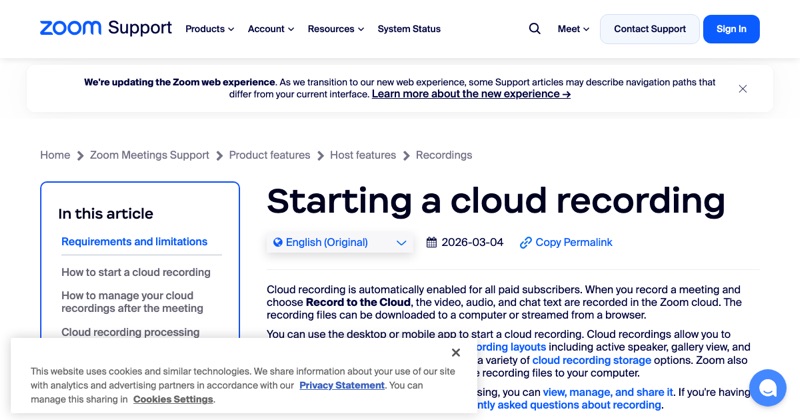
- Cloud recording. It's only on paid plans.
- Record from the phone app. Mobile recording is cloud-only, so it needs a paid account.
The meeting length limit
Free Zoom meetings have a time limit (40 minutes for meetings with multiple participants, on Zoom's free Basic plan at the time of writing). If the meeting ends, the recording ends too. Check Zoom's current plan details if your meeting will run long.
How to record on a free account
- Open the Zoom desktop app and start or join a meeting as host.
- Click Record.
- Choose Record on this Computer.
- Stop the recording or end the meeting. The MP4 is created afterwards.
Recording on your phone without a paid account
Zoom's own recorder won't work. Your phone's screen recorder can capture the video, but it often won't capture the other participants' audio from a call. Join from a computer instead for a reliable recording.
Participants need permission on any plan
Whether the account is free or paid, participants can only record if the host allows it. Recording as a participant.
Where MobileStudio fits
For mobile product demos, record the app on your phone and polish it in MobileStudio, with no meeting needed. Get MobileStudio.
Quick FAQ
Can a free Zoom account record to the cloud?
No. Cloud recording needs a paid plan.
Why does my free recording stop at 40 minutes?
The meeting itself ends at the free plan's time limit.