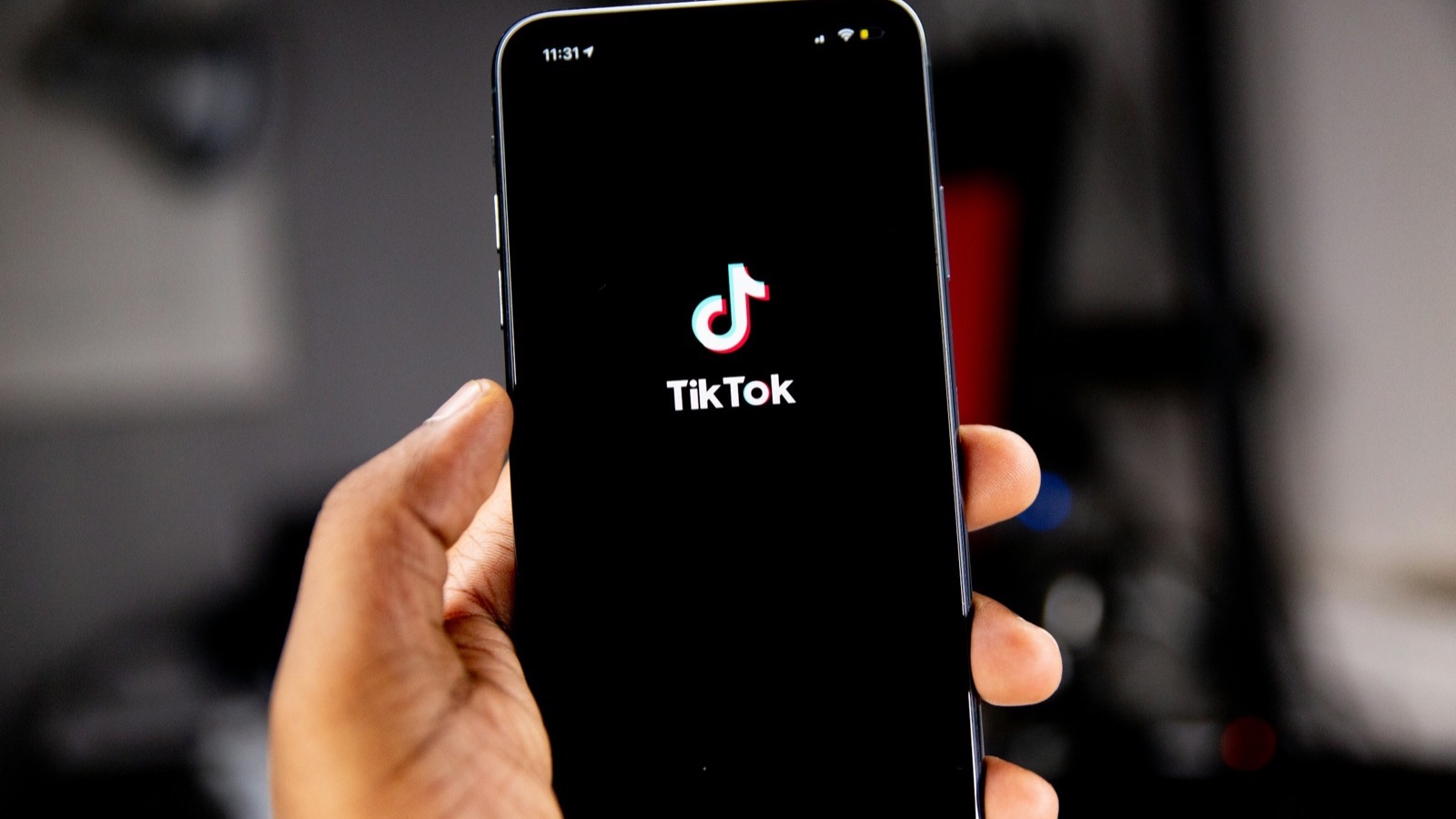
To reverse a video on TikTok, record or upload your clip, open the editor, and look for the Reverse option, which TikTok has offered under its Effects, in the Time section, in most versions. If you can't find it, or you want the reversed clip for other apps too, reverse it first with the MobileStudio Reverse Video tool and upload the backwards MP4.
The short answer
| Method | Best when |
|---|---|
| TikTok's Reverse effect | You're editing in TikTok anyway |
| Reverse first, then upload | Reverse is missing, or you'll post the clip elsewhere |
| CapCut's Reverse | You want more control and edit in CapCut |
How do I reverse a video in the TikTok app?
- Tap + to record or upload a video.
- Tap Next (or the checkmark) to open the editing screen.
- Open Effects and look for the Time tab.
- Tap Reverse and preview it.
- Tap Save and continue to post.
TikTok redesigns its editor often, so the exact path changes between versions. TikTok's editing help describes the current editing tools.
What if TikTok doesn't show a Reverse option?
Reverse the clip before uploading:
- Open Reverse Video in your phone's browser.
- Pick the clip (up to 30 seconds).
- Tap Reverse & export and download the MP4.
- Upload it to TikTok like any video, then add a sound from TikTok's library.
The reversed MP4 is silent, so TikTok's music and sounds fit right in. It also works for Reels and Shorts.
How do I record a TikTok that looks good reversed?
Prop your phone against something steady or use a tripod, so the background doesn't wobble. Do one clear action, such as tossing something or walking backwards out of frame, and leave a second of stillness before and after. Smooth frame rates help too: Instagram recommends at least 30 fps for Reels in its Reels help page, and reversed TikToks benefit the same way.
How do I reverse only part of a TikTok?
Split your footage into clips: record the forward part and the part to reverse separately, or trim the section with the video trimmer. Reverse that section in the browser tool, then add both clips to one TikTok in order.
What reversed TikTok ideas work well?
| Idea | How |
|---|---|
| "Un-pouring" a drink | Pour, then reverse |
| Outfit or room reveal in reverse | Mess to tidy, reversed |
| Throwing something into your hand | Drop it, then reverse |
| A rewind to the start of a story | Reverse the last few seconds |
Keep the phone still on a surface or tripod, so only the subject moves.
How do I reverse a video for TikTok on iPhone or Android?
Both work the same way with the browser tool. iPhone's Photos app can't reverse, so see how to reverse a video on iPhone; on Android, see how to reverse a video on Android.
Should my reversed TikTok be vertical?
Yes. TikTok is built for 9:16 vertical video. If your clip is landscape, crop it first with the crop tool; see how to crop a video for TikTok. If you prefer working on a computer, FFmpeg can reverse a clip with its reverse filter before you transfer it to your phone.
Where MobileStudio fits
Reverse Video is one of our free tools. MobileStudio itself turns screen recordings of your app into polished, vertical demos ready for TikTok. Get MobileStudio.
Quick FAQ
How do you reverse a video on TikTok?
In the editor, open Effects, then Time, and tap Reverse, or reverse it first with the browser tool.
Why can't I find Reverse on TikTok?
TikTok moves features between updates. Reverse the clip before uploading instead.
Can I reverse a TikTok I already posted?
Download it, reverse it, and post it again.
Does reversing on TikTok keep the sound?
Add a TikTok sound after reversing; reversed speech rarely works.
How long can a reversed TikTok be?
The browser tool reverses clips up to 30 seconds.