Discord doesn't have a record button for calls. You'll need one of three workarounds, depending on where the call is and what you need.
The three options
| Method | Works for | Captures | Best for |
|---|---|---|---|
| Craig bot | Server voice channels | Audio, a separate track per person | Podcasts, meetings, game sessions |
| OBS Studio | Desktop calls of any kind | Audio and video | Video calls, streams, screen shares |
| Phone screen recorder | Mobile | Video, limited audio | Quick, rough captures |
Option 1: Craig (server voice channels)
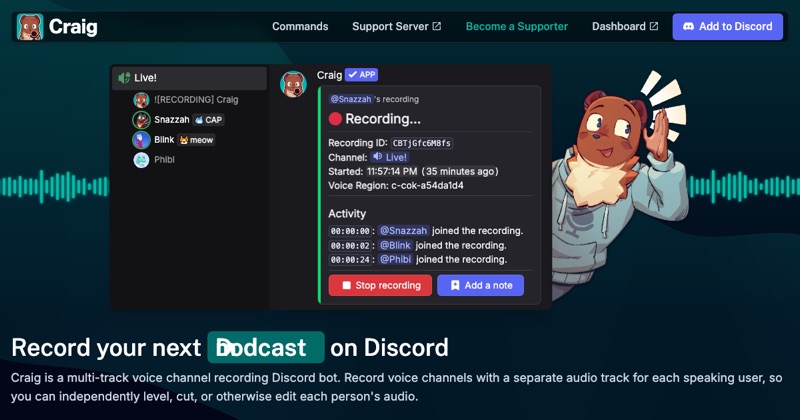
Craig is a recording bot built for Discord voice channels. Someone with permission to add bots invites it to the server, then runs its command to join your voice channel and start recording. It records each speaker on a separate track, which is great for editing a podcast. Step-by-step.
Option 2: OBS on a computer (anything)
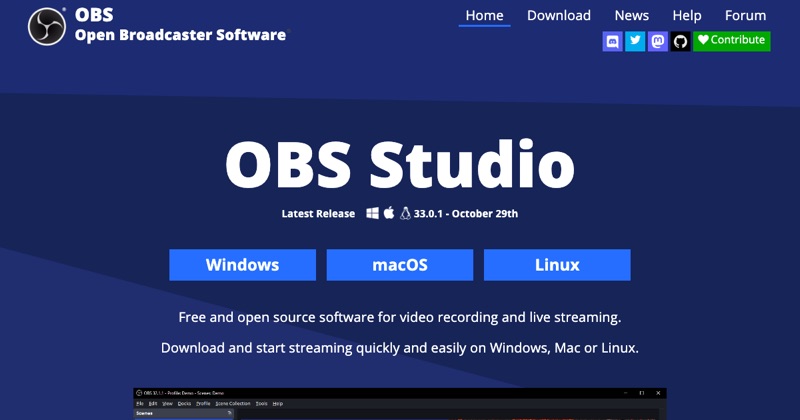
OBS Studio is free and records whatever Discord shows and plays, including DMs, video calls, and screen shares. Add a capture for the Discord window and an audio capture for Discord's sound. Audio setup.
Option 3: Your phone's screen recorder (limited)
You can screen record Discord on a phone, but call audio from other people is often missing, the same restriction phones apply to other calling apps. Test before relying on it.
Everyone should know
Craig makes its recording visible in the channel. OBS and screen recorders don't notify anyone, so announce it yourself. Recording people without consent can break the law and Discord's rules.
Where MobileStudio fits
MobileStudio isn't a call recorder. It turns screen recordings of your app into polished demos. Get MobileStudio.
Quick FAQ
Can Discord record calls itself?
No. There's no built-in recording.
What's the best free way to record Discord?
Craig for voice channels, OBS for everything else.