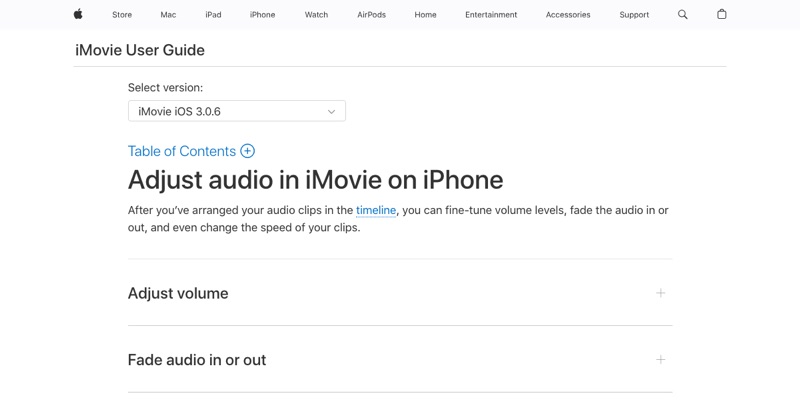
You open iMovie, tap Audio, go to your music, and the song you want is grayed out or missing. This is one of the most common frustrations with adding music to iPhone video. Here's why it happens.
Why your songs don't appear
Apple Music songs are protected. Tracks you stream or download through an Apple Music subscription are licensed for listening only. iMovie and most other editors can't use them in videos.
Songs stored only in the cloud. If a song you bought isn't downloaded to the iPhone, it may not show up until you download it in the Music app.
Music sources that work
- iMovie Soundtracks: built into iMovie, free to use in your projects. Tap + > Audio > Soundtracks.
- Songs you bought from the iTunes Store, downloaded to the device.
- Audio files in the Files app or iCloud Drive (MP3, M4A, and more): tap + > Audio > Files.
- Royalty-free music you've downloaded, like from the YouTube Audio Library.
Add the song in iMovie
- Start a Movie project with your video.
- Tap + > Audio and choose Soundtracks, My Music, or Files.
- Tap the track and then +.
- Adjust volume with the Audio button.
- Done > Share > Save Video.
Using popular songs on social media
Post to Instagram Reels or TikTok and add the song from their music library when you post. Those tracks are licensed for use on that platform. Adding the same song in iMovie and uploading it can get the audio muted.
Where MobileStudio fits
For app demos, MobileStudio helps turn your screen recordings into polished, post-ready videos on your phone. Get MobileStudio.
Quick FAQ
Why can't I add Apple Music to iMovie?
Apple Music tracks are protected and only licensed for listening.
What music can I add to iPhone videos for free?
iMovie Soundtracks and royalty-free tracks.