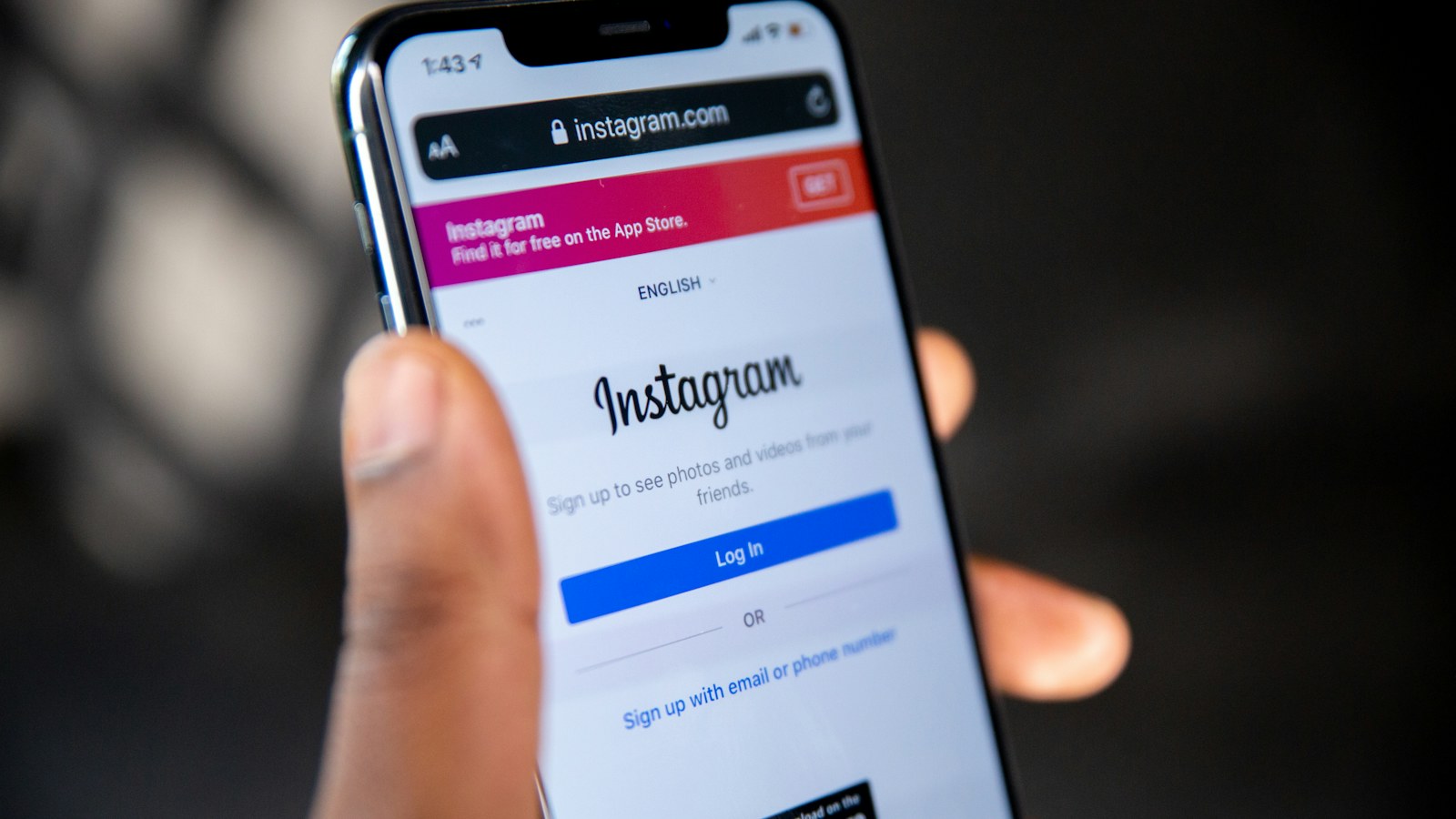
You want to save someone's Instagram story, maybe a recipe, a funny clip, or a moment from a friend's trip, and you're not sure if they'll get a notification saying you recorded it.
The short answer
No. Instagram doesn't notify people when you screen record or screenshot their story, post, reel, or highlight. That's how it works at the time of writing.
The exception is disappearing photos and videos sent in Direct Messages (the "View once" and "Allow replay" kind). Instagram tells the sender when one of those is screenshotted, and it has done so since it launched disappearing messages.
| What you capture | Does the person get notified? |
|---|---|
| Someone's story | No |
| A feed post or carousel | No |
| A reel | No |
| A highlight | No |
| A normal DM message | No |
| A disappearing photo or video in DMs | Yes, the sender can see it |
What the other person can see
Recording a story is invisible, but watching it isn't. Your username appears in the story's viewer list for the 24 hours the story is live (and in the archive for the account owner after that). So they'll know you viewed it, but not that you recorded it.
Disappearing photos and videos in DMs
When someone sends you a photo or video with View once or Allow replay, the rules are different. When Instagram introduced these, it said plainly that "the sender will be notified if you replay or screenshot the message." The sender sees it in the conversation.
Instagram may also block or blank out these messages if you try to capture them. Either way, treat disappearing media as private. That's the point of it.
Why stories don't trigger a notice
Instagram has tested story screenshot alerts before, and decided against keeping them. Today, Instagram's own help documentation only describes screenshot notices for disappearing messages.
Platforms change their minds, though. If Instagram adds a notice in a future update, the answer changes. We'll update this page when it does.
How to screen record an Instagram story
On iPhone:
- Open the story you want.
- Swipe down from the top-right corner to open Control Center and tap Screen Recording.
- Go back to Instagram, and the story plays from where you were. Hold your finger on the screen to pause it if you need longer.
- Tap the red indicator at the top to stop.
New to this? Our iPhone screen recording guide covers adding the button and recording with sound.
On Android:
- Swipe down twice and tap Screen record (Screen recorder on Samsung).
- Choose to record device audio (Pixel) or Media sounds (Samsung) if you want the story's sound.
- Open the story, then stop from the notification when you're done.
See our Android screen recording guide for brand-specific steps.
No sound in your recording? Check the audio option before you start. Here's every reason a screen recording goes silent.
Saving your own stories (the easy way)
If it's your story, you don't need to screen record it at all. Open the story, tap More (the three dots), and tap Save. Instagram also keeps old stories in your Archive if archiving is on, so you can save or reshare them later.
A quick word on etiquette and permission
Just because Instagram won't tell anyone doesn't mean everything is fair game:
- Don't repost someone's content without asking. Their photos and videos are their work, and reposting can break copyright and Instagram's rules.
- Treat private accounts as private. A follower-only story was shared with a specific audience.
- Never save disappearing messages. They're designed not to be kept.
- When in doubt, ask. "Can I save this?" takes five seconds and keeps the friendship intact.
Where MobileStudio fits
If you're recording stories or reels about your own app, a feature launch or a quick product demo, MobileStudio helps turn a raw screen recording into a polished, story-ready clip on your phone, with a device frame, background, and the right vertical export size.
It's now on Google Play, with iPhone coming soon. Get MobileStudio, or see real app demos made with it.
Quick FAQ
Can people see if you screen record their Instagram story?
No. They can see that you viewed it, in the viewer list, but not that you recorded or screenshotted it.
Does Instagram notify when you screenshot a post?
No. Feed posts, reels, and carousels send no screenshot or screen recording notice.
Does Instagram notify when you screen record a DM?
Not for normal messages. For disappearing photos and videos (View once or Allow replay), the sender can see that you took a screenshot.
Does Instagram notify screen recording on Instagram Live?
There's no screen recording notice for Live either. You'll appear in the viewer count and list while you watch.
Sources and further reading
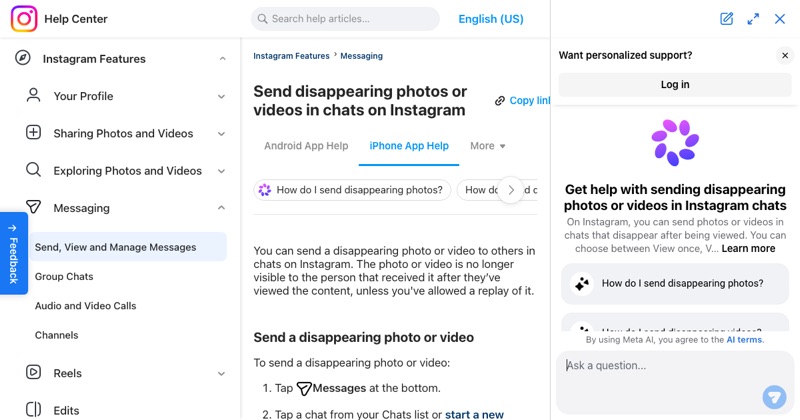 help.instagram.comInstagram Help Center: Send disappearing photos or videos in chatsInstagram Help Center: how view once and allow replay work for disappearing photos and videos.
 about.instagram.comInstagram: New updates to Instagram Direct Message (2017)Instagram's announcement of disappearing photos and videos in Direct, including screenshot and replay notices.