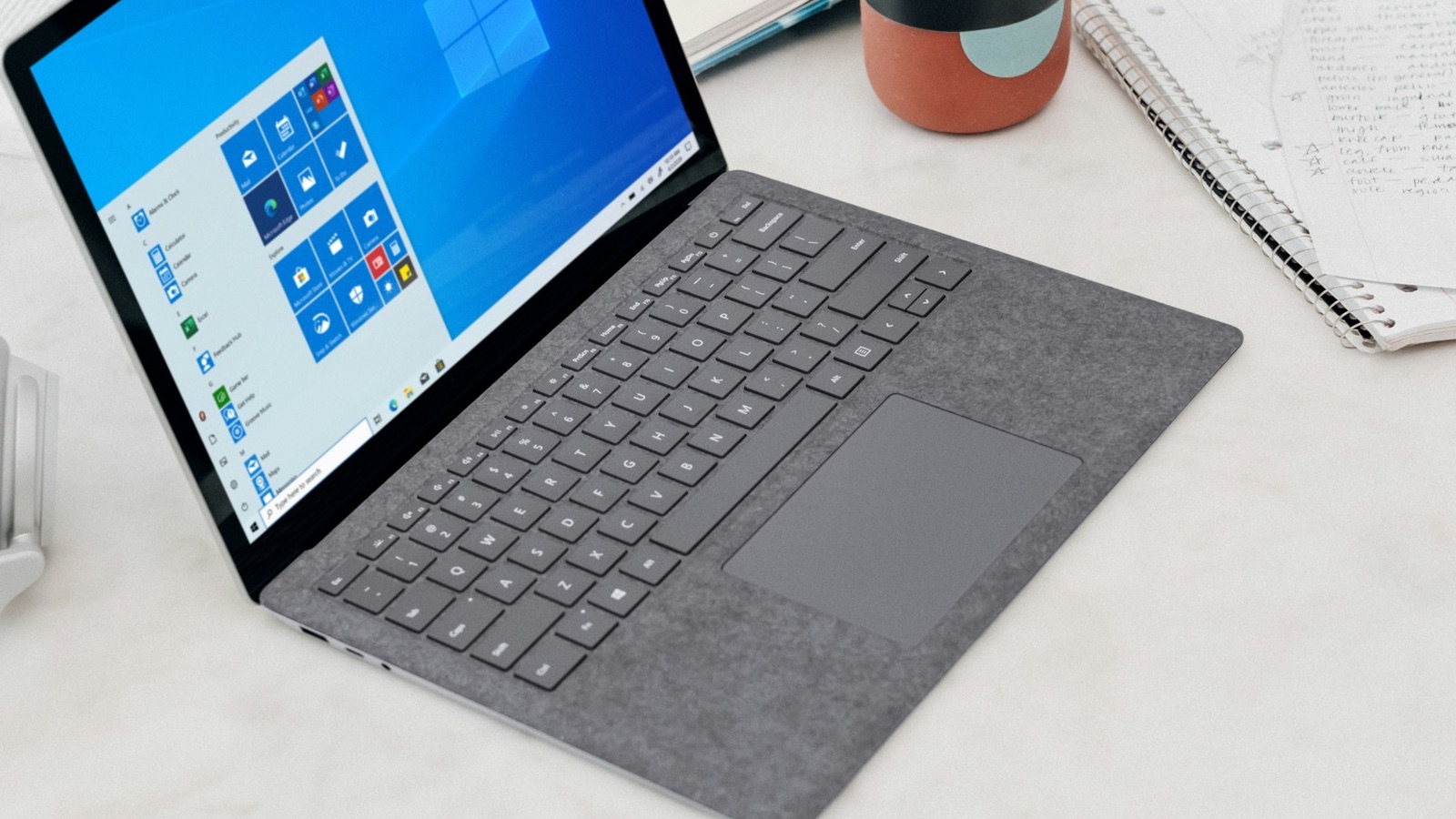
To add text to a video on Windows, open it in Clipchamp, click the Text tab, drag a text style onto the timeline above your video, and type your words. Clipchamp comes with Windows 11 and is free on Windows 10. For one overlay with exact timing and a quick MP4, use the MobileStudio Add Text to Video tool in Edge or Chrome.
The short answer
| Method | Best for |
|---|---|
| Clipchamp | Many text styles, animations, multiple texts |
| Add Text to Video | One clear overlay, fast, exact timing |
| FFmpeg | Scripted text on many files |
How do I add text to a video in Clipchamp?
- Open Clipchamp and create a new video.
- Add your video to the timeline.
- Click the Text tab in the toolbar.
- Drag a text style onto the timeline above your video.
- Type your text in the properties panel, and adjust the font, size, color, and position.
- Drag the text bar's edges to set when it shows, then Export.
Microsoft's Clipchamp guide covers editing in general, and Clipchamp allows many text overlays in one project.
How do I add text to a video on Windows in the browser?
- Open Add Text to Video in Edge or Chrome.
- Drop in the video.
- Type your text and choose Top, Center, or Bottom.
- Set the Text size and Text color, and keep Background on for readability.
- Choose the start and end under Show text from.
- Click Add text & export.
The MP4 keeps the original audio and is never uploaded.
How do I add text to a video with FFmpeg?
ffmpeg -i in.mp4 -vf "drawtext=text='New feature':fontsize=64:fontcolor=white:box=1:boxcolor=black@0.5:x=(w-tw)/2:y=h*0.8:enable='between(t,1,5)'" -c:a copy out.mp4
drawtext places the text, box adds a background, and enable limits it to seconds 1 to 5. On Windows you may need to add fontfile= pointing to a .ttf font. The FFmpeg documentation lists every option.
How do I animate text in Clipchamp?
Select the text on the timeline, then open the Fade or animation options in the properties panel to fade it in and out or pick an entrance style. Subtle fades read better than big motion on short clips. Microsoft's crop guide shows how the same floating toolbar handles cropping, which helps if you also need to reframe the video.
Can the Windows Photos app add text to videos?
The video editor that used to be in Photos moved to Clipchamp on Windows 11. Use Clipchamp or the browser tool.
How do I add text to a screen recording on Windows?
Record with Windows + Alt + R or the Snipping Tool, then add text in Clipchamp or the browser tool. A short label like the feature name helps viewers follow along. Crop out the taskbar first with the crop tool for a cleaner look.
How do I keep text readable?
Use a background box or shadow, keep to one or two short lines, show each for at least 2 to 3 seconds, and keep clear of the edges. See best font size for video text, and how to add text to a video for other devices.
Where MobileStudio fits
Add Text to Video is one of our free tools. MobileStudio itself turns phone screen recordings into polished app demos. Get MobileStudio.
Quick FAQ
How do I add text to a video on Windows 10?
Download Clipchamp, or use Add Text to Video in your browser.
Does Windows 11 have a video editor with text?
Yes. Clipchamp is included and has a Text tab.
Can I add several texts at different times?
Yes, in Clipchamp. In the browser tool, export once per text.
Does adding text in Clipchamp add a watermark?
Clipchamp's free exports don't add a watermark to standard projects; check premium items.
Does adding text keep the sound?
Yes.