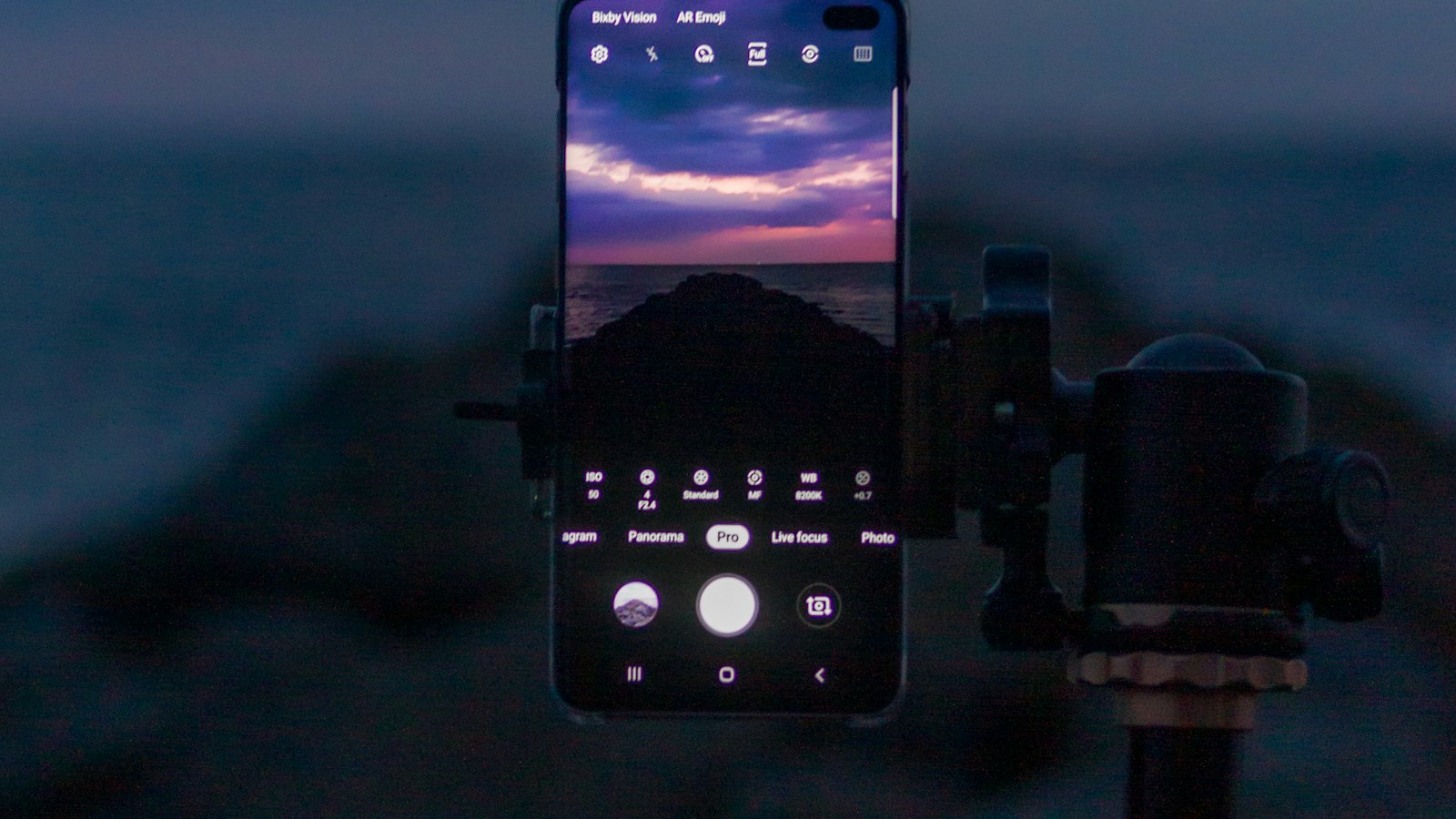
If your Android phone has no Screen record tile, even after editing Quick Settings, it may simply be too old to have one. Here's what to do.
Check your Android version
Open Settings > About phone (sometimes Software information) and look for Android version.
- Android 11 or later: you have a built-in recorder. Here's how to use it.
- Samsung on Android 10: Samsung added its recorder earlier, so check the Quick panel for Screen recorder.
- Android 10 or earlier (non-Samsung): read on.
Can you update?
Check Settings > System > System update. If a newer Android version is offered, updating may add the built-in recorder.
Use a screen recorder app
If no update is available, install a screen recorder from the Google Play Store. When choosing one:
- Check permissions. A screen recorder can see everything on screen. Choose a well-known app with recent updates and good reviews.
- Watch for watermarks on free tiers.
- Avoid apps that want more than they need, like contacts or SMS access.
- Test a short recording before anything important.
Audio limits on older Android
Older Android versions may not let apps capture internal (app) audio at all. Recorder apps on these phones often only record the microphone. If you need app sound, play it through the speaker while the mic records, or use a newer phone.
Where MobileStudio fits
Whatever phone you record on, MobileStudio turns raw recordings of your app into polished demos. Get MobileStudio.
Quick FAQ
Which Android version added screen recording?
Android 11 on most phones. Samsung added it earlier.
Are screen recorder apps safe?
Choose well-reviewed, recently updated apps and check their permissions.