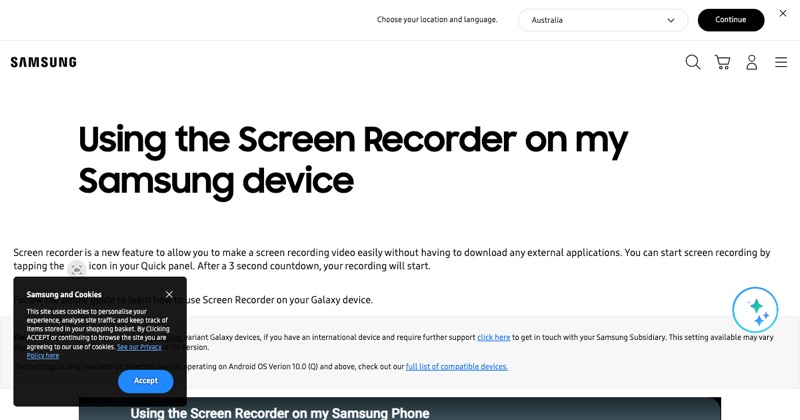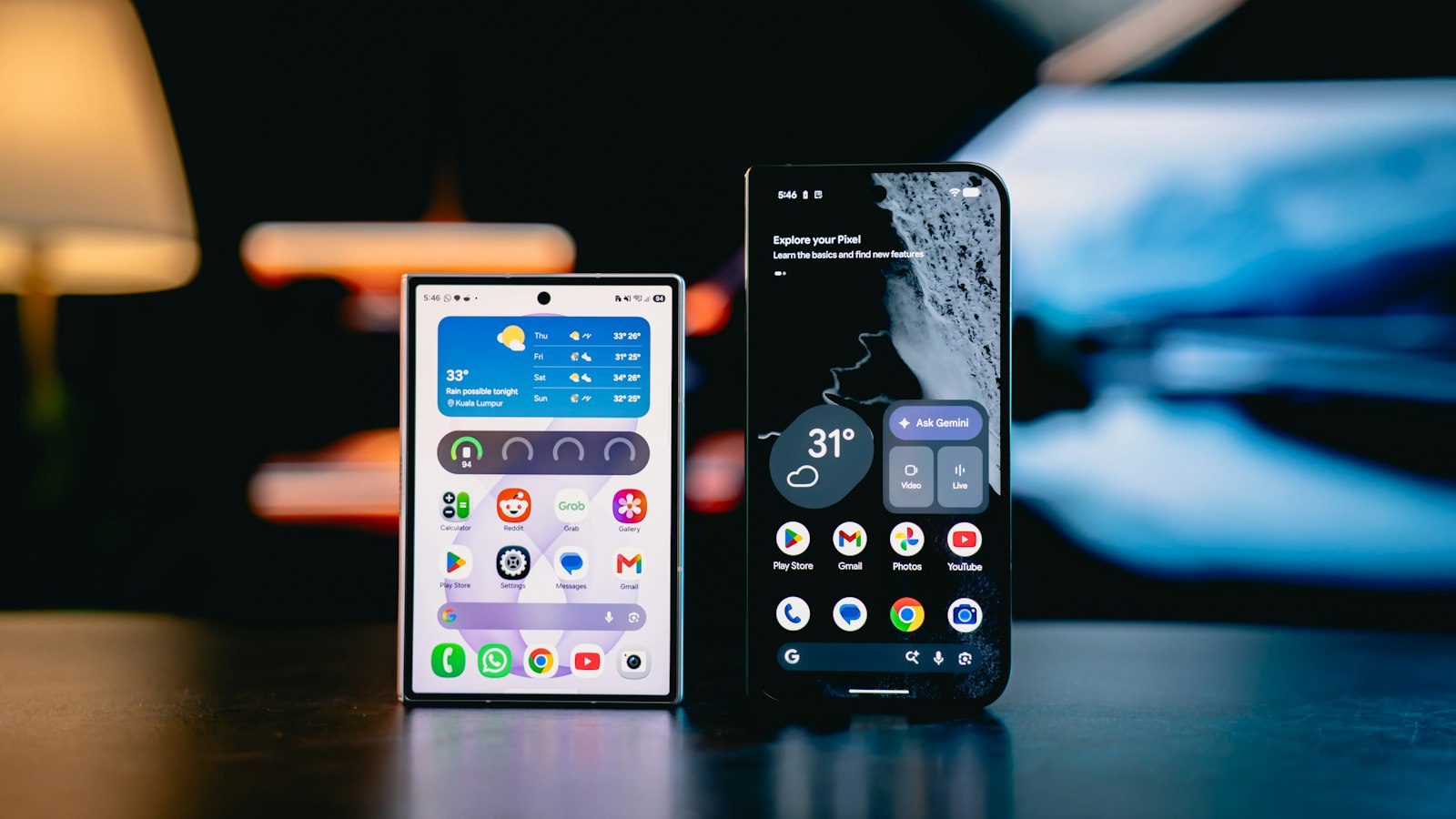
Two Samsung features make screen recordings much more engaging: the selfie video overlay and drawing on screen. Most people never find them.
Start a recording
- Swipe down twice to open the Quick panel.
- Tap Screen recorder.
- Choose Media sounds and mic if you'll talk.
- Tap Start recording.
A toolbar appears after the countdown.
Add your face (selfie video)
Tap the selfie video icon on the toolbar. Your front camera appears in a small window over the recording.
- Drag it to a corner that doesn't cover anything important.
- Change its size in Screen recorder settings (Settings > Advanced features > Screenshots and screen recordings).
It's great for reaction videos, app reviews, and explaining something on screen.
Draw on screen
Tap the pen icon on the toolbar to draw over whatever's on screen, like circling a button or underlining text. Turn drawing off to go back to using the phone normally.
Tips
- Keep the selfie window small. The screen content is the star.
- Use drawing sparingly. One circle at the right moment beats scribbles everywhere.
- Look at the camera when speaking to viewers, and at the screen when demonstrating.
Stop and find it
Tap stop on the toolbar. The video is in Gallery.
Where MobileStudio fits
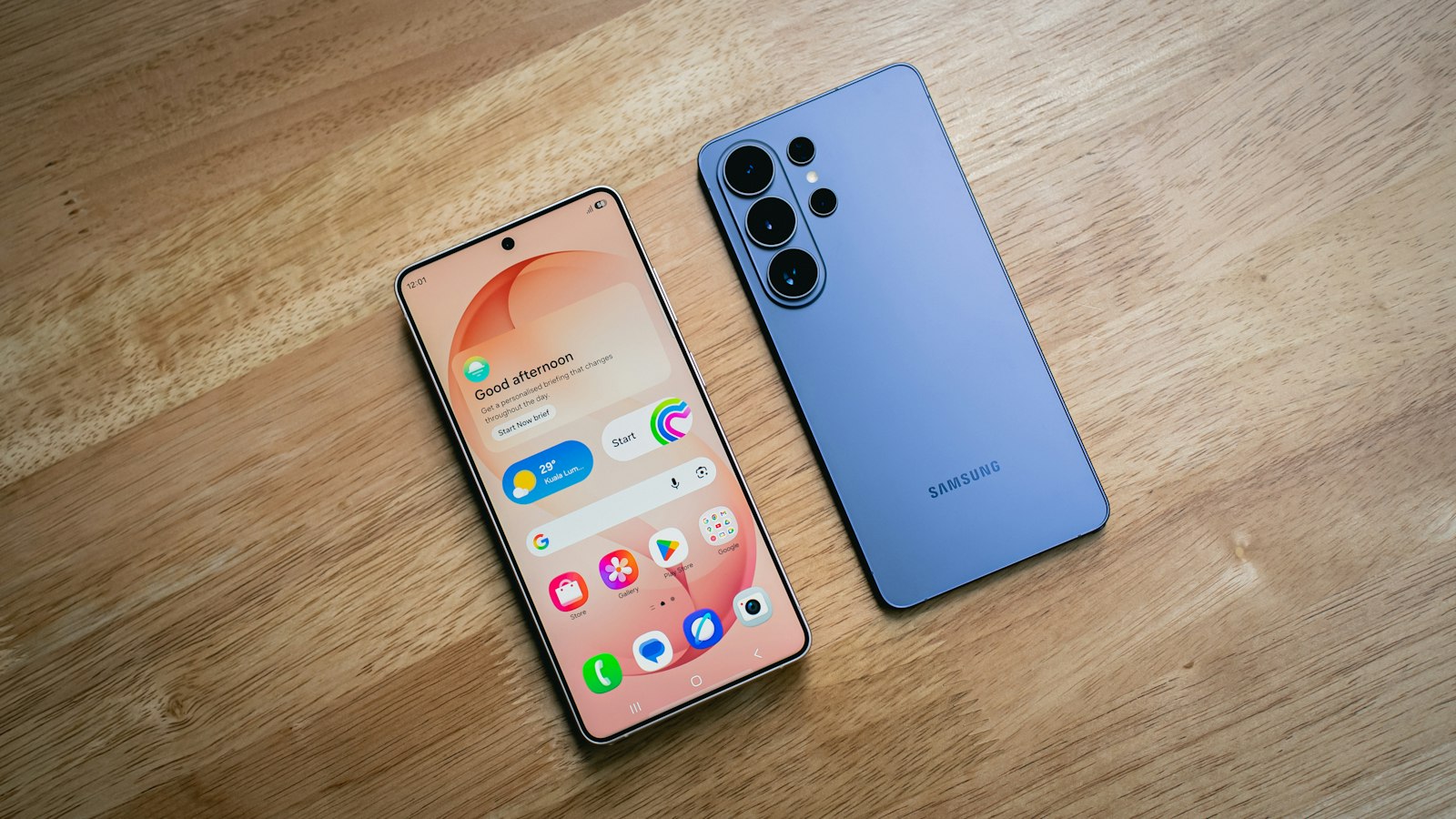
Making app demos on a Galaxy? MobileStudio turns raw recordings into polished, framed videos with zooms. Get MobileStudio.
Quick FAQ
How do I turn on the selfie camera while screen recording on Samsung?
Tap the selfie video icon on the recording toolbar.
Can I draw while screen recording?
Yes. Tap the pen icon on the toolbar.