On iPhone, screen recording is "on" when two things are true: the control is in Control Center, and nothing is blocking it. Here's how to sort out both.
1. Add the Screen Recording control
On iOS 18 and later:
- Swipe down from the top-right corner to open Control Center.
- Tap + at the top-left, then Add a Control.
- Search for Screen Recording and tap it.
On iOS 17 and earlier: Settings > Control Center, then tap the green + next to Screen Recording.
You only do this once.
2. Make sure Screen Time isn't blocking it
If the button shows up gray, or tapping it does nothing, Screen Time is the usual cause:
- Open Settings > Screen Time.
- Tap Content & Privacy Restrictions.
- Tap Content Restrictions.
- Under Game Center, find Screen Recording and choose Allow.
If it asks for a Screen Time passcode, that's the passcode a parent or whoever set it up chose. It isn't your lock-screen passcode.
3. Check for a work or school profile
Phones managed by an employer or school can have screen recording disabled by a management profile. Go to Settings > General > VPN & Device Management to see if one is installed. If it is, the restriction comes from your organization, so ask their IT team.
4. Start recording
Tap the Screen Recording button, wait for the three-second countdown, and go. Stop by tapping the red indicator at the top of the screen.
It's on, but some apps record black
That's not a setting on your phone. Streaming and some banking apps block capture of their own screens on purpose.
Where MobileStudio fits
If you're recording your own app to share, MobileStudio turns that recording into a polished demo, framed and zoomed, without a laptop. Get MobileStudio.
Quick FAQ
Why is screen recording grayed out on my iPhone?
Almost always a Screen Time content restriction or a management profile.
Do I need to turn screen recording on every time?
No. Once the control is added, it stays until you remove it.
Sources and further reading
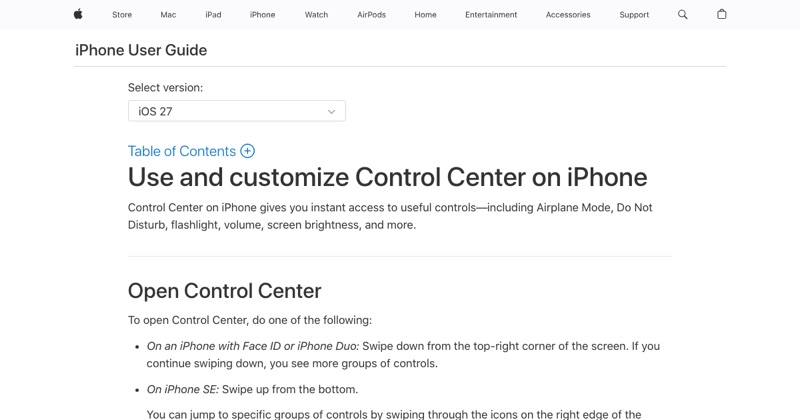 support.apple.comApple Support: Use and customize Control Center on iPhoneOpen the iPhone Control Center to access useful controls. You can customize Control Center by adding controls.
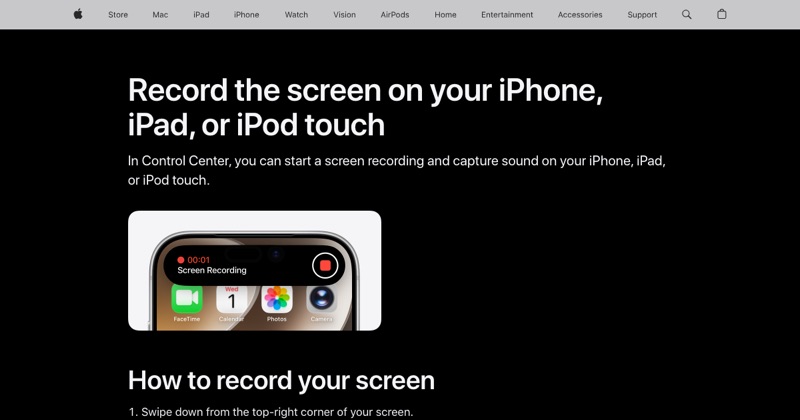 support.apple.comApple Support: Record the screen on your iPhone, iPad, or iPod touchIn Control Center, you can start a screen recording and capture sound on your iPhone, iPad, or iPod touch.