If you want a FaceTime video recording where both people sound clear, do it on a Mac. Here's how to set it up.
Why the Mac recorder alone isn't enough
macOS's built-in screen recorder (Shift + Command + 5) records your microphone, not the sound your Mac is playing. So the other person's voice comes through only faintly, or not at all. You need to route FaceTime's audio into the recorder.
Free method: BlackHole + QuickTime or OBS
- Install BlackHole, a free virtual audio driver.
- Open Audio MIDI Setup (search Spotlight).
- Create a Multi-Output Device with your speakers or headphones and BlackHole, so you can still hear the call.
- Create an Aggregate Device with your microphone and BlackHole, so one input has both voices.
- Set the Multi-Output Device as your Mac's sound output.
- In QuickTime (File > New Screen Recording) or OBS, choose the Aggregate Device as the microphone.
- Start recording, then start the FaceTime call.
Allow 20 to 40 minutes for the first setup. Test with a short call.
Paid method: Audio Hijack
Audio Hijack from Rogue Amoeba captures FaceTime's audio and your mic without manual routing. It records audio only, so run a screen recorder alongside if you need video.
Afterwards
Switch your Mac's sound output back to your normal speakers, or you'll wonder later why some apps sound odd.
Common problems
- You can't hear the call while recording: you set BlackHole as output instead of the Multi-Output Device.
- Echo: use headphones so the call doesn't play into your mic.
- Only one voice: the recorder isn't using the Aggregate Device.
More detail in how to record a FaceTime call.
Where MobileStudio fits
For phone-first app demos, record the app on your iPhone and polish it in MobileStudio. It isn't a call recorder. Get MobileStudio.
Quick FAQ
Is BlackHole free?
Yes, it's free and open source.
Does Audio Hijack record video?
No, audio only.
Sources and further reading
 existential.audioBlackHole by Existential AudioZero Latency. Perfect for Streamers, Podcasters, and Online Instructors.
 rogueamoeba.comRogue Amoeba: Audio HijackRecord VoIP calls from Zoom, web streams from Safari, and much more.
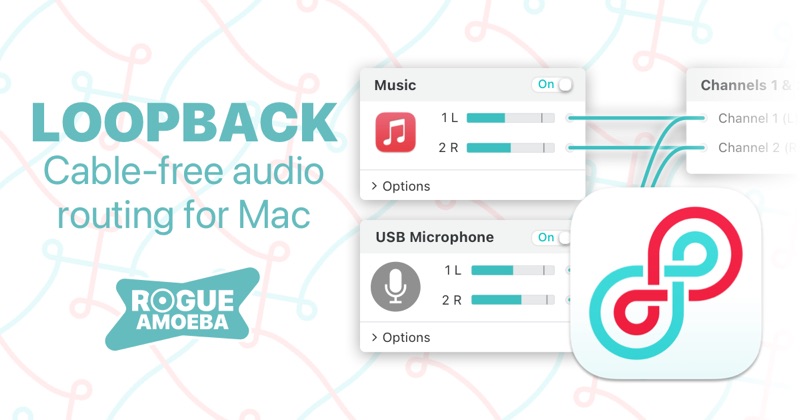 rogueamoeba.comRogue Amoeba: LoopbackGet all the power of a high-end studio mixing board, right inside your Mac!