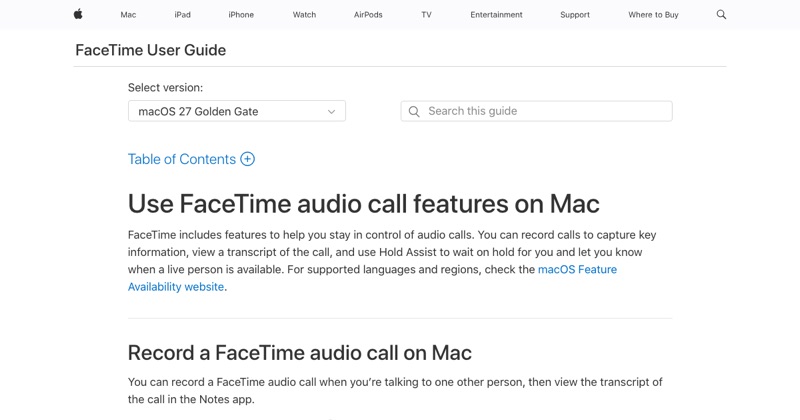
Yes, you can start a screen recording during a FaceTime call. And no, FaceTime doesn't tell the other person. Both facts come with caveats.
Does the other person get notified?
Screen recording: no. iOS doesn't send any notice to the other person when you screen record a FaceTime call.
Apple's Call Recording (for one-to-one audio calls, iOS 18.1+ where available): yes. Everyone hears an announcement that the call is being recorded.
Screenshots: FaceTime has a separate Live Photos feature for video calls, which notifies the other person when used. A regular screenshot with the side and volume buttons doesn't.
What a screen recording of FaceTime captures
- The video on your screen: yes.
- Your voice: if you turned the microphone on.
- Their voice: not directly, because call audio is excluded. Only if your speaker is on and your mic picks it up.
Why you should ask anyway
The other person not being notified doesn't make it OK. In many places, recording a call without everyone's consent is illegal, and in some it's a criminal offense. Even where it's legal, recording someone secretly damages trust.
A simple "Mind if I record this?" covers you.
When recording a FaceTime call makes sense
- Saving a moment with family who agreed to it.
- Recording an interview, with permission.
- Keeping a record of instructions someone is giving you.
How to do it well
For the full set of methods, including how to get both voices: how to record a FaceTime call.
Where MobileStudio fits
MobileStudio is for your own app's screen recordings, not calls. It turns them into polished demos. Get MobileStudio.
Quick FAQ
Does FaceTime notify screen recording?
No. Apple's Call Recording does announce itself.
Is it illegal to screen record FaceTime?
It depends where you and the other person are. Get consent.