To crop a video for Instagram, use 9:16 (1080×1920) for Reels and Stories, and 4:5 (1080×1350) or 1:1 (1080×1080) for feed posts. Crop before you upload so Instagram doesn't cut off the important part. The MobileStudio Crop Video tool has all three presets and works on any phone or computer.
The short answer
| Instagram format | Crop to | Size |
|---|---|---|
| Reels | 9:16 | 1080×1920 |
| Stories | 9:16 | 1080×1920 |
| Feed, portrait | 4:5 | 1080×1350 |
| Feed, square | 1:1 | 1080×1080 |
| Feed, landscape | 1.91:1 or 16:9 | 1080 wide |
What aspect ratio does Instagram use?
Instagram's Reels help page says Reels can be uploaded at aspect ratios between 1.91:1 and 9:16, and recommends at least 30 fps and 720 px. For feed photos, Instagram keeps the original resolution when the aspect ratio is between 1.91:1 and 4:5 and sizes them to 1080 px wide, per its resolution help. In practice: 9:16 fills the screen for Reels, and 4:5 takes the most space in the feed.
How do I crop a video for Instagram Reels?
- Open Crop Video.
- Drop in your video.
- Choose 9:16.
- Drag the box over the subject.
- Click Crop & download, then upload the MP4 to Instagram as a Reel.
If your video is already vertical, you may not need to crop at all. Landscape videos need cropping; see how to make a video vertical.
How do I crop a video for an Instagram feed post?
Choose 4:5 in the tool for the biggest feed post, or 1:1 for a square. 4:5 is taller than square, so it takes up more of the screen as people scroll. Read how to make a video square if you prefer 1:1.
How do I crop a video for Instagram on iPhone?
Open the video in Photos, tap Edit > Crop, tap the aspect ratio button, and pick 9:16, 4:5, or Square. Tap Done, then upload. Apple's crop guide has the steps. See how to crop a video on iPhone.
Why does Instagram crop my video?
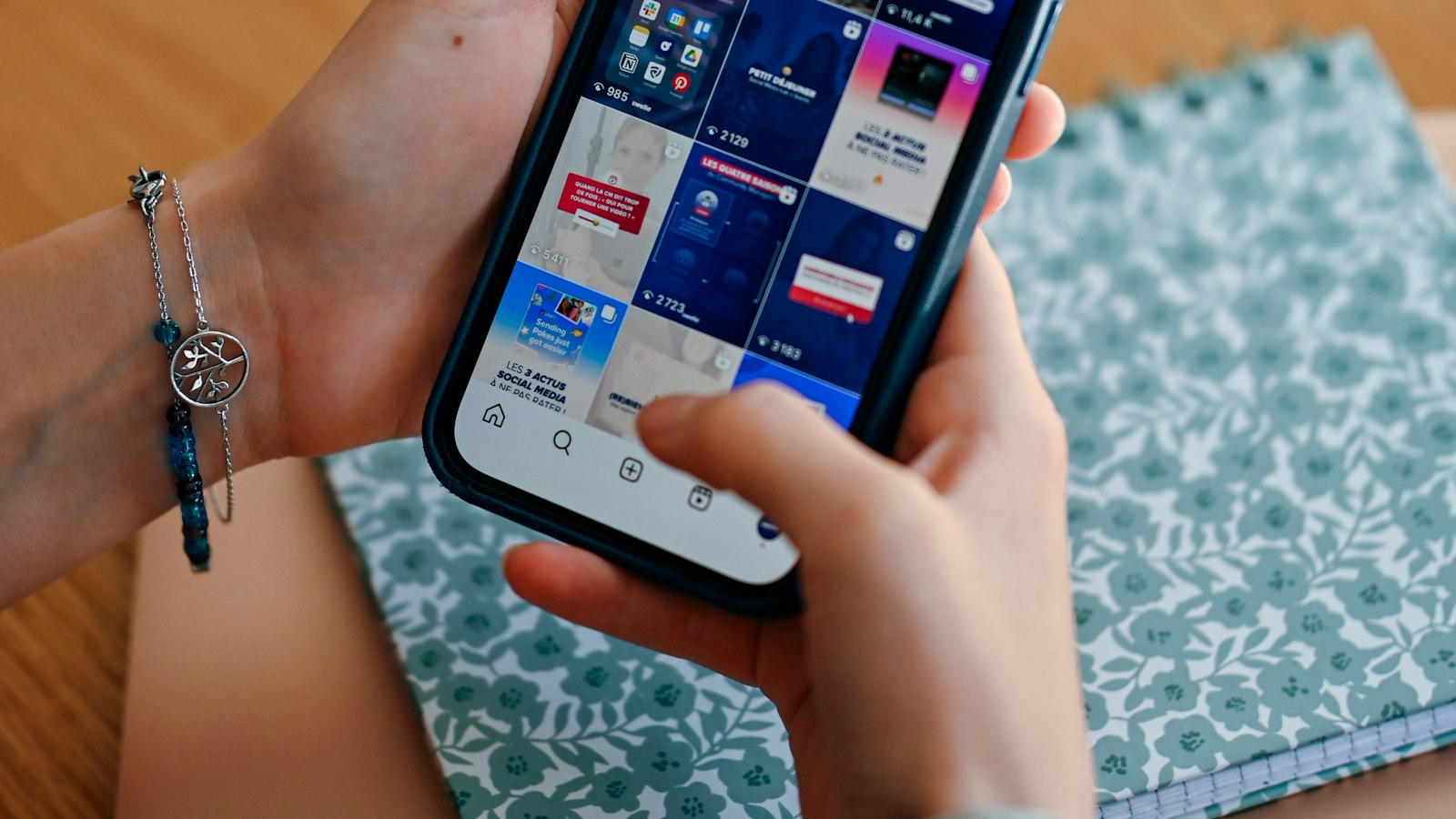
Instagram shows previews in a grid and trims edges that don't fit the format. Reels also have the caption, username, and buttons over the bottom and right of the frame. To avoid trouble:
- Crop to the exact ratio before uploading.
- Keep faces and text in the center, away from the bottom fifth of the frame.
- Check the grid preview, which shows a narrower crop.
Can I crop a video inside the Instagram app?
Instagram's editor lets you zoom and reposition when you upload a feed post, and Reels are shown at 9:16. Cropping before uploading gives you exact control over what stays in the frame, and it works the same every time.
What else should an Instagram video have?
| Setting | Recommendation |
|---|---|
| Resolution | At least 720 px; 1080 px is best |
| Frame rate | 30 fps or more |
| Format | MP4 with H.264 |
| Captions | Add text for people watching without sound |
To add on-screen text, use the Add Text to Video tool, and see video aspect ratios explained for other platforms.
Where MobileStudio fits
Crop Video is one of our free tools. MobileStudio itself turns screen recordings of your app into polished demos ready for Reels and the feed. Get MobileStudio.
Quick FAQ
What size should an Instagram Reel be?
9:16 at 1080×1920 pixels.
What's the best aspect ratio for an Instagram feed video?
4:5 at 1080×1350, which takes the most space in the feed.
How do I stop Instagram cropping my video?
Crop to the right ratio before uploading and keep key content centered.
Can I post a landscape video on Instagram?
Yes, down to 1.91:1, but it appears smaller in the feed.
What video format does Instagram accept?
MP4 with H.264 video is the most reliable.