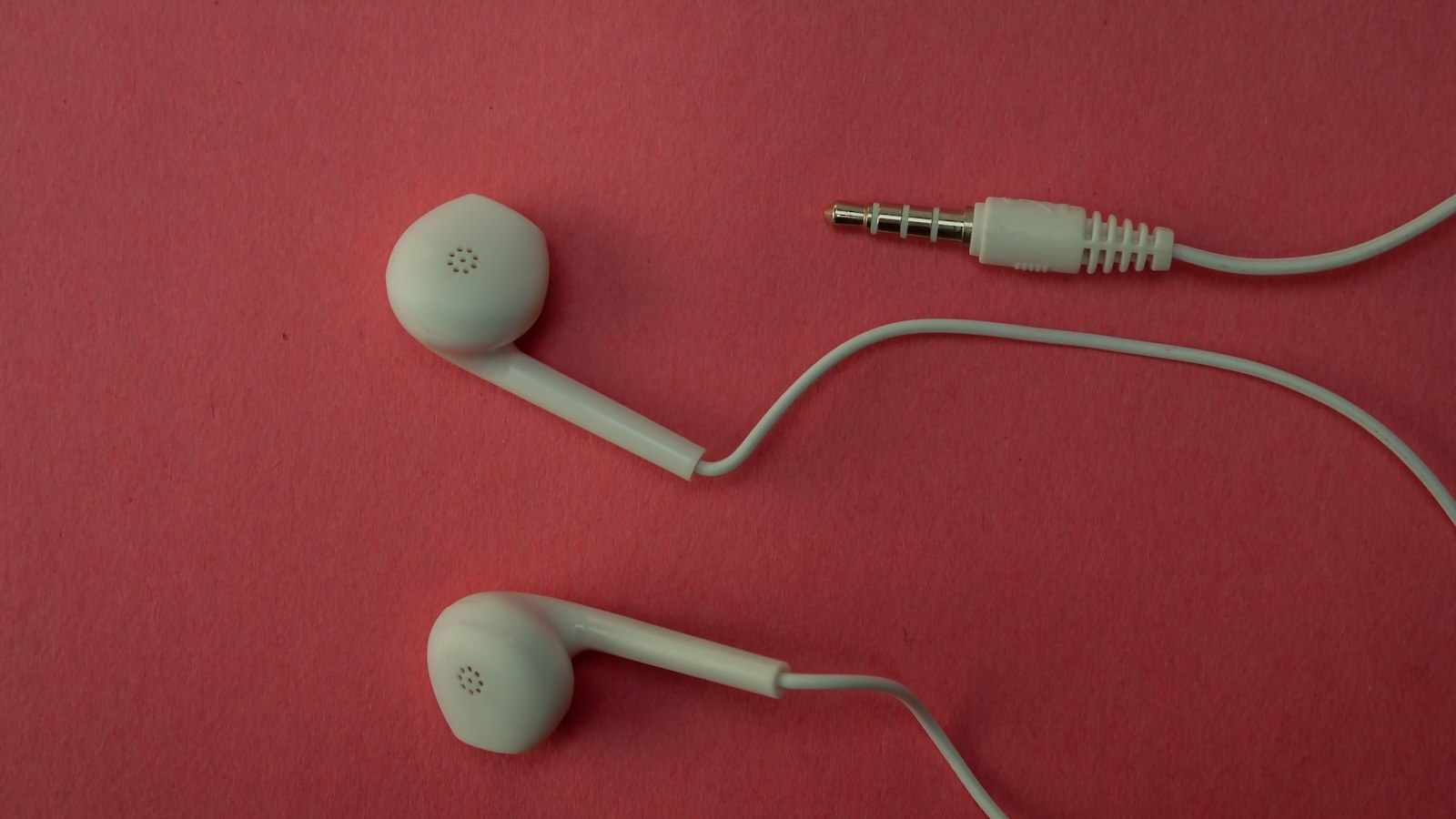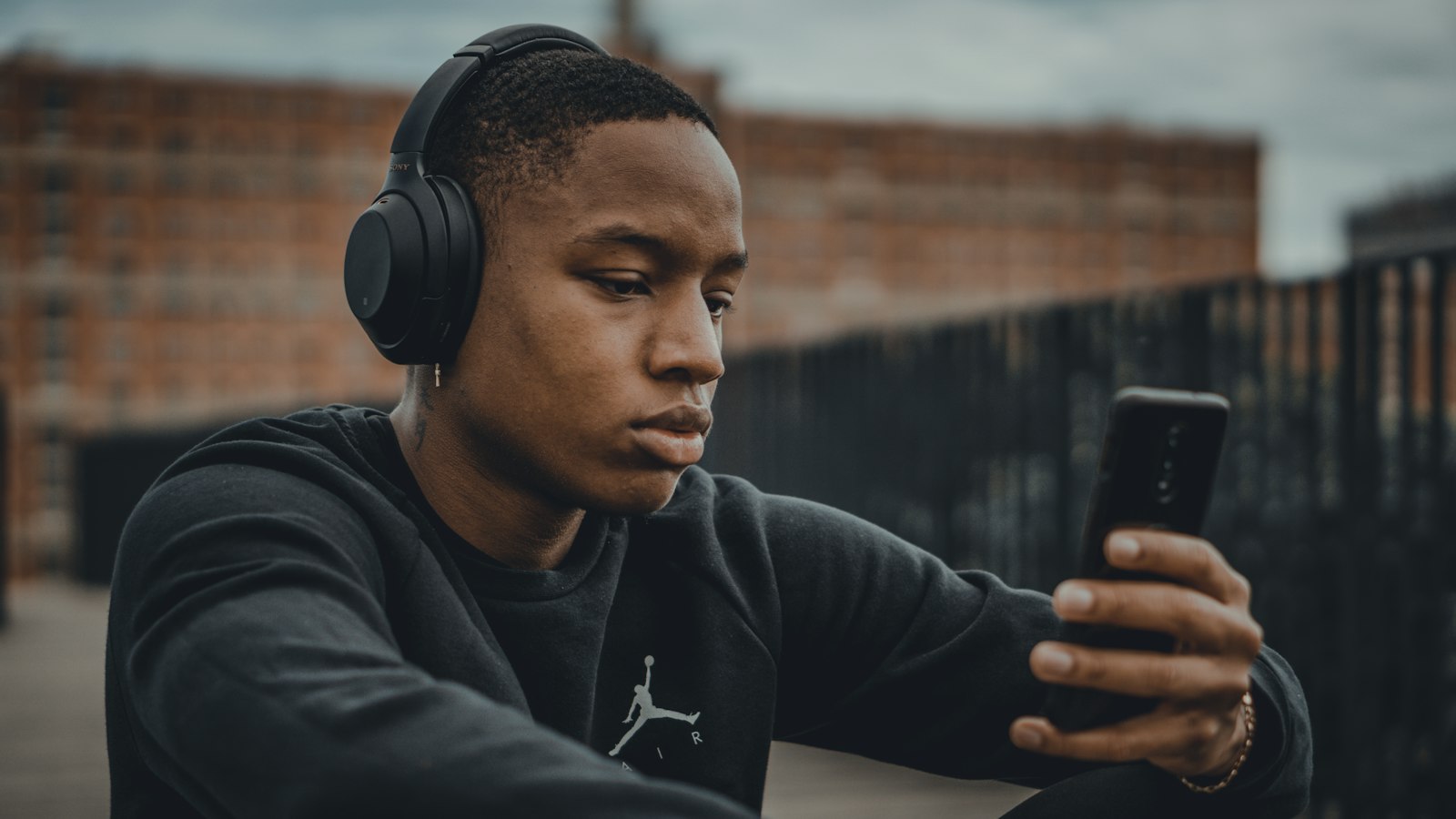
When nothing else works, like a group call, a video call with only an iPhone, or a region without Call Recording, there's always the low-tech option: record the call's audio with a second device.
What you need
- The phone or Mac you're making the FaceTime call on.
- A second device to record: another phone, a tablet, a laptop, or a voice recorder.
How to do it
- Put the FaceTime call on speaker.
- On the second device, open a voice recorder app (Voice Memos on iPhone, or Recorder on Android).
- Place it close to the speaker, about 20 to 30 cm away.
- Start recording on the second device, then start the call.
- Stop both when you're done.
Get better sound
- Quiet room: turn off fans and close windows.
- Soft surfaces: a room with a couch and curtains has less echo than a kitchen.
- Speaker volume around 70 percent. Louder can distort.
- Don't move the devices during the call.
- Speak toward the calling device, not the recorder, so both voices are balanced.
Want video too?
Screen record the call on the calling device (to capture video) while the second device records audio. Clap once at the start of both recordings. Later, line up the clap in an editor to sync them.
When to use something better
If you can take the call on a Mac, BlackHole or Audio Hijack will sound far better. For one-to-one audio calls, Apple's Call Recording is cleaner. All methods.
Consent
Tell everyone you're recording. A second device doesn't notify anyone.
Where MobileStudio fits
MobileStudio doesn't record calls. It turns screen recordings of your app into polished demos. Get MobileStudio.
Quick FAQ
Can I record a group FaceTime call?
Yes, with a second device or a Mac setup.
How do I sync separate audio and video?
Clap at the start of both, then line up the clap in an editor.