To crop a video, choose the part of the frame you want to keep, either with a preset shape like 9:16 or 1:1 or by dragging a free crop box, then export. Every device can do it for free: Photos on iPhone, Google Photos on Android, iMovie on Mac, and Clipchamp on Windows. The MobileStudio Crop Video tool does it in any browser, keeps the audio, and never uploads the video.
The short answer
| You're on | Free way to crop | Presets? |
|---|---|---|
| iPhone or iPad | Photos > Edit > Crop | Yes, including 9:16 and square |
| Android | Google Photos > Edit > Crop | Yes, aspect ratio options |
| Mac | iMovie > Cropping button | Crop to fill |
| Windows | Clipchamp > Crop button | Freehand, plus project ratios |
| Any browser | Crop Video | 9:16, 1:1, 4:5, 16:9, free box |
What's the difference between cropping and resizing?
Cropping cuts away the edges, keeping the original pixels in the area you choose. Resizing scales the whole frame up or down. To change a landscape video into a vertical one, you crop. To make a file smaller, you resize or compress; see the video compressor.
How do I crop a video in my browser?
- Open Crop Video.
- Drop in the video (MP4, MOV, or WebM).
- Pick a preset: 9:16 for Reels, TikTok, and Shorts; 1:1 for square posts; 4:5 for the Instagram feed; 16:9 for YouTube; or Free to drag any shape.
- Drag the crop box over the part you want to keep, and drag the corner to resize it.
- Click Crop & download.
The result is an H.264 MP4 with the original sound, and it plays everywhere.
How do I crop a video on iPhone?
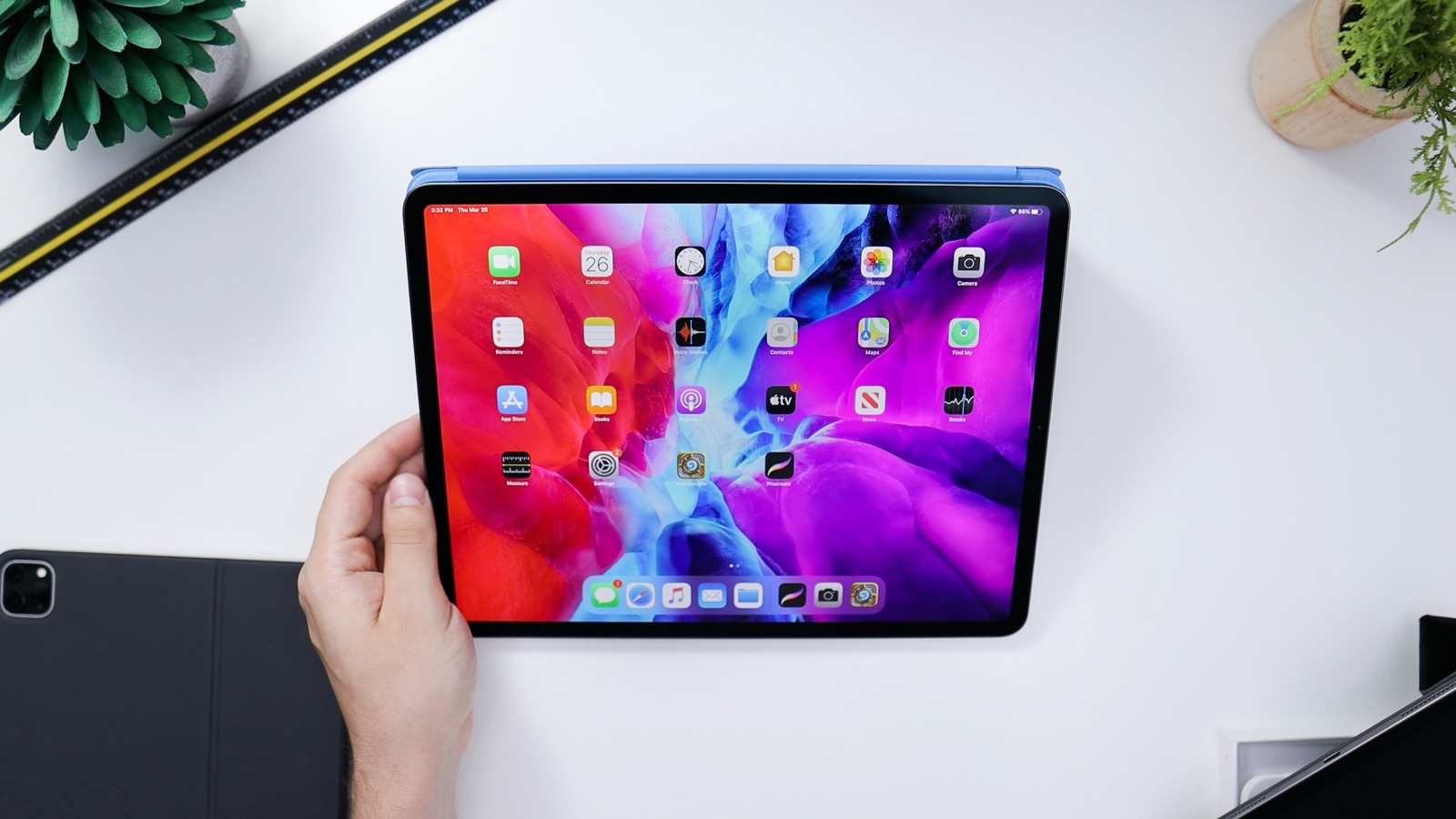
Open the video in Photos, tap Edit, then Crop. Tap the aspect ratio button to choose Square, 9:16, or another shape, or drag the corners freely. Tap Done. Apple's crop guide covers it, and the full steps are in how to crop a video on iPhone.
How do I crop a video on Android?
Open the video in Google Photos, tap Edit > Crop, choose Aspect ratio, and save a copy. Google's video editing help shows the options. Details: how to crop a video on Android.
How do I crop a video on a computer?
- Mac: in iMovie, select the clip, click the Cropping button, choose Crop to Fill, and adjust the frame. Apple's iMovie crop guide explains it. QuickTime can't crop. See crop a video on Mac.
- Windows: in Clipchamp, select the clip and click Crop in the floating toolbar, then drag the handles, per Microsoft's crop guide. See crop a video on Windows.
Which aspect ratio should I crop to?
| Platform | Ratio |
|---|---|
| TikTok, Reels, Shorts, Stories | 9:16 |
| Instagram feed (portrait) | 4:5 |
| Square posts | 1:1 |
| YouTube, websites | 16:9 |
For the reasoning behind each, see video aspect ratios explained.
Does cropping reduce video quality?
The pixels you keep are untouched, but the frame gets smaller. Cropping a 1920×1080 video to 9:16 leaves about 608×1080, so heavy crops can look soft on big screens. Start from the highest-resolution original you have.
Where MobileStudio fits
Crop Video is one of our free tools. MobileStudio itself turns screen recordings into polished app demos, ready in any aspect ratio. Get MobileStudio.
Quick FAQ
How do I crop a video for free?
Use your device's editor, or Crop Video in any browser.
Can I crop a video without losing quality?
The kept area isn't degraded, but it has fewer pixels than the full frame.
How do I crop a video to 9:16?
Choose the 9:16 preset in the tool or in iPhone Photos, then position the box.
Does cropping keep the audio?
Yes. The sound is kept.
Can I crop a video on my phone?
Yes. iPhone Photos and Google Photos both crop videos.