Which Phone Frame Should You Use for an App Demo?
Which device frame fits your app demo? How to choose between iPhone, Android and generic frames, light and dark bezels, and when to use no frame at all.
Read articlePractical ideas for recording, editing, and sharing mobile product stories with clarity.
Which device frame fits your app demo? How to choose between iPhone, Android and generic frames, light and dark bezels, and when to use no frame at all.
Read article
Need an iPhone 17 mockup? Here's where to find accurate frames for the newest iPhones, what to check about screen size and corners, and how to use them.
Read article
Product demo software splits into two kinds: interactive click-through demos and demo videos. Here's which a startup needs, and the best tools for each.
Read article
Phone mockup generators range from free browser tools to pro 3D apps. Here's how they compare on quality, licensing, and video support, and how to choose.
Read article
Rotato makes beautiful 3D device mockups, but only on a Mac. The alternatives for Windows, the browser, and mobile, and when 3D is worth it at all.
Read article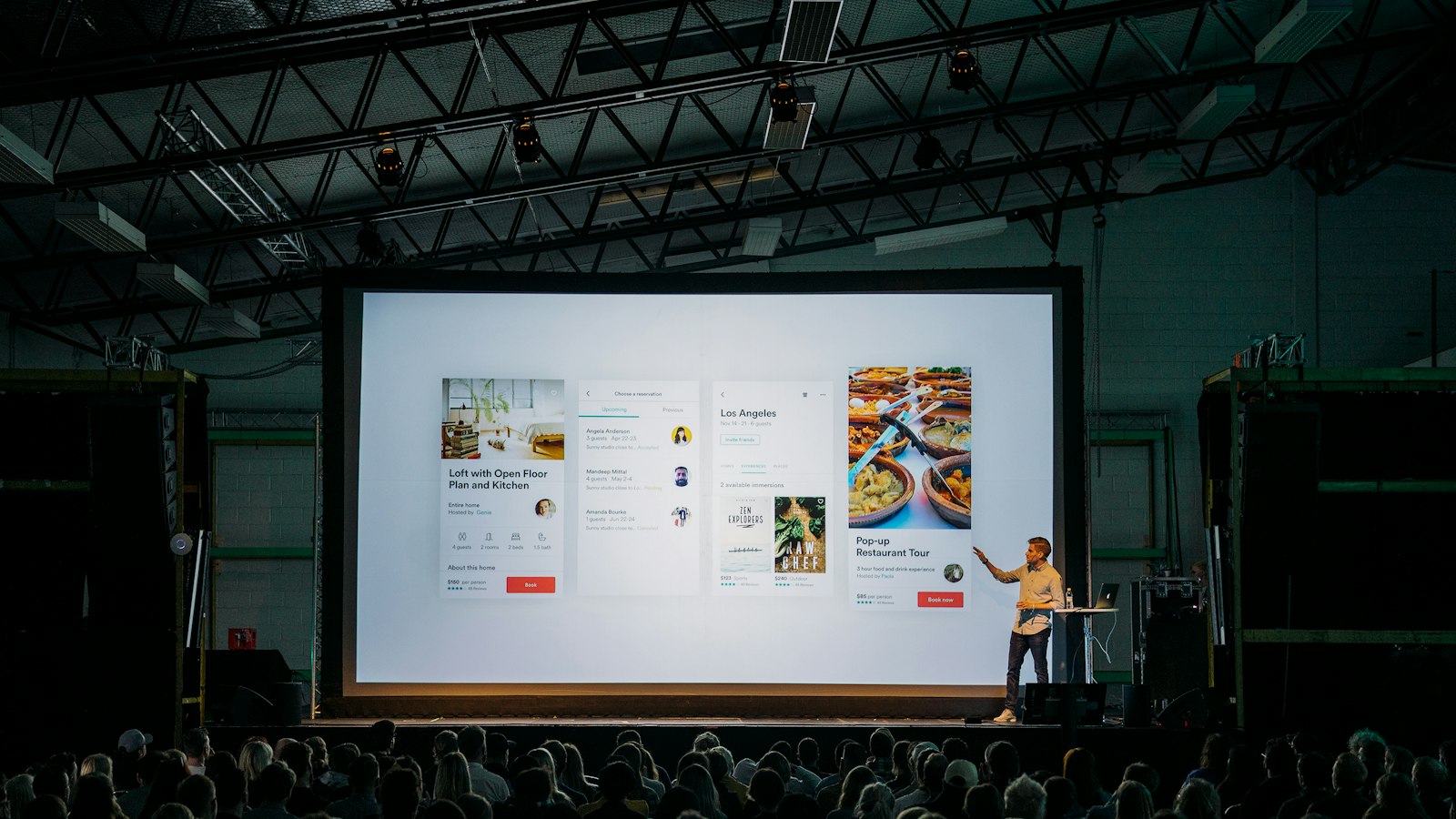
A product demo video that people watch to the end follows a simple structure: problem, product, proof, next step. Here's how to plan, record, and edit one.
Read article
A mockup video puts your app's screen recording inside a phone frame, with zooms and a background. How to make one for launches, landing pages, and social.
Read article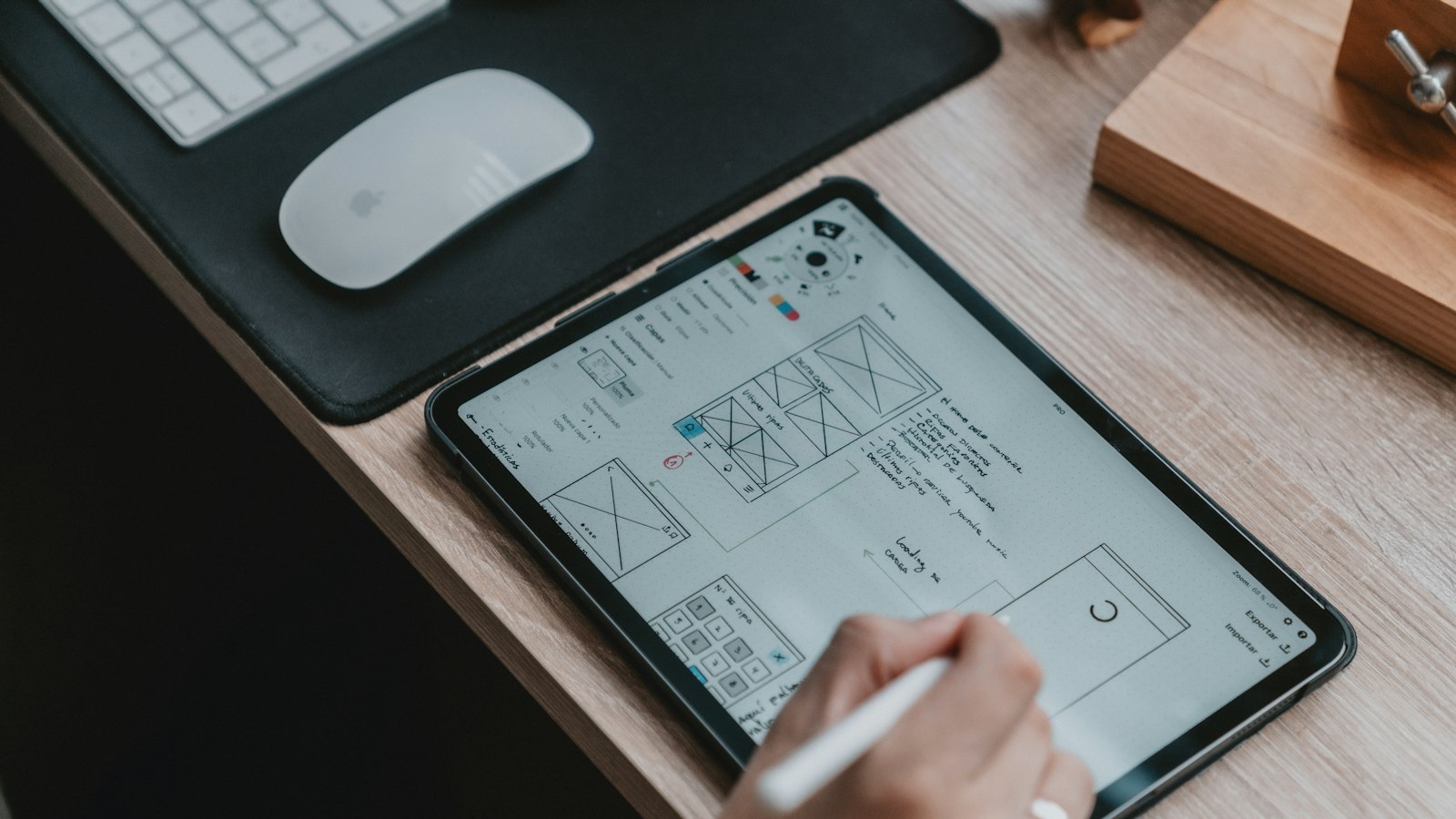
Plenty of iPhone mockups are free, but "free" doesn't always mean free for commercial use. Here's where to look and what each license usually allows.
Read article
Most mockup tools are built for Mac or the browser. Here's what actually works for making device-mockup videos of an Android app, on the phone or off it.
Read article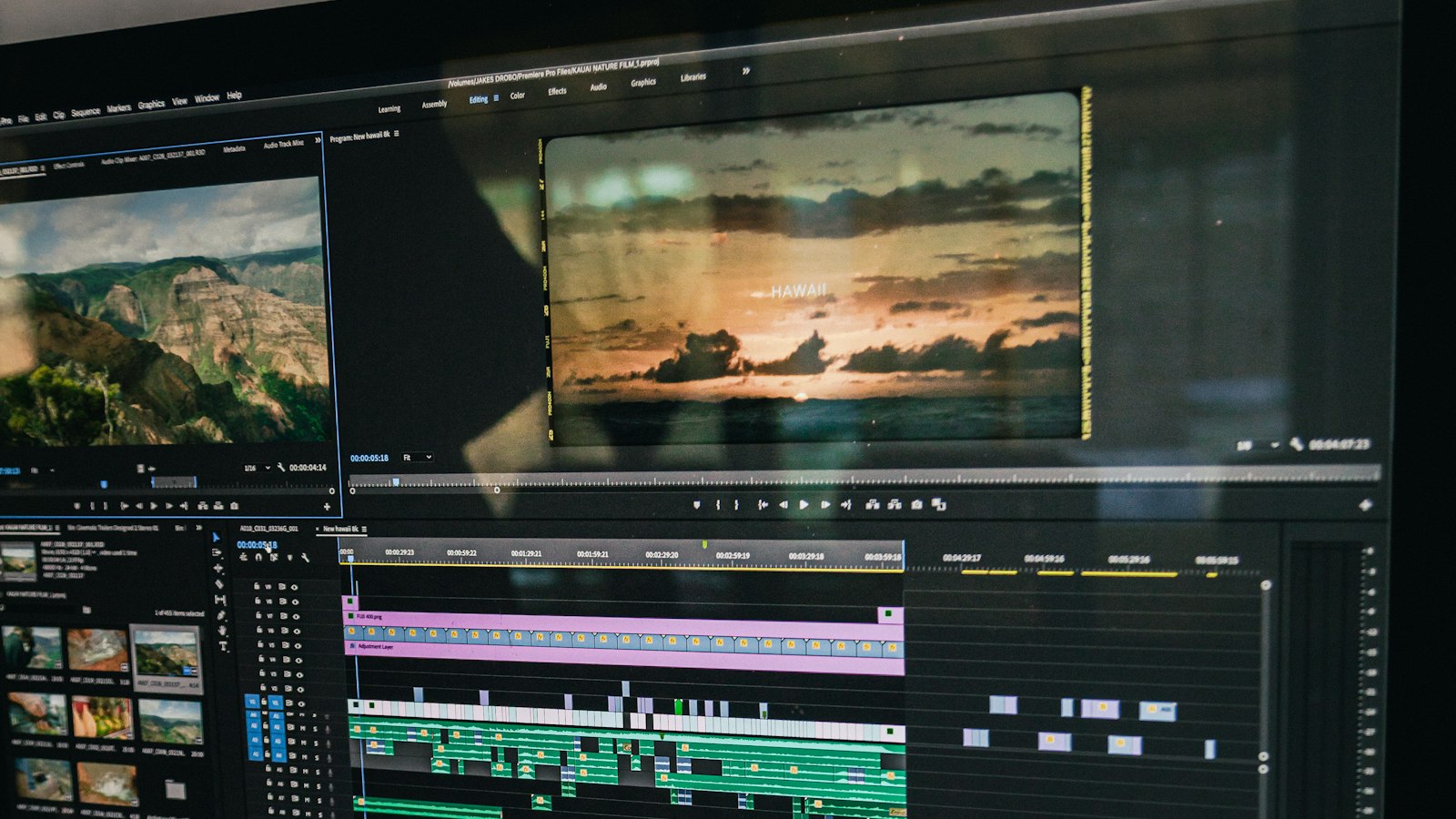
Screen Studio is excellent, but Mac-only and subscription-based. The alternatives for Windows, for mobile apps, and for free, with honest trade-offs.
Read article
The best app demo video maker depends on where your app runs. Here's how to choose, tool by tool, for mobile apps, web apps, and Mac apps.
Read article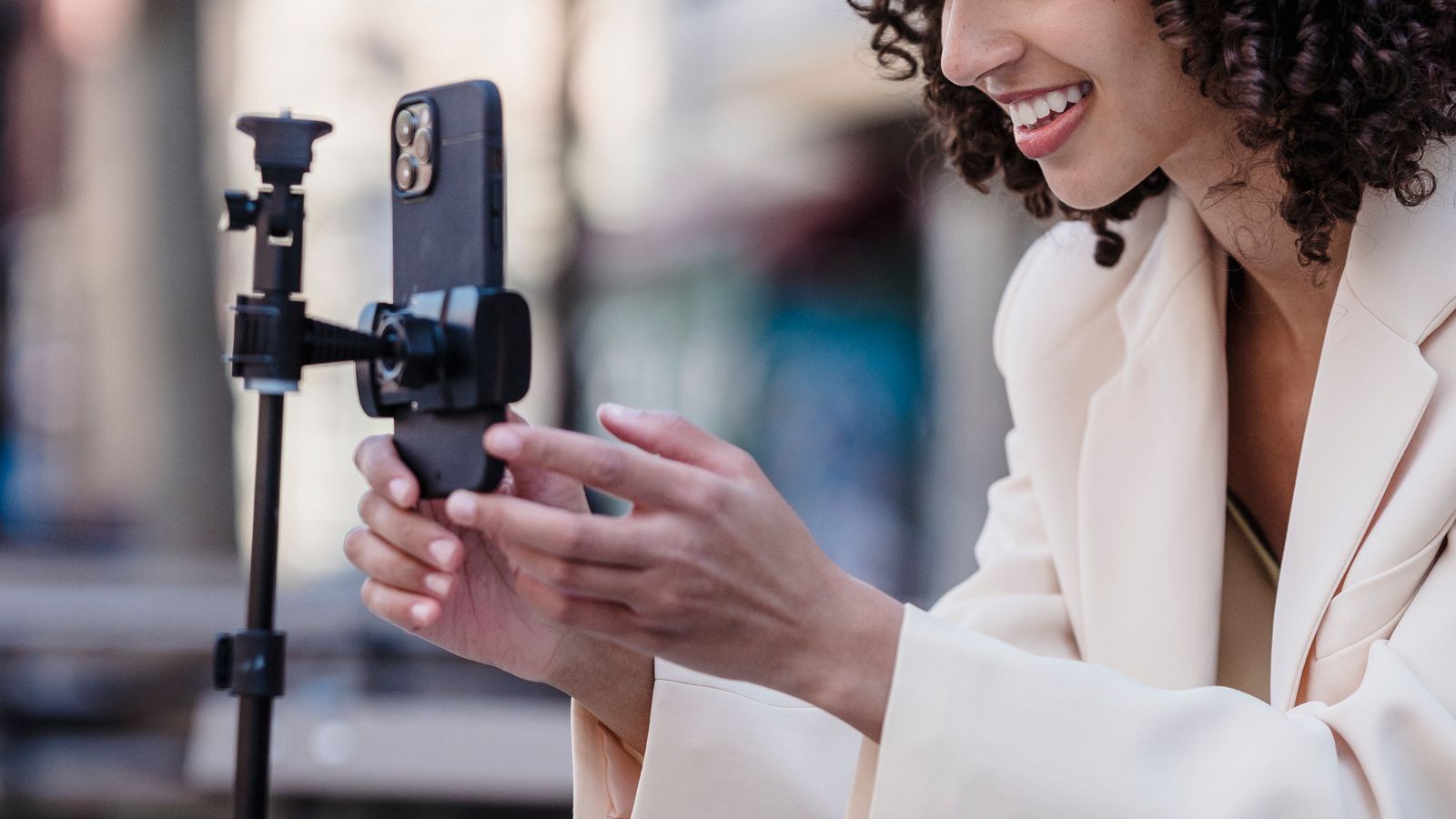
An animated mockup shows your app running inside a device frame. What it is, three ways to make one, and how to keep it clear and quick.
Read article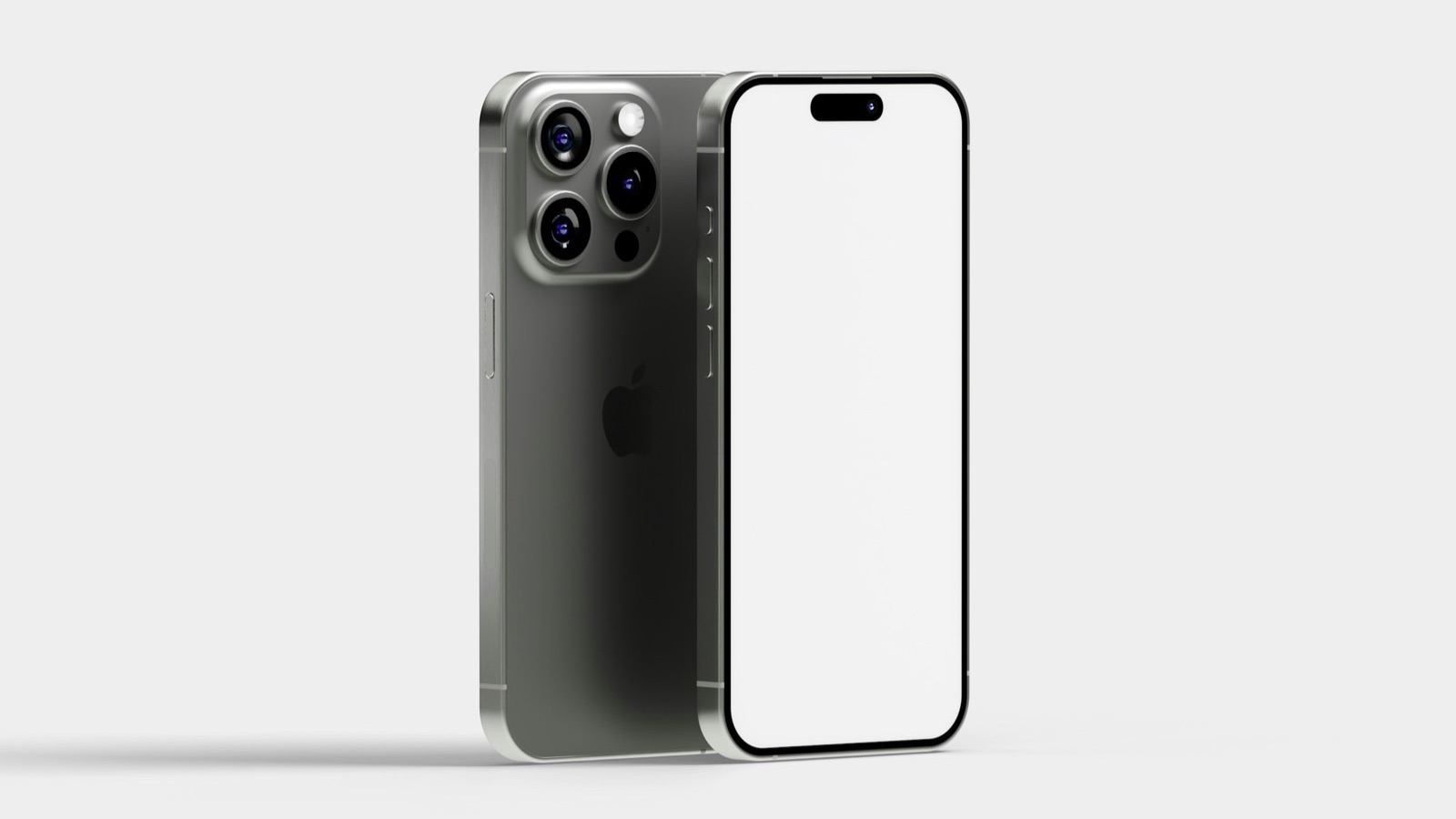
Put any screenshot inside a realistic iPhone frame in seconds, for free: drop it in, pick a background and size, and export a PNG or JPG. No Photoshop needed.
Read article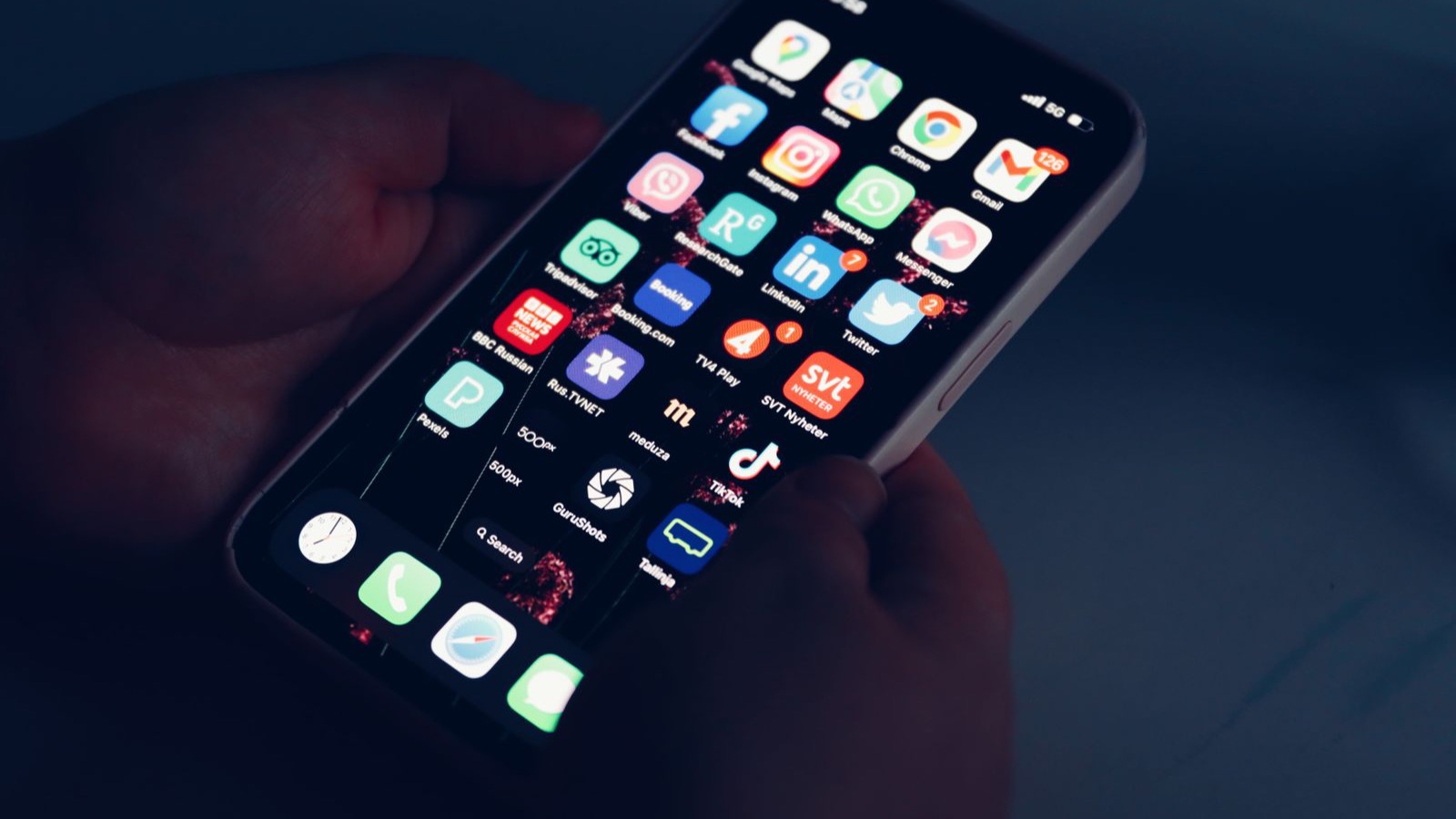
Put your screen recording inside a device frame. The steps, what can go wrong with edges and corners, and how to keep the result sharp.
Read article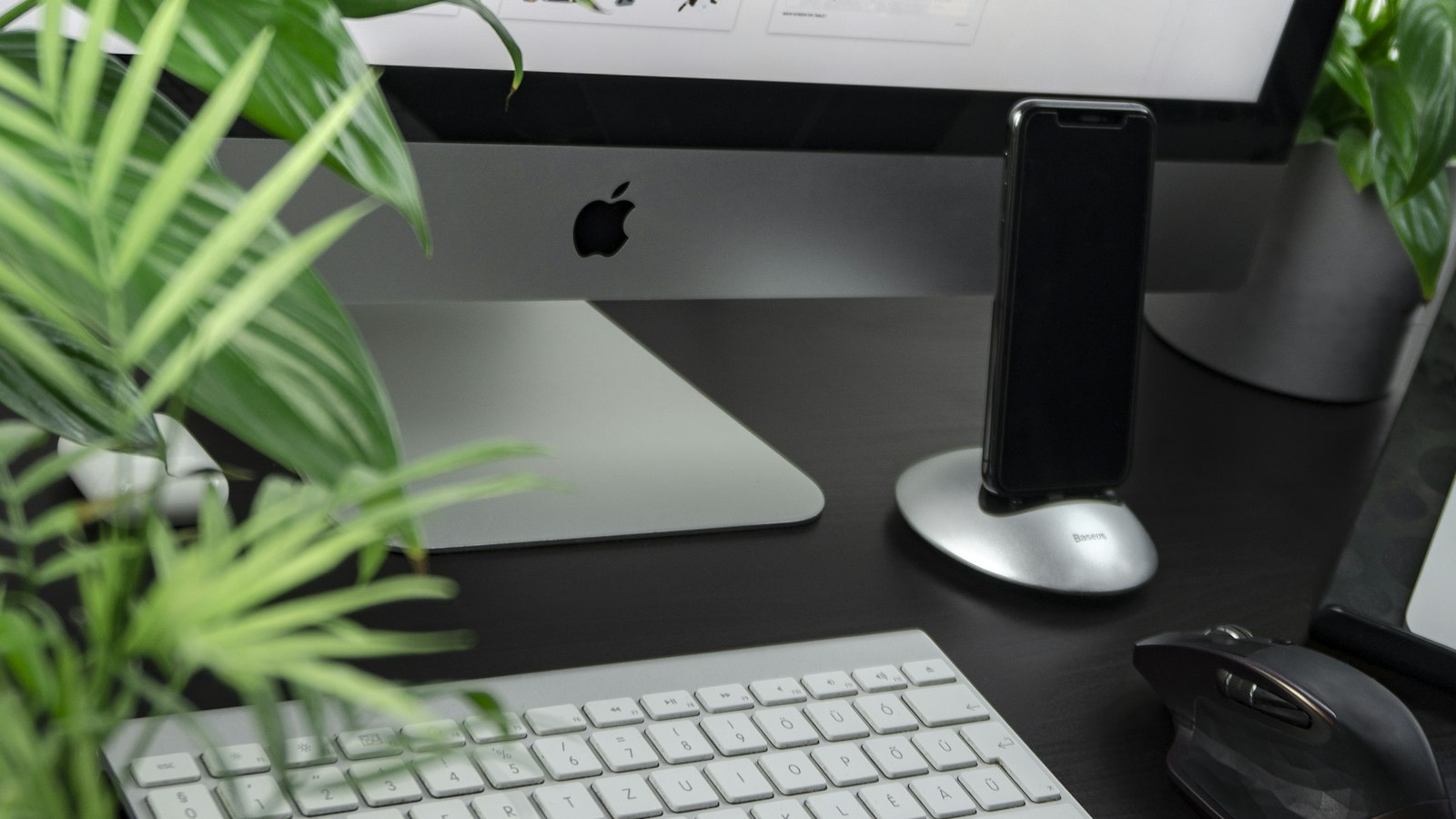
A phone mockup makes an app screenshot or screen recording look professional. Where to get frames, how to use them, and the licensing rules.
Read article
Make a phone mockup in Figma: add Apple's bezels or a community frame, mask your screenshot to the screen, add a background and headline, and export a PNG.
Read article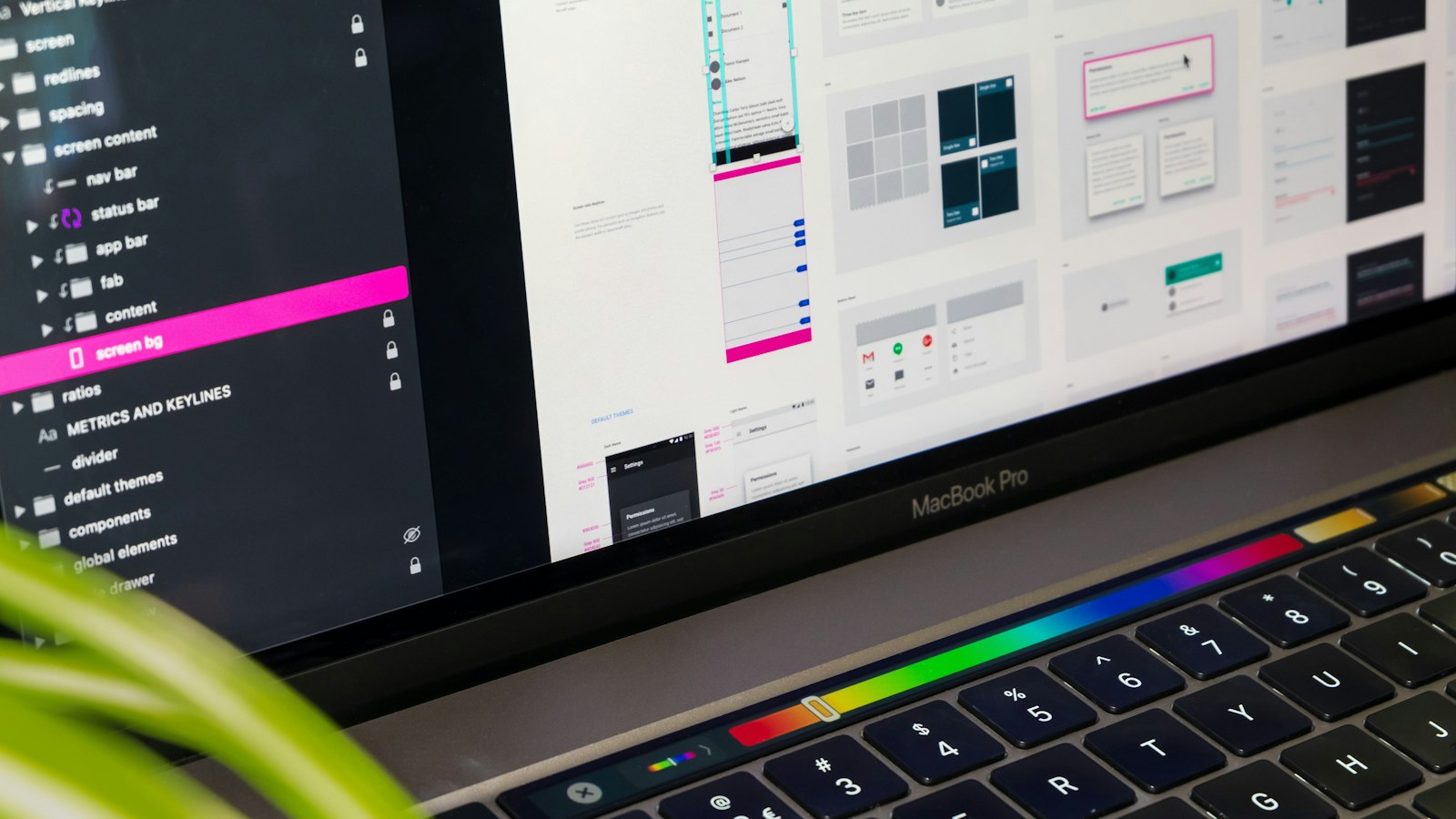
A transparent iPhone mockup PNG drops onto any background. How to place your screenshot correctly, avoid common mistakes, and export.
Read article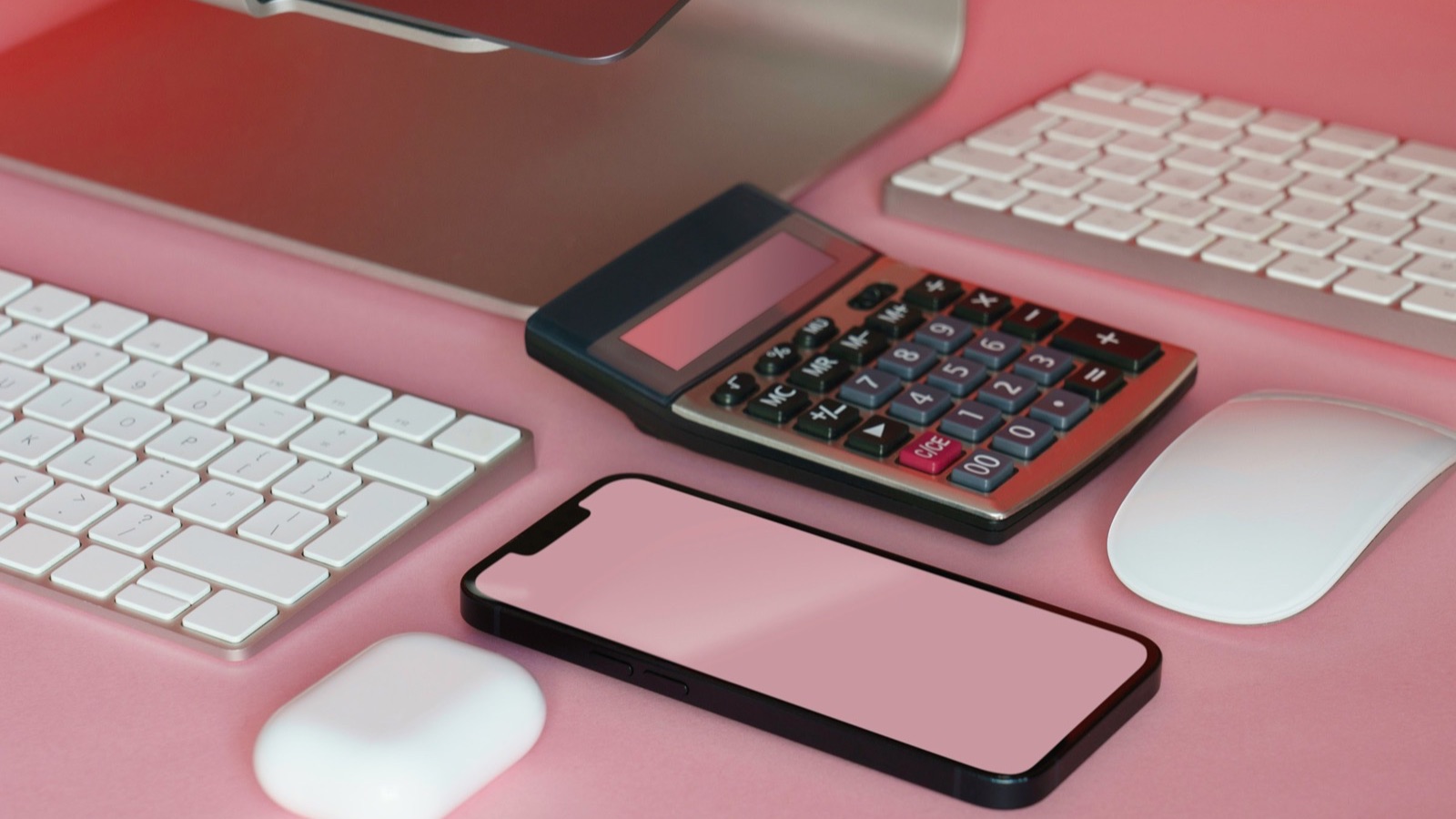
Turn raw app screenshots into professional marketing images: device frames, short headlines, one consistent background, real content, and exact store sizes.
Read article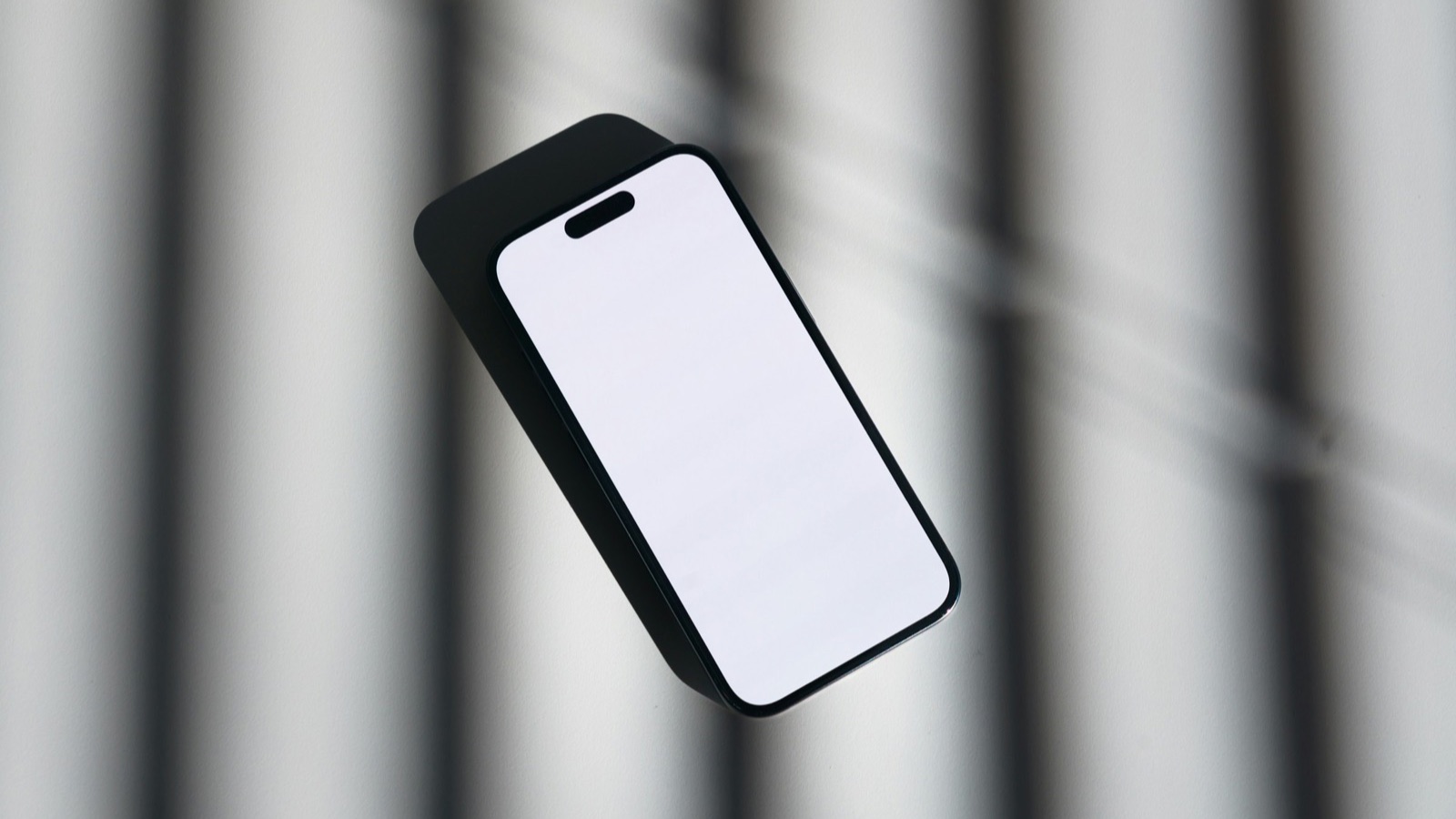
How to make an Android phone mockup from your app screenshots: community device frames, Figma, and when an iPhone frame or a video mockup fits better.
Read article
Show your project in action with a demo GIF in your GitHub README. How to make the GIF, the Markdown to embed it, where to store it, and how big it should be.
Read article
Make a realistic app mockup from a screenshot: put it in an iPhone frame, pick a background and canvas size, and export a PNG or JPG for your site or launch.
Read article