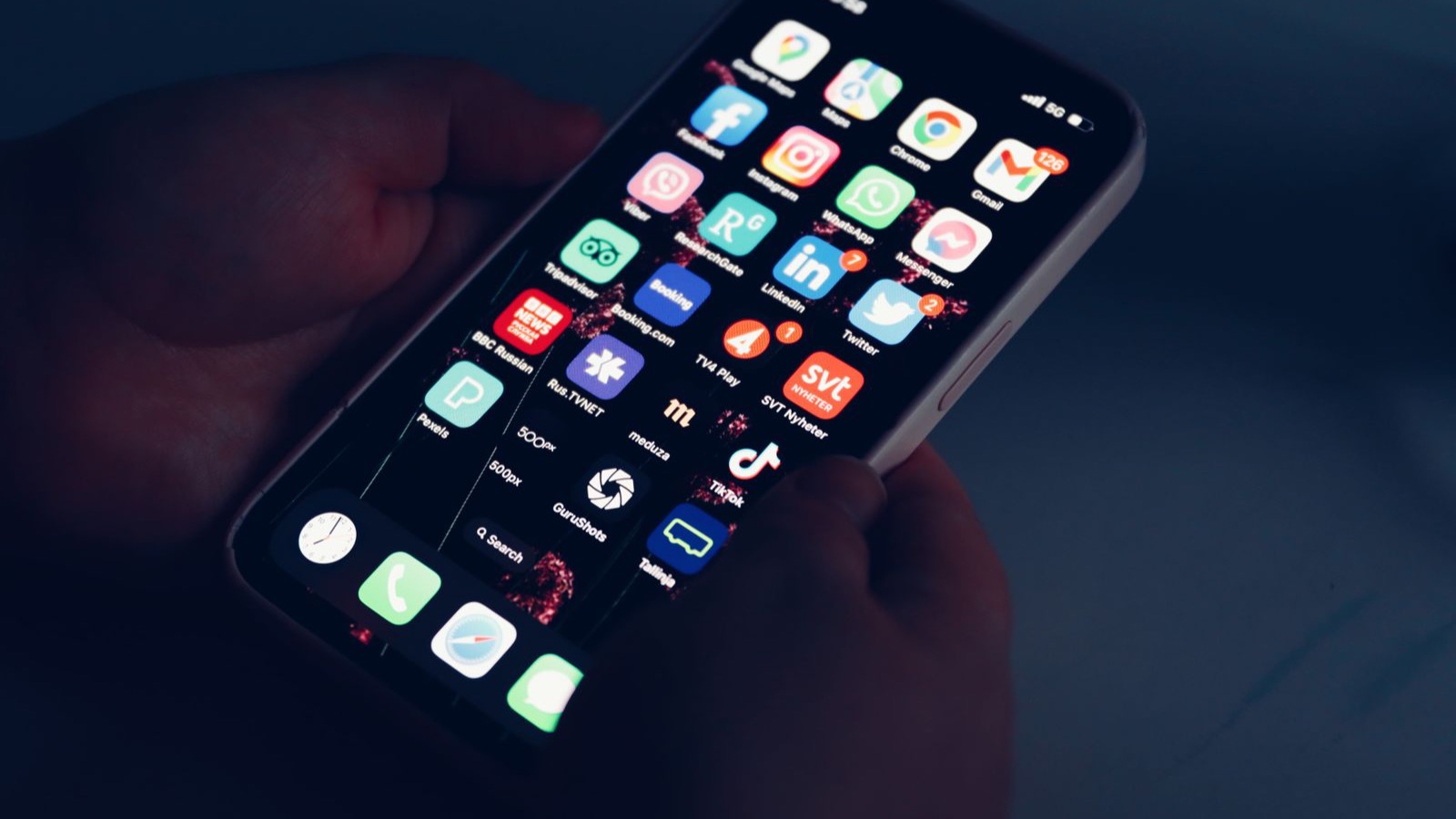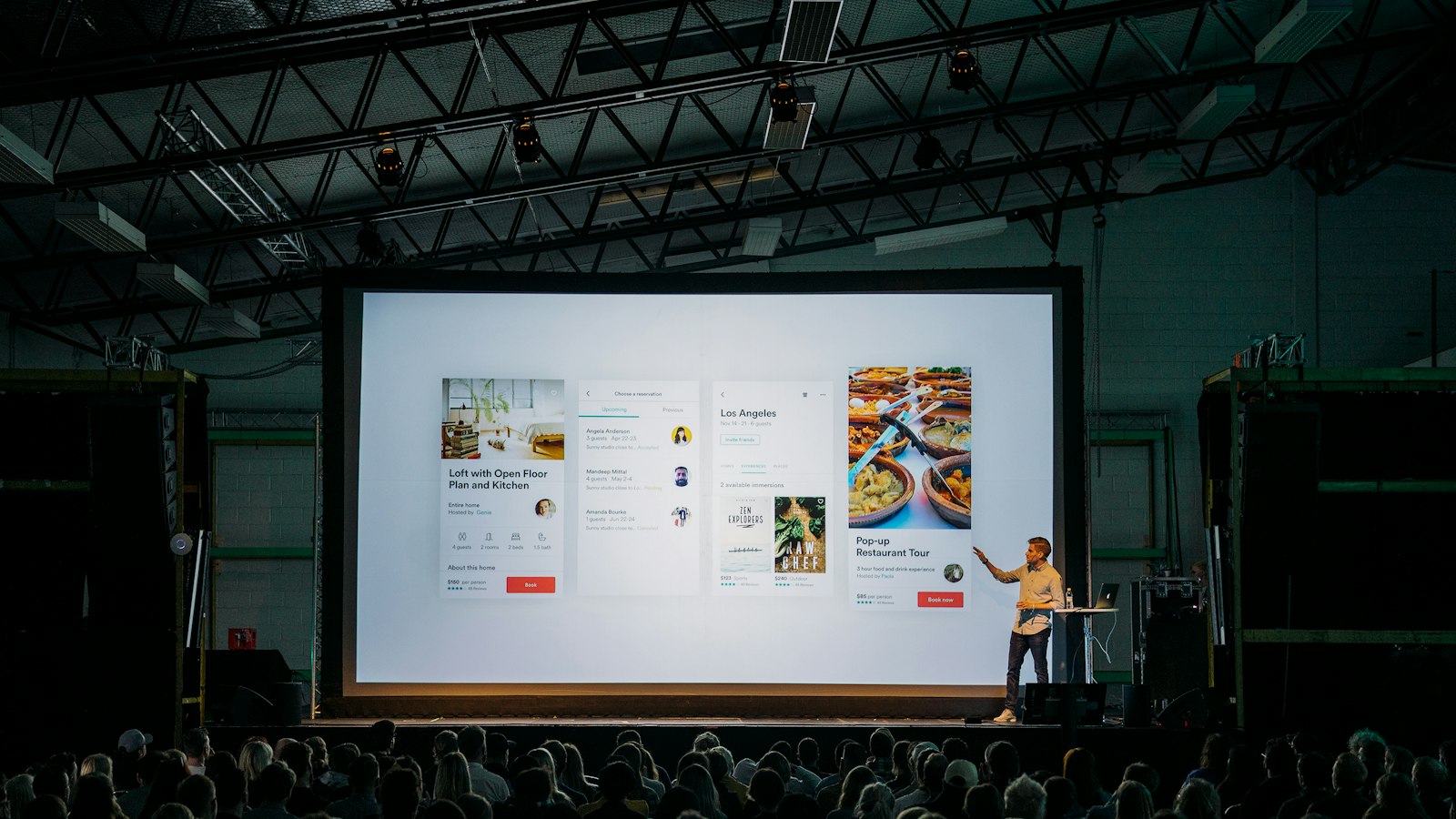
The frame around your recording says something about the app before anyone watches. Here is how to choose one without overthinking it.
The short answer
Match the frame to the platform your app is on, pick a bezel color that contrasts with your background, and keep the screen large enough to read. If the app is on both platforms, use a neutral frame or make one video for each.
Match the platform
- An iOS app: use an iPhone frame, and show it in the style people expect.
- An Android app: use an Android-style frame, or a neutral one.
- Both: make a version for each, or use a generic frame with a rounded screen.
Mismatched frames, like an Android app in an iPhone frame, look careless to people who notice.
Bezel color and background
| Background | Bezel that works |
|---|---|
| Light or pastel | Dark bezel for strong contrast |
| Dark | Light or colored bezel so the edge shows |
| Bright brand color | Black or white bezel |
| Photo or gradient | Check contrast at small size |
Keep the screen big
A frame takes space. If the screen becomes small, text becomes unreadable on a phone feed. Make the device large in the picture, and zoom on the key part. See how to add zoom to a screen recording.
When to use no frame
- A tutorial where every pixel of the screen matters
- A very small screen area
- Store previews that must show only the app screen, where the store has its own rules
Check the destination's rules first. Apple, for instance, has its own specification for preview video. See App Store preview video requirements.
Avoid
- Old device frames that date the video
- Frames that cover the status bar or the notch awkwardly
- Heavy reflections or shadows that hide the screen
Checklist
- The frame matches your platform.
- The bezel contrasts with the background.
- The screen is large and readable.
- The corners of the recording fit the frame without gaps.
Where MobileStudio fits
MobileStudio offers phone mockups and backgrounds, with padding, corner radius and shadow, so you can try a few looks on the same recording. It is on Google Play, and an iPhone version is on the way.
Quick FAQ
Does the frame affect conversions?
I have no data on that. Clarity of the screen matters more than the frame.
Can I use a frame for a different device?
You can, but match the platform where you can. People notice mismatches.
Should I tilt the frame?
Only if it stays readable. A flat, straight-on frame is the safest.