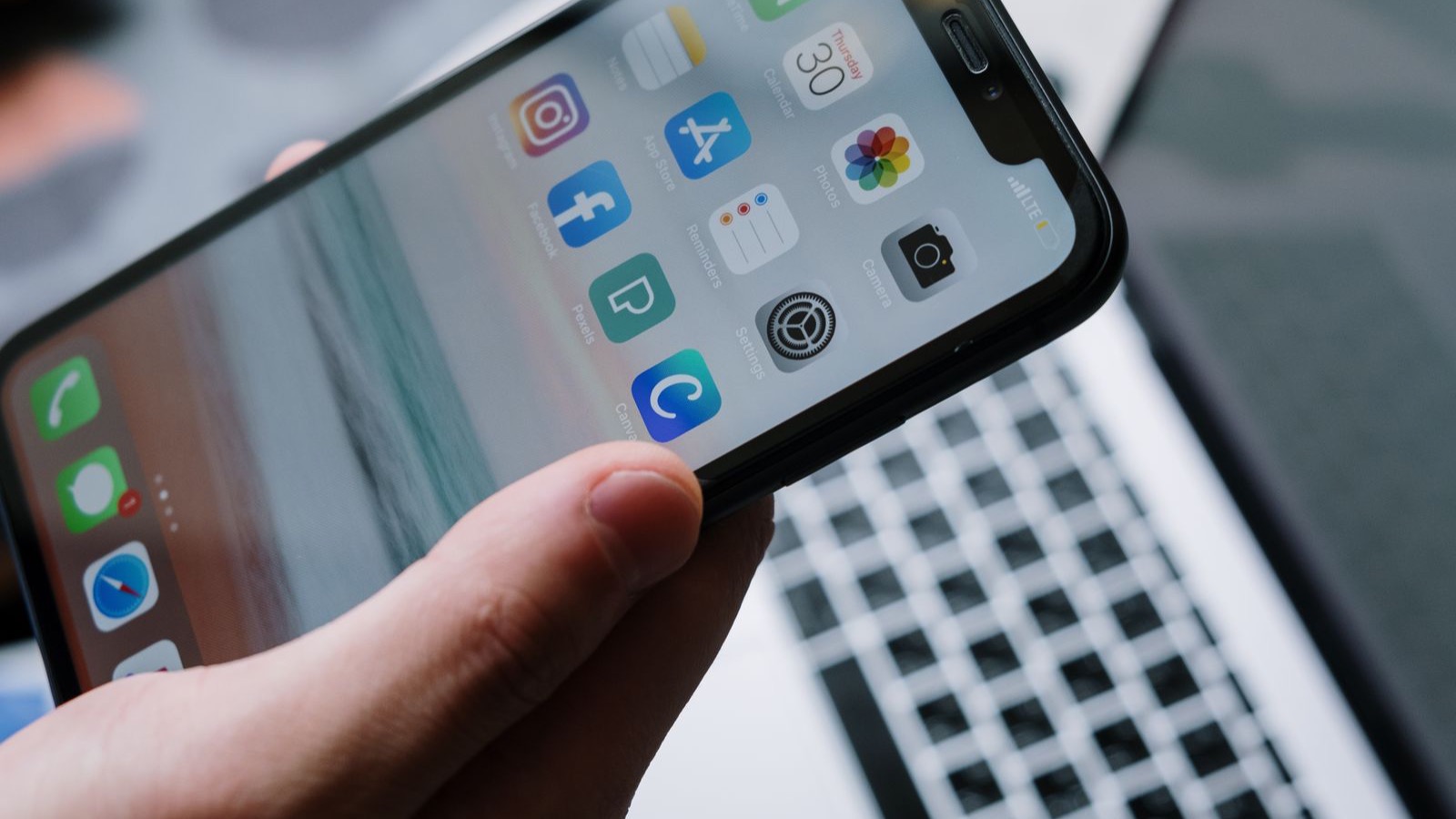
On a phone, a full-screen recording has small text and small buttons. A zoom brings the viewer to the exact spot that matters. Done well, it feels like a camera move; done badly, it feels jumpy.
The short answer
Add a short zoom in on the tap or area that matters just before it happens, hold it for a beat, then zoom back out. Keep it smooth, keep it rare, and record at a good resolution so the zoomed view stays sharp.
Why zoom
- Text and buttons become readable on a phone feed.
- The viewer's eye goes where you want it.
- It adds a sense of polish without extra footage.
For more on when it helps and when it does not, see when to zoom in on a demo video. For tools, see screen recorders with zoom effects.
Steps in a phone editor
- Import the recording.
- Find the moment you want to emphasize.
- Add a zoom that starts a moment before the tap.
- Set where the zoom is focused, so the tap stays in view.
- Hold it for a beat, then return to the full view.
- Play it back and adjust the timing.
Make it smooth
| Do | Avoid |
|---|---|
| Start the zoom just before the action | Zooming in after the tap has happened |
| Ease in and out | Instant jumps |
| Zoom a moderate amount | Zooming so far the screen is blurry |
| Zoom once per key moment | Zooming on every tap |
Keep it sharp
A zoom enlarges pixels. Record at a good quality, and avoid zooming in more than the footage supports. If the picture gets soft, reduce the zoom.
Combine with other polish
A zoom works well with a clean frame and background. See how to add a phone frame to a screen recording.
Where MobileStudio fits
MobileStudio has a Zoom Timeline for pushing in on the key tap, so you can set the timing of each zoom on the recording itself. It is on Google Play, and an iPhone version is on the way.
Quick FAQ
How long should a zoom last?
Long enough for the viewer to read the detail, usually a second or two.
Can I zoom on any recording?
Yes, but higher resolution recordings stay sharper when zoomed.
Should I zoom every tap?
No. Reserve it for the moments that matter.