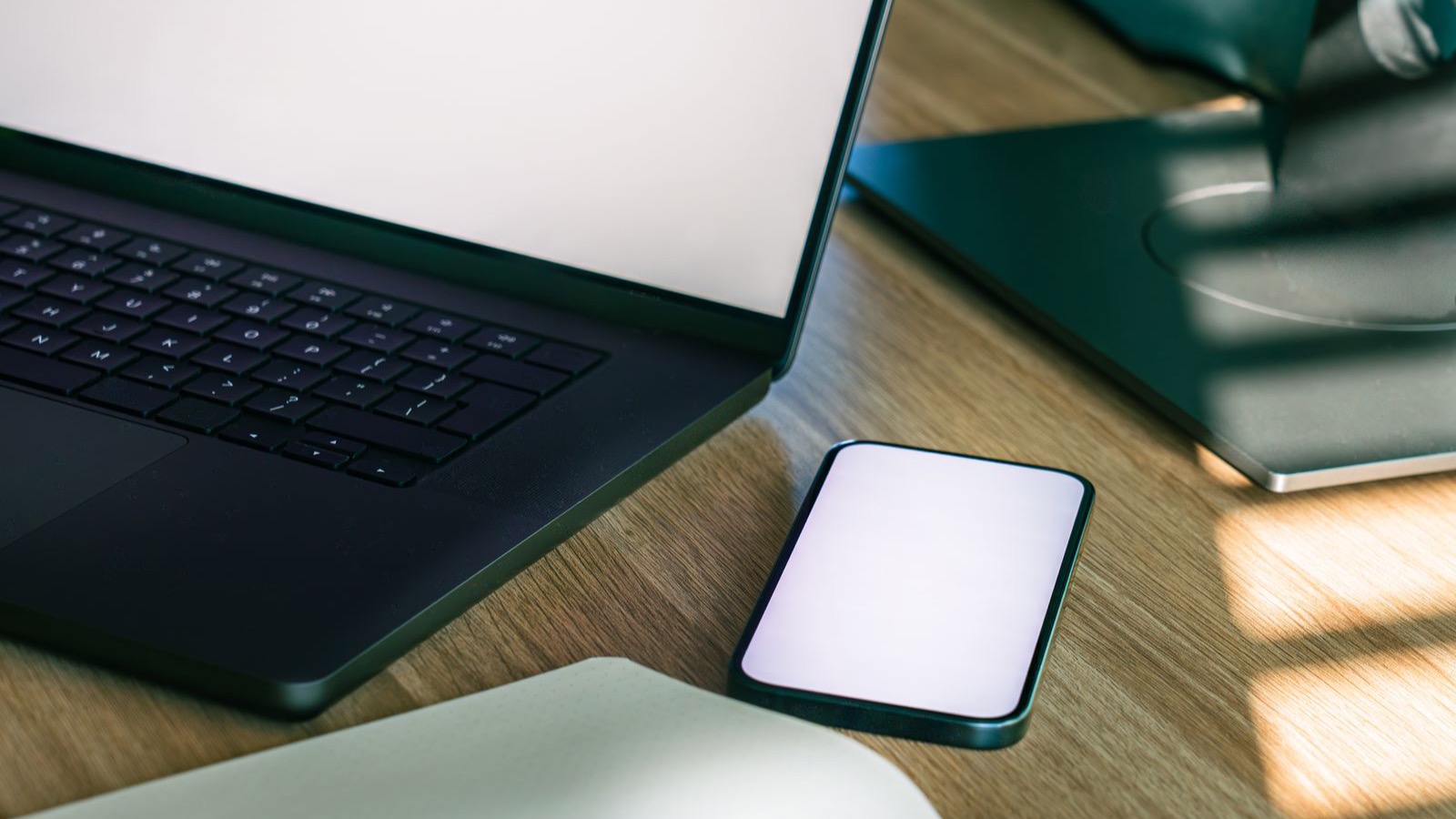
A recording that touches every edge of the video feels cramped. Padding gives it breathing room and makes the whole video look designed.
The short answer
Add enough space around the recording that it looks like a deliberate object on a background. A good starting point is a margin of roughly a tenth of the video's width. Adjust by eye, and check it at a small size.
What padding does
- It frames the app so the viewer's eye settles on it.
- It leaves room for a shadow and rounded corners.
- It makes room for a background to show.
How much
| Video shape | Padding guidance |
|---|---|
| Landscape (website, YouTube) | Generous on the sides, since the phone is narrow |
| Square | Even on all sides |
| Portrait (Reels, Stories) | Enough top and bottom for text and the platform's interface |
There is no fixed number. Too little looks cramped, and too much makes the screen small and unreadable.
Balance padding and readability
Padding shrinks the recording. If text becomes hard to read, reduce the padding or zoom in on the part that matters. See how to add zoom to a screen recording.
Leave room for the platform
On social platforms, buttons and captions sit over the video. Keep your recording clear of the top and bottom areas where they appear, and check by previewing in the app. See video aspect ratios explained.
Steps
- Choose the video shape.
- Add a background.
- Set the padding.
- Add corner radius and shadow.
- Check at a small size and adjust.
Where MobileStudio fits
MobileStudio lets you set padding, corner radius and shadow around a recording, on top of a background or a phone mockup, and export in landscape, square or portrait. It is on Google Play, and an iPhone version is on the way.
Quick FAQ
Is more padding better?
No. Enough to feel framed, but not so much the screen is tiny.
Should padding be equal on all sides?
Usually, though portrait videos may need more at the top and bottom.
Does padding change the file size?
Not meaningfully.