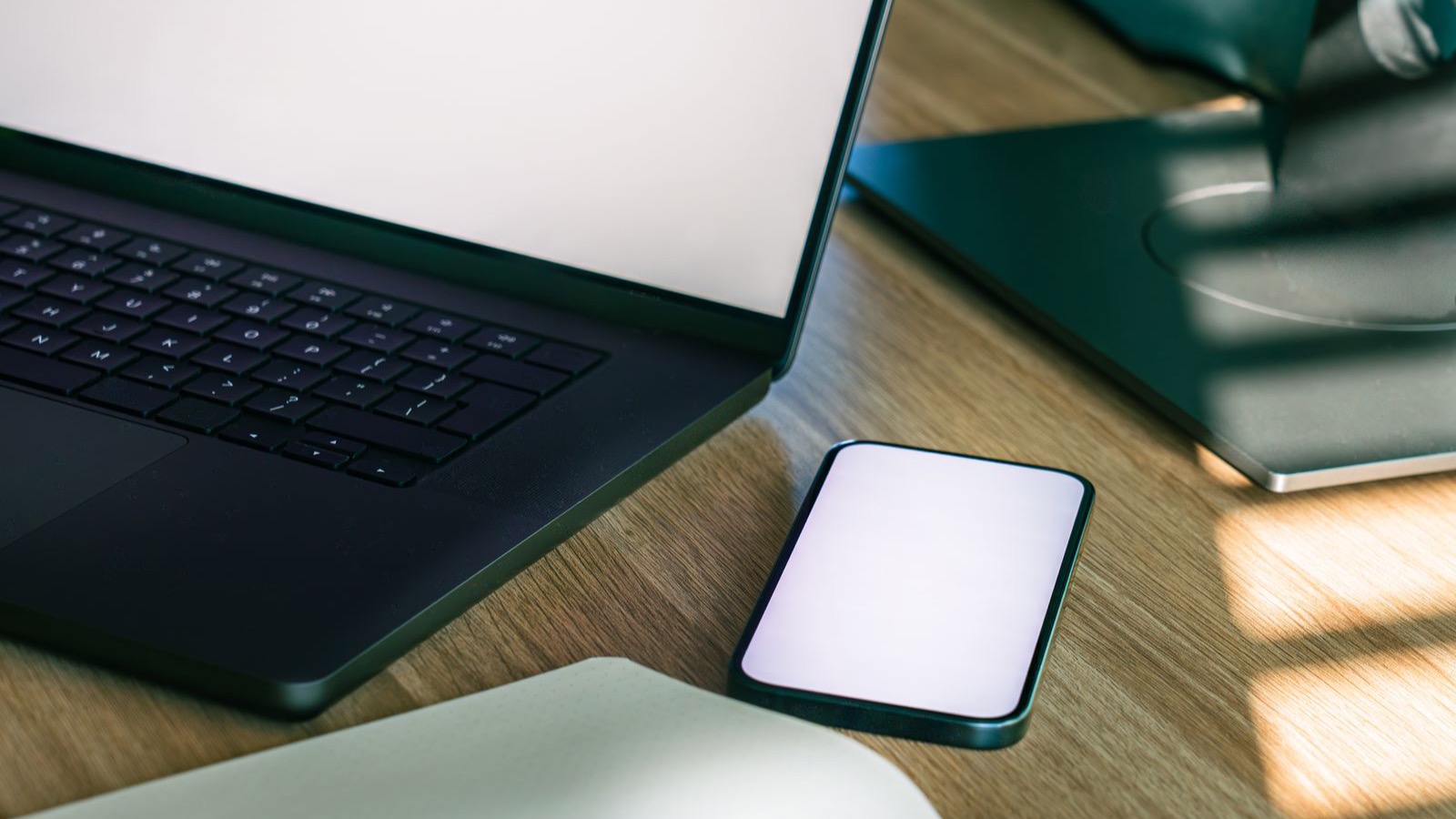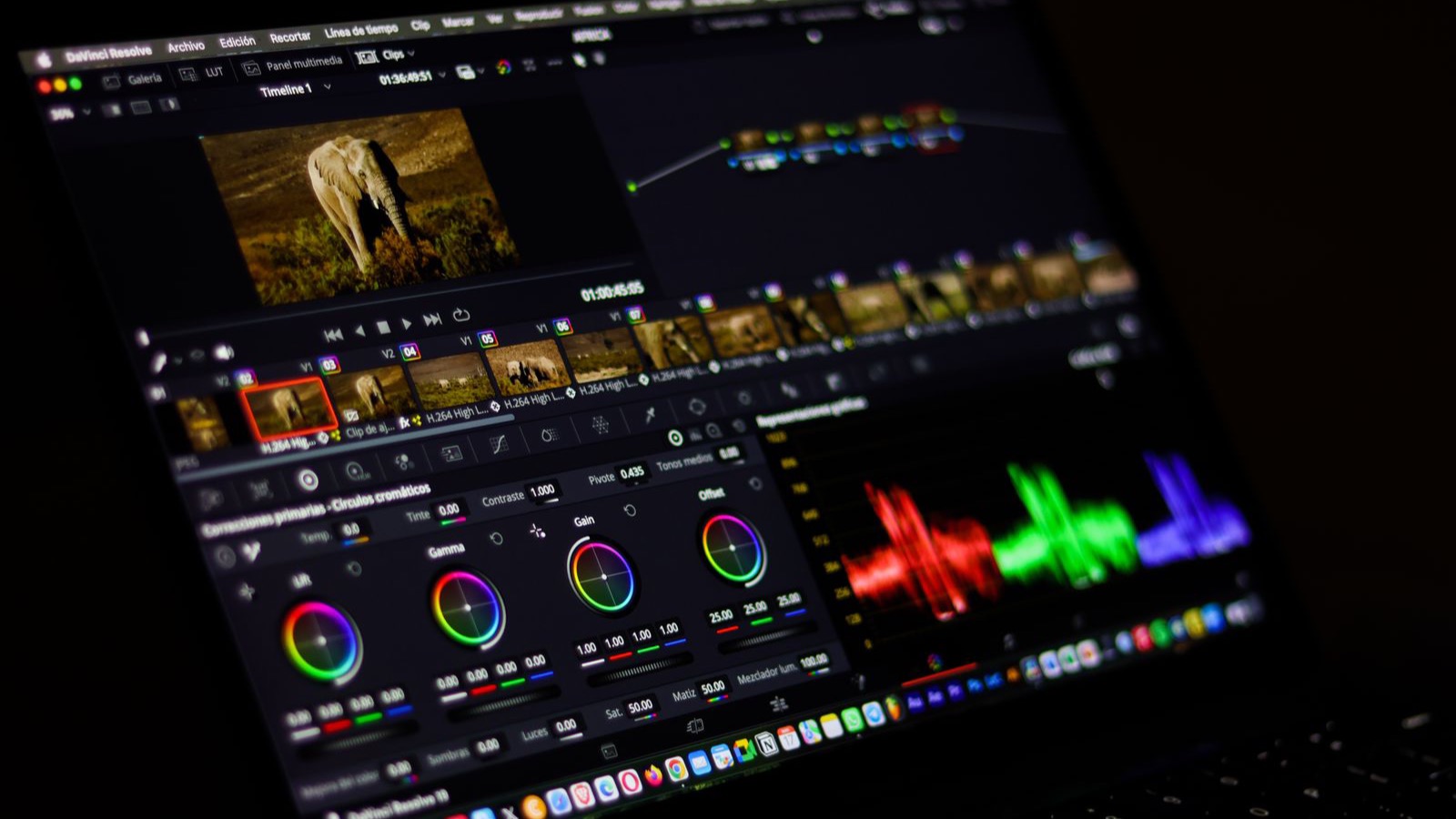
When a recording sits flat on a background, it can look pasted on. A soft shadow gives it depth and separates it from what is behind it.
The short answer
Add a soft, low-opacity shadow, offset slightly downward, with a wide blur. Keep it subtle. If you notice the shadow, it is too strong.
What makes a good shadow
| Setting | Guidance |
|---|---|
| Blur | Wide and soft |
| Opacity | Low, so it does not look dirty |
| Offset | A little down, as if light comes from above |
| Color | A darker tone of the background, not always pure black |
When it helps most
- A light recording on a light background, where the edge would otherwise disappear
- A phone frame floating on a colored backdrop
- A card-style recording with rounded corners
When to skip it
- A recording that already fills the whole frame
- A very dark background, where a shadow is invisible
- A deliberately flat, graphic style
Avoid dated looks
- Hard black shadows with sharp edges
- Large offsets that look like a drop-shadow from an old presentation
- Different shadows on different elements in one video
Combine with the rest
Shadow works best with padding and rounded corners. See how to round the corners of a video and how to add a background to a screen recording.
Check it
- Look at the video at a small size, as on a phone feed.
- Does the recording separate from the background?
- Does the shadow look natural, not heavy?
Where MobileStudio fits
MobileStudio includes a shadow control alongside backgrounds, padding, corner radius and phone mockups, so you can adjust the depth until it looks right. It is on Google Play, and an iPhone version is on the way.
Quick FAQ
How strong should the shadow be?
Subtle. It should be felt more than seen.
Does a shadow slow export?
Not noticeably.
Do I need a shadow with a phone frame?
Often a soft one helps the frame stand out from the background.